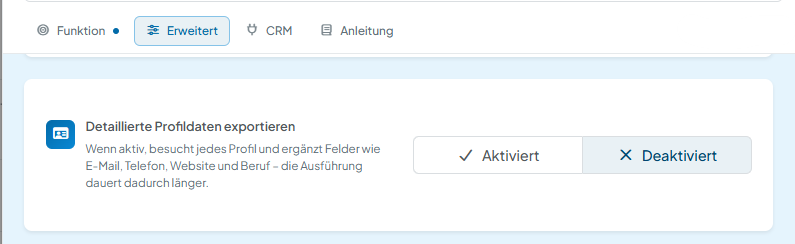
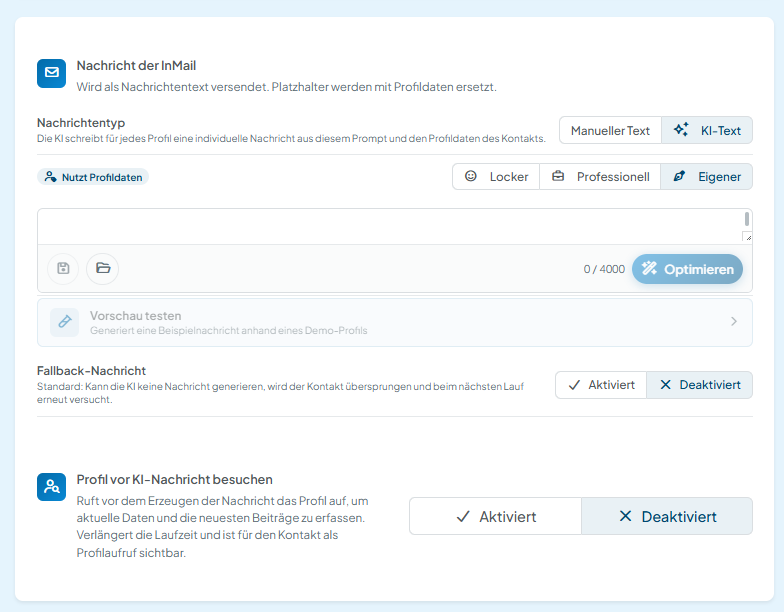
In CompLeadly you can set the level of detail collected to match your use case. Only use additional profile information when it is genuinely required for your specific process.
Use profile free text only when needed
Profile free text, such as “About” sections or longer profile descriptions, is not collected by default. You can deliberately enable that level of detail when you need this information for your use case.
Check before enabling it:
- Do you actually need the full profile text?
- Are name, company, position and other basic professional details enough?
- Is the additional information needed to personalise your outreach?
- Can you achieve your purpose with less personal data?
If less data is sufficient, you should choose the lower level of detail.
Special categories of personal data
In individual cases, free text fields in professional profiles can contain information that enjoys special protection. Art. 9 (1) GDPR names, among others, data on racial or ethnic origin, political opinions, religious or philosophical beliefs, trade union membership, health data as well as information about a person’s sex life or sexual orientation. Processing such data is subject to stricter legal requirements.
Therefore do not deliberately use such details to select, segment or score people, or to target your marketing at sensitive personal characteristics, unless you have an appropriate legal basis for doing so.
Personalising messages with AI
When you use AI-assisted message generation in CompLeadly, the profile and context information you have selected may be processed to create a personalised message.
The same applies here: only enable the information you actually need for the personalisation you want.
If, for example, name, position, company and professional field are enough for your message, it is usually not necessary to also include extensive profile free text.
Connecting your own AI or external applications
You can also connect your own external AI applications to CompLeadly.
Before granting access, check in particular which data the external application is meant to access.
Choosing the external service, assessing it under data protection law and deciding which data you make available to it are your responsibility as the controller.
Privacy-friendly configuration
Data minimisation does not only mean storing as little data as possible. What matters is that the data processed is adequate, relevant and limited to what is necessary for the respective purpose. Privacy-friendly default settings are additionally meant to ensure that, by default, only the personal data necessary for the respective purpose is processed.