Skip to content
CompLeadly
CompLeadly

CompLeadly Smart Design

Everything has changed, how do I connect leads?

Author: CompLeadly TeamLast updated on 1 min read


  1. If not already done, create a new workflow under Workflows using the New workflow button
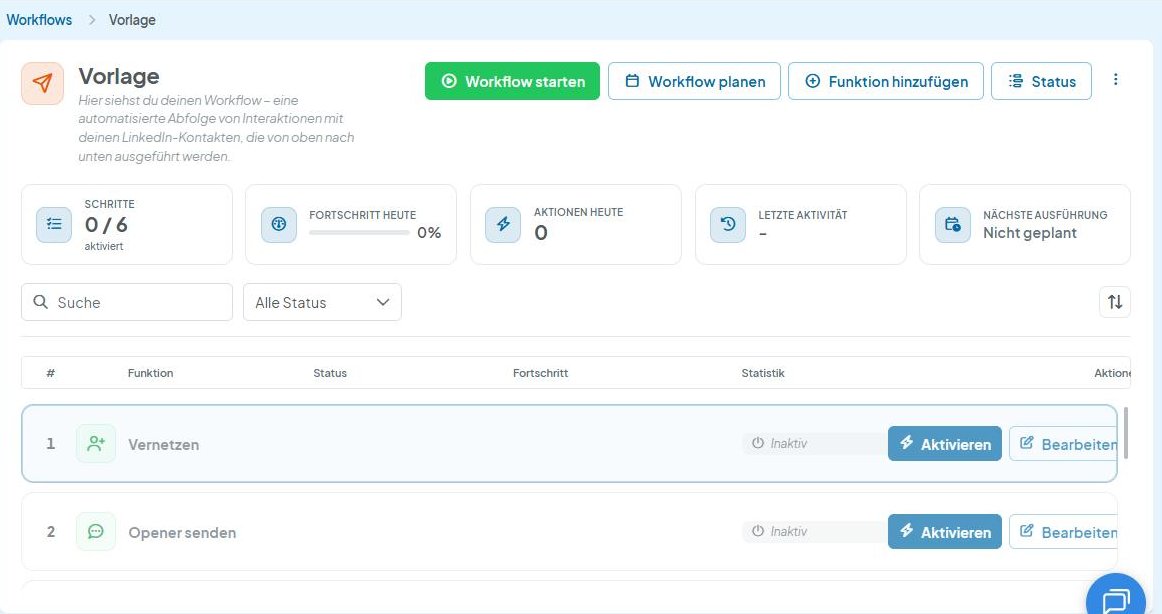
  2. Then click Edit next to the function of your choice (e.g. Connect)
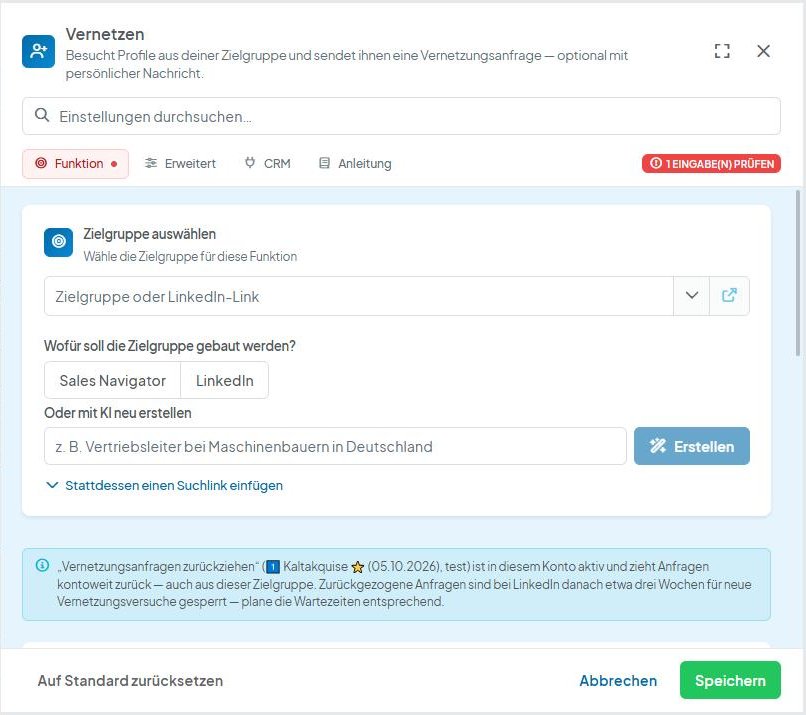
  3. A window opens where you can set everything.
  4. Activate the function and click Start workflow.
  5. The function(s) will be executed one after the other from top to bottom

Questions My texts from the classic design are no longer displayed Solution: Where can I find my old texts
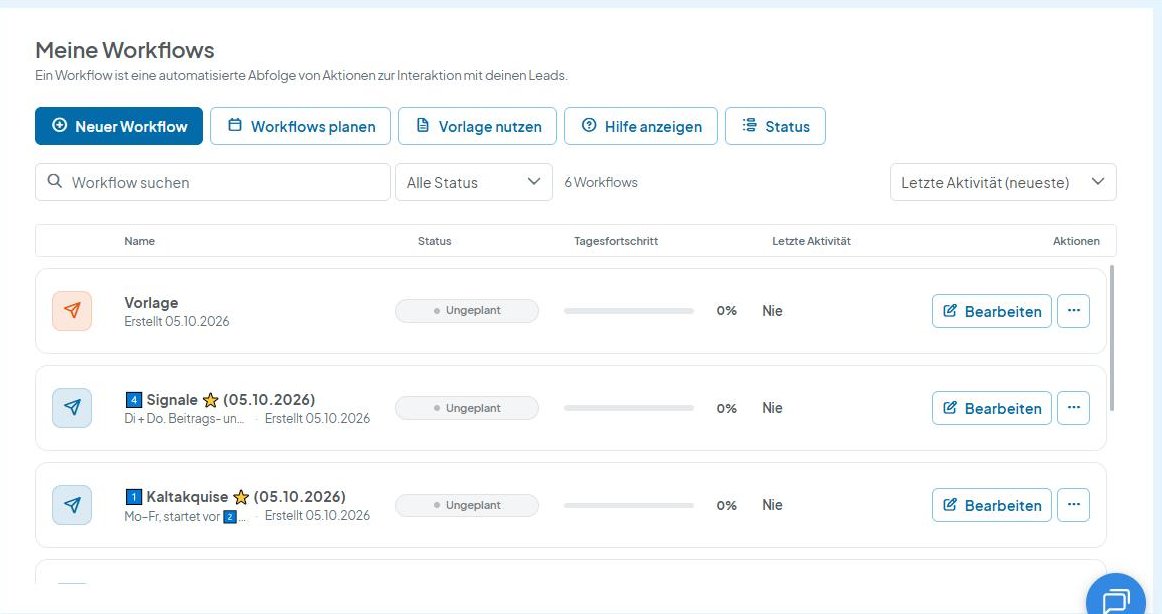

CompLeadly Oberfläche: Workflows-Übersicht mit „Neuer Workflow“ (Version 5.1.24)
Everything has changed, how do I connect leads?
CompLeadly Oberfläche: Workflow-Funktionsliste mit „Vernetzen“ und „Bearbeiten“ (Version 5.1.24)
Everything has changed, how do I connect leads?
CompLeadly Oberfläche: Einstellungen der Funktion Vernetzen (Version 5.1.24)
Everything has changed, how do I connect leads?
CompLeadly Oberfläche: Workflow mit „Aktivieren“ und „Workflow starten“ (Version 5.1.24)
Everything has changed, how do I connect leads?

Was this article helpful?

Didn't find your answer? Get in touch

Didn't find your answer?

Our support team is happy to help you personally.

Get in touch