Unfortunately, it is currently not possible to view the acceptance rate of people acquired solely through the Connect function.
However, there is a workaround to make this visible:
Our Loom video on this topic shows you how:
Tip: This video shows CompLeadly’s old overlay.
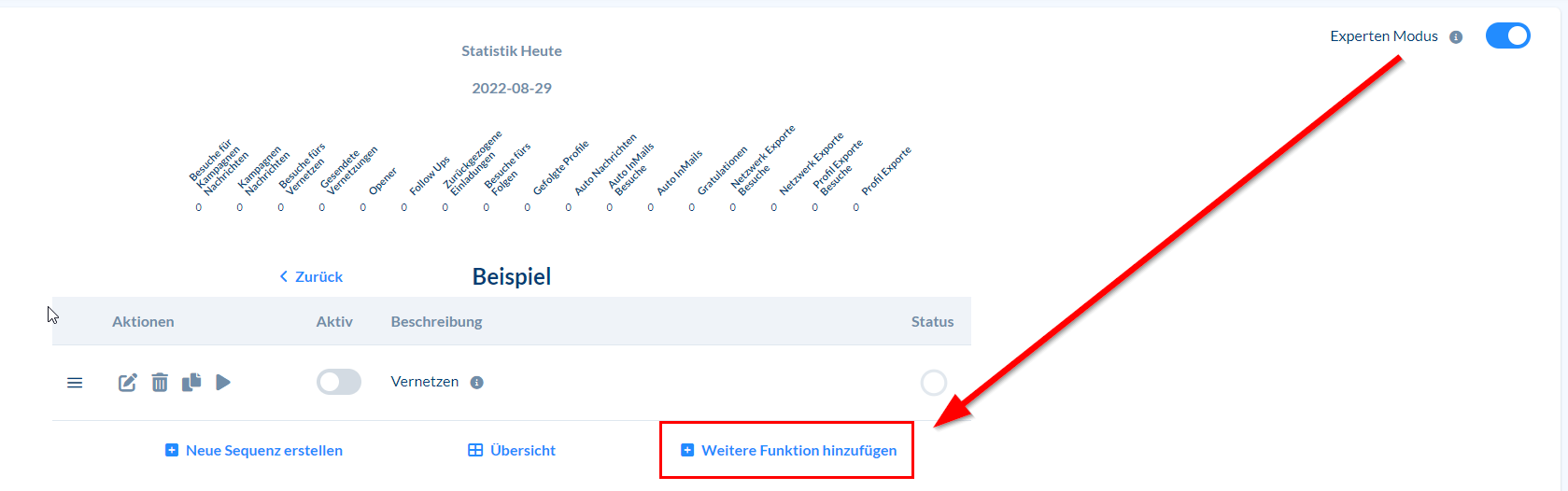
To add the "Network Export" function, click "Add new function" below the sequence.
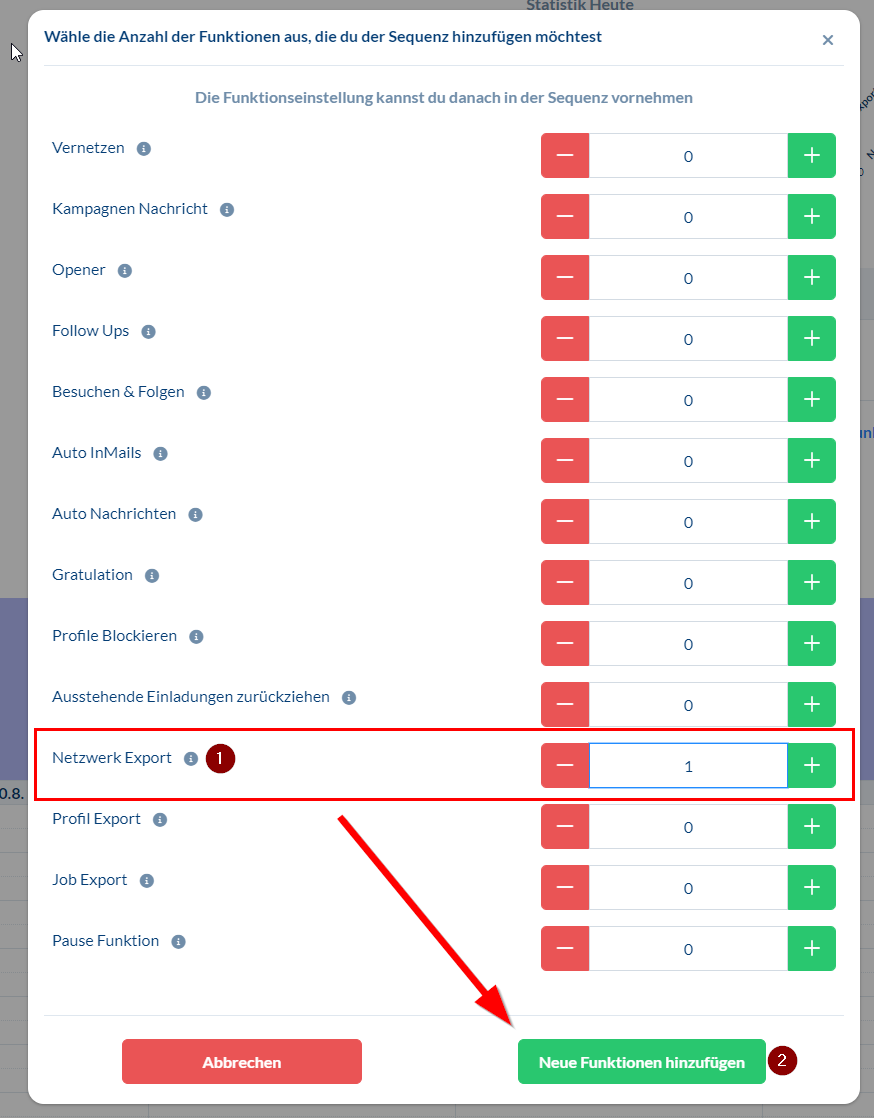
Then select how often you want to add the function:
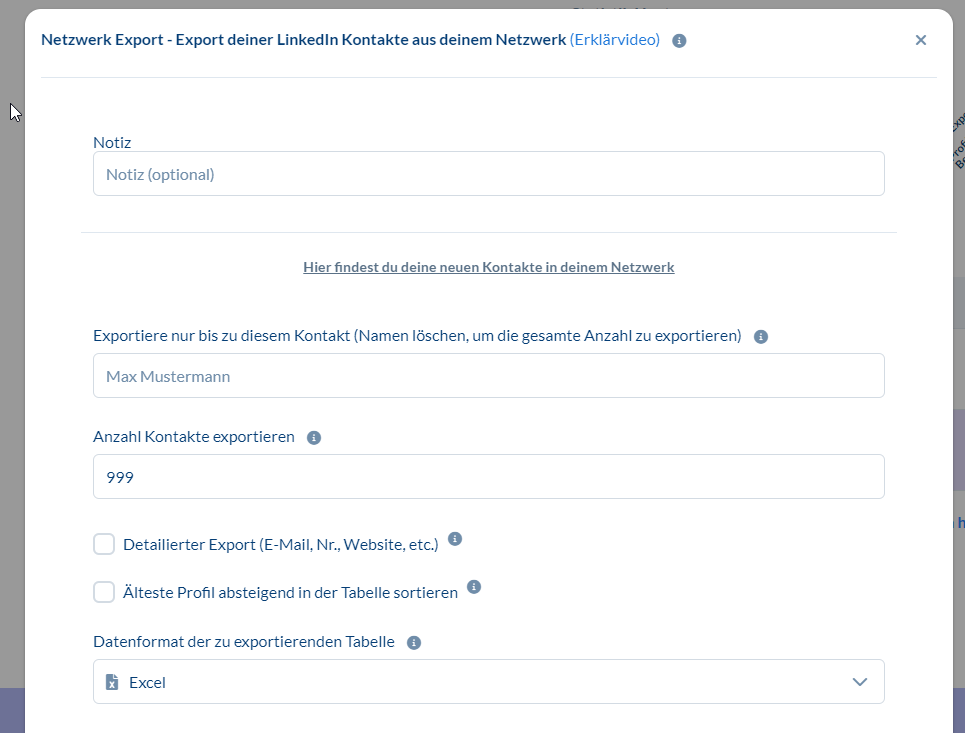
This is what the settings window for this function will look like in the new design once you have applied the settings from the video:
If you have any further questions, message us via the Support button or feel free to join the daily live call (included in Premium Plus).
The blog article shows you how to improve your acceptance rate after that: Increase your LinkedIn acceptance rate by 10–30%.