
LinkedIn hashtags are a way to label posts in 2026, not a reach hack. The only current number from LinkedIn itself is aimed at company Pages: three to five hashtags that fit your organization, added only when they fit the post. The same measure works for your personal profile. Put them at the end of the post, not in the first line. As of October 2026.
Do hashtags still work on LinkedIn in 2026?
LinkedIn says very little about hashtags today. Its former help page "Use hashtags and follow topics" returned only an error page (HTTP 404) when we checked on October 3, 2026. We did not find a current help page explaining how hashtags affect a post's distribution. Three things are documented:
- Company Pages: In its best practices for LinkedIn Pages, LinkedIn writes: "Hashtags are a great way to expose your brand to a wider audience. Identify 3-5 hashtags that are top of mind for your organization and add them to your posts when relevant." Source: LinkedIn Pages Best Practices, accessed October 3, 2026.
- Profile hashtags are gone: As part of the creator mode changes, LinkedIn removed topic hashtags from the profile introduction section starting February 2024. Source: LinkedIn Help: Updates to Creator Mode, accessed October 3, 2026.
- Employer hashtags still work: Company Pages with a career page can activate up to three hashtags that feature employee posts on the Page. More on that below.
That adds up to a stance rather than a formula: a hashtag helps file a post under a topic and makes it findable in search. It does not replace content. What LinkedIn actually weighs when distributing posts is covered in the LinkedIn algorithm in 2026. If you want more visibility, a strong first line and replies to comments will do more than a tenth hashtag.
How many hashtags per post?
LinkedIn says three to five for company Pages. There is no official number for personal profiles. Our recommendation for profiles: three hashtags, the lower end of LinkedIn's range. That covers one broad, one medium and one narrow topic.
Level | What it covers | Example for a post about winning new customers |
|---|---|---|
Broad | Your field | #Sales |
Medium | The topic of the post | #LeadGeneration |
Narrow | The method or niche | #SocialSelling |
More than five hashtags comes at a cost you can see without a study: the post gets harder to read and looks like a keyword list. A hashtag that doesn't match the content files your post under a topic where nobody is looking for it.
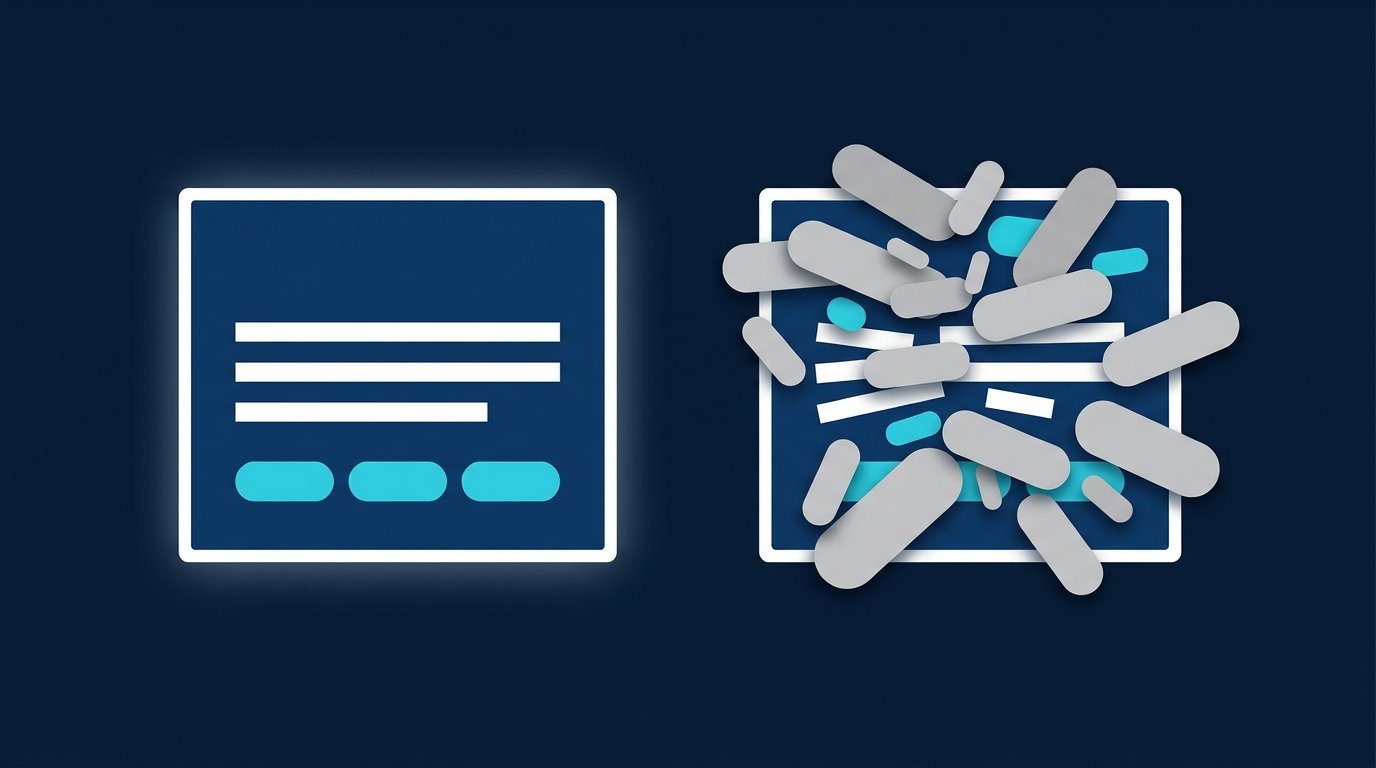
Where hashtags go in a post
Hashtags belong in the post text. According to LinkedIn Help, that text can be up to 3,000 characters (Post and share updates, accessed October 3, 2026), and hashtags count toward it. There are two patterns:
- At the end, on a line of their own. This is the default. The text reads without interruption and the hashtags sit neatly underneath.
- Inside a sentence, if the word is there anyway. A sentence like "We rebuilt our #Onboarding" works, as long as you keep it to one hashtag in the running text.
Not in the first line. The first lines decide whether someone clicks "more", and a hashtag there takes space away from your point. That is a readability call, not a LinkedIn rule.

Before and after: a post to copy
Before, as you often see it:
#Sales #B2B #Prospecting #LinkedIn #Success #Motivation #Business #Networking #Growth This quarter we changed one thing and [result].
After, with three hashtags at the end:
This quarter we changed one thing: [what you changed]. The result after [time period]: [result]. The main reason: [insight in one sentence]. How does your team handle this?
#Sales #LeadGeneration #SocialSelling
If you want to make single words bold or italic before pasting the text into LinkedIn, our LinkedIn Text Formatter helps. It runs in your browser, no sign-up needed. Open the tool
How to find the right hashtags
LinkedIn does not show public numbers on how often a hashtag is used. What you can check is whether a term is used at all and in what context. Use post search:
- Type the term into the search bar at the top, with and without the #.
- Click "See all results" at the bottom of the search.
- Select the "Posts" tab at the top.
- Narrow it down under "All filters" by "Date posted" or "Author industry".
Source: LinkedIn Help: Search for member posts, accessed October 3, 2026. As you scroll, ask two questions: are people from your target audience posting there? And is the newest post from this week or from a year ago? A hashtag where only agencies write for other agencies does little for a sales lead in manufacturing.
60 B2B hashtags by industry
The list below is an editorial collection of terms that are common in B2B. It deliberately contains no follower or reach numbers, because LinkedIn does not publish such figures reliably. Check every term in post search before you use it.

Industry or role | Hashtags |
|---|---|
Sales | #Sales #B2BSales #Prospecting #LeadGeneration #SocialSelling #ColdOutreach |
Recruiting and HR | #Recruiting #Sourcing #TalentAcquisition #Hiring #EmployerBranding #HR |
Job search and careers | #JobSearch #Careers #OpenToWork #CareerChange #JobSeekers #CareerAdvice |
Marketing | #Marketing #B2BMarketing #ContentMarketing #DemandGeneration #DigitalMarketing #Branding |
IT and software | #DigitalTransformation #SaaS #ArtificialIntelligence #Cybersecurity #SoftwareDevelopment #Cloud |
Manufacturing and engineering | #Manufacturing #Industry40 #Engineering #SupplyChain #Automation #Maintenance |
Consulting and freelancers | #Consulting #ManagementConsulting #Strategy #Leadership #ChangeManagement #Freelancing |
Finance and accounting | #Finance #Accounting #Tax #FinancialPlanning #Insurance #CFO |
Real estate and construction | #RealEstate #Construction #Architecture #PropertyManagement #CommercialRealEstate #Sustainability |
Healthcare | #Healthcare #Nursing #Medicine #Pharma #MedTech #HealthTech |
Write compound hashtags in camel case, like #EmployerBranding. That reads more easily than #employerbranding. According to LinkedIn Help, capitalization doesn't affect matching, at least for employer hashtags.
A branded hashtag of your own
For company Pages there is one documented way to use a hashtag of your own: "Trending Employee Content" on the career page ("Life" or "What We Do"). According to LinkedIn Help:
- A Page super admin activates up to three hashtags.
- Employees add these hashtags to their photo and video posts, which then become eligible for the Page's "Trending employee content" section.
- Capitalization doesn't matter, #XYZ equals #xyz.
- Changes go live after about six hours, according to LinkedIn.
Source: LinkedIn Help: Manage LinkedIn Trending Employee Content hashtags, accessed October 3, 2026.
For recruiting, this is the most useful hashtag there is: it turns your team's posts into a gallery on your career page. Personal branded hashtags have no such mechanism. A hashtag of your own for a post series still helps you and your readers find the episodes in search later.
Hashtags in sales, recruiting and job search
A hashtag on its own does not start conversations. It makes sure your post shows up under the right topic. The conversations happen with the people who react. That is where CompLeadly comes in: with the "Export Post Interactions" feature (Premium plan), the people who liked or commented on your own posts, or on posts from an audience, become a new audience in the app. You can restrict it to posts containing certain keywords, such as the hashtag of your post series.
- Sales: under a post tagged #LeadGeneration, the commenters are often people who know exactly that problem. They become an audience for profile visits, connection requests with a note and a first message.
- Recruiting: people who react to posts under your employer hashtag are interested in you as an employer. You reach out to them alongside Recruiter Lite searches and pipelines, as described on CompLeadly for recruiters.
- Job seekers: a post tagged #JobSearch plus the hashtag of your field shows what you are working on. After that, a people search for recruiters at your target companies becomes an audience for profile visits and connection requests. Profile tips are in Open to Work on LinkedIn.
Profile visits, connection requests with a note, first messages and follow-ups are already available in the free version, with daily limits such as 2 connection requests and 25 profile visits. To start, you test all features free for 10 days. The app runs locally on your own computer. Plans and prices are on the pricing page.
Common mistakes with LinkedIn hashtags
- Too many. Ten hashtags under three sentences read like an ad. Stick to three, five at most.
- Unrelated trending hashtags. A hashtag about a current event that has nothing to do with your post brings the wrong readers.
- Hashtags instead of content. The post has to work without them. If there is no point, #Success won't help.
- Hashtags in the first line. That is where your main point goes, not your labels.
- Spaces and punctuation. Write hashtags as one word without hyphens: #SocialSelling, not #Social-Selling.
- Never checking again. Every few months, look at post search to see whether your audience still writes under your hashtags.
If you share multi-page documents instead of single posts, the same rules apply. How to build one is covered in LinkedIn carousel: how to create one.
FAQ: LinkedIn hashtags
How many hashtags should I use on LinkedIn?
LinkedIn recommends three to five hashtags for company Pages, ones that fit your organization and only when they fit the post. There is no official number for personal profiles. Three is a good measure: one broad, one medium and one narrow term.
Do hashtags still increase reach on LinkedIn?
LinkedIn has no current statement on how hashtags affect distribution. Its former help page on hashtags is no longer available, and LinkedIn removed profile hashtags in 2024. Use hashtags to categorize your post, not as a reach hack.
Where should hashtags go in a LinkedIn post?
Ideally at the end of the post, on their own line. A single hashtag inside a sentence is fine if the word is there anyway. Keep the first line free for your point.
How do I find hashtags for my industry?
Use post search: type the term into the search bar, open "See all results", choose the "Posts" tab and filter by date or author industry. That shows you whether your audience writes under the term and how recent the posts are.
Can a company use its own hashtag on LinkedIn?
Yes. Super admins of a company Page can activate up to three hashtags on the career page. Employee photo and video posts with those hashtags then become eligible for the Page's "Trending employee content" section.
Does capitalization matter in LinkedIn hashtags?
For employer hashtags on career pages, LinkedIn Help says no: #XYZ equals #xyz. Still, write compound hashtags with capital letters, because they are easier to read.