A cold email is a business email to someone who doesn't know you yet. It works when it goes to a person whose job your topic genuinely touches, makes a specific connection in the first two sentences, and ends with one small question. Below: recipients, a 5-part structure, 8 templates, and a cold email follow-up cadence. Last updated: October 2026.
This post sticks to email. For an overview of cold outreach by phone, email, and LinkedIn, read What is cold calling.
What is a cold email?
"Cold" describes the relationship, not the tone. You're writing to someone you haven't been in touch with and who isn't expecting your message. Two other kinds of email are different:
- Newsletters and campaigns go to people who signed up for them. Same text for everyone, sent through a newsletter tool.
- Warm emails go to people you've already talked to, at an event, on the phone, or in a LinkedIn chat. They expect to hear from you.
A cold email sits in between. It's a one-to-one message from a real person to a real person, even when you send it to several recipients with a similar profile. This post covers B2B cold email: you write to people in their professional role, at their work address, about something connected to their job. Cold email is the wrong channel for private individuals, and they're not what this post is about.
Who to email and where the address comes from
Many cold emails fail before the first word: they go to the wrong person. A list of a thousand addresses is worthless if nine hundred of them have nothing to do with what you offer. Work in three steps.
1. Business relevance over volume
Only write to people whose role fits your topic. If you sell warehouse software, write to the head of logistics, not to info@. Before adding any address, ask yourself: would this person say my topic is part of their job? If you hesitate, leave them out.
2. A source you can name
Good sources are the ones you can state openly in your first sentence: the company website, a business card from a trade show, a talk, a referral, a trade article with contact details. Name the source in the email ("I found your address on the last slide of your talk at [event]"). That answers the first question every recipient has and makes you traceable as a sender. Purchased lists don't meet this bar: you don't know who's behind them and you have no reason for writing that you could name.
3. Keep data lean, make opting out easy
Store only what you need for outreach: name, role, company, address, source, and the dates of your emails. Every email needs one simple line that lets the recipient stop further messages, such as "If you'd rather not hear from me again, just reply with no." Anyone who replies that way goes on your exclusion list and never hears from you again, not even in your next campaign.
Deliverability: what Google asks of senders
Part of the job is technical. According to Google's email sender guidelines, everyone sending to Gmail accounts must authenticate with SPF or DKIM and keep the spam rate below 0.3 percent, ideally below 0.1 percent. Anyone sending more than 5,000 messages a day to Gmail accounts must also support one-click unsubscribe for marketing messages. Source: Google: Email sender guidelines, retrieved October 3, 2026. For cold email that means a properly set-up domain of your own, small volumes, and taking every complaint seriously.
How to structure a cold email in 5 parts
A good cold email is short enough to read on a phone without scrolling. It has five parts, and each one has exactly one job.
Part | Job | Guideline |
|---|---|---|
1. Subject line | spark curiosity without selling | 2 to 6 words |
2. Opening | connection to the person and source of the address | 1 to 2 sentences |
3. Observation | a problem or opportunity they recognize | 1 to 2 sentences |
4. Offer with proof | what you do, backed by one example | 1 to 2 sentences |
5. Question | one small, easy-to-answer question | 1 sentence |
The guidelines come from experience. Below that goes your signature with full name, company, and phone number, plus the opt-out line. Skip images, attachments, and multiple links; one link to your website in the signature is enough.
Annotated example
[Subject] Your new warehouse in Columbus
[Opening] Hi Sarah, I read in the press release about your new Columbus site that you'll start running two shifts there in March.
[Observation] At new sites, we often see picking speed held back by onboarding in the first months, not by the technology.
[Offer with proof] We shortened onboarding for new teams at a food logistics company in Indianapolis with step-by-step guides right on the scanner.
[Question] Is onboarding for Columbus already planned, or would a comparison be useful?
[Opt-out] If this isn't your area, just reply with no and I won't follow up.
The companies and details in the example are made up. Writing the subject line is a craft of its own; 40 examples are in Cold email subject lines.
8 cold email templates
Replace everything in square brackets. Each template ends with a question and the opt-out line, which you shouldn't drop.
Template 1: A specific trigger at the company
Subject: [Trigger in three words]
Hi [First name], I read on [source] that [Company] is [trigger: opening a new site, launching a product, growing the team]. At this stage, [industry] companies often run into [specific challenge]. We help [target group] [result], most recently at [example]. Is [challenge] on your plate right now? If not, a quick no is fine and I won't reach out again.
Template 2: Referencing a post or talk
Subject: Your talk on [topic]
Hi [First name], I enjoyed your talk at [event]; your address was on the last slide. Your point about [statement] matches what we see at [target group]. We put together [example or analysis] on it. May I send you the two pages? If not, a short reply is all I need.
Template 3: Referral from a mutual contact
Subject: [Name] suggested I reach out
Hi [First name], [full name] at [Company] gave me your name and address. He mentioned you're working on [topic]. We helped [Name] with [result]. Would a short conversation about it be of interest? If the topic doesn't fit, just tell me.
Template 4: Similar customer in the same industry
Subject: [Industry]: [result in three words]
Hi [First name], I found your address on the team page of [website]. We work with several [industry] companies your size, most recently [customer, if approved], and achieved [result] there. How do you handle [task] today? If you'd rather not hear from me again, just reply with no.
Template 5: After a trade show without a conversation
Subject: [Event]: your booth on [topic]
Hi [First name], we just missed each other at [event]. I stopped by your booth while you were in a meeting and took your card. Your focus on [topic] fits what we do for [target group]: [one sentence]. Is a 15-minute call in the next few weeks worth it? If not, a quick no is fine.
Template 6: Finding the right contact
Subject: Who handles [topic] at [Company]?
Hi [First name], I found your name on [Company]'s website. We help companies like yours with [topic]. Who on your team is responsible for that? A name is all I need, and I'll reach out to them directly. If the topic doesn't apply to you, a short no is fine.
Template 7: Partnership or collaboration
Subject: Shared customers in [industry]?
Hi [First name], I found your address on the partner page of [website]. You support [target group] with [service], we do [own service]. Our customers regularly ask us about [recipient's service]. Would it be worth talking about referring clients to each other? If not, just let me know.
Template 8: Job search, reaching out to a team lead
Subject: Question about your [team name] team
Hi [First name], I read on [Company]'s careers page that your team [task]. I've worked as a [position] for [time period] and recently [specific result]. Before applying, I'd like to understand what your team has planned for next year. Would you have 15 minutes for a short call? Completely fine if not.
Want to check whether your email is too long or sounds too promotional? Run it through our free Message Check before sending. It checks length, personal reference, an open question, and promotional language, locally in your browser.
Cold email follow-up: when and how often
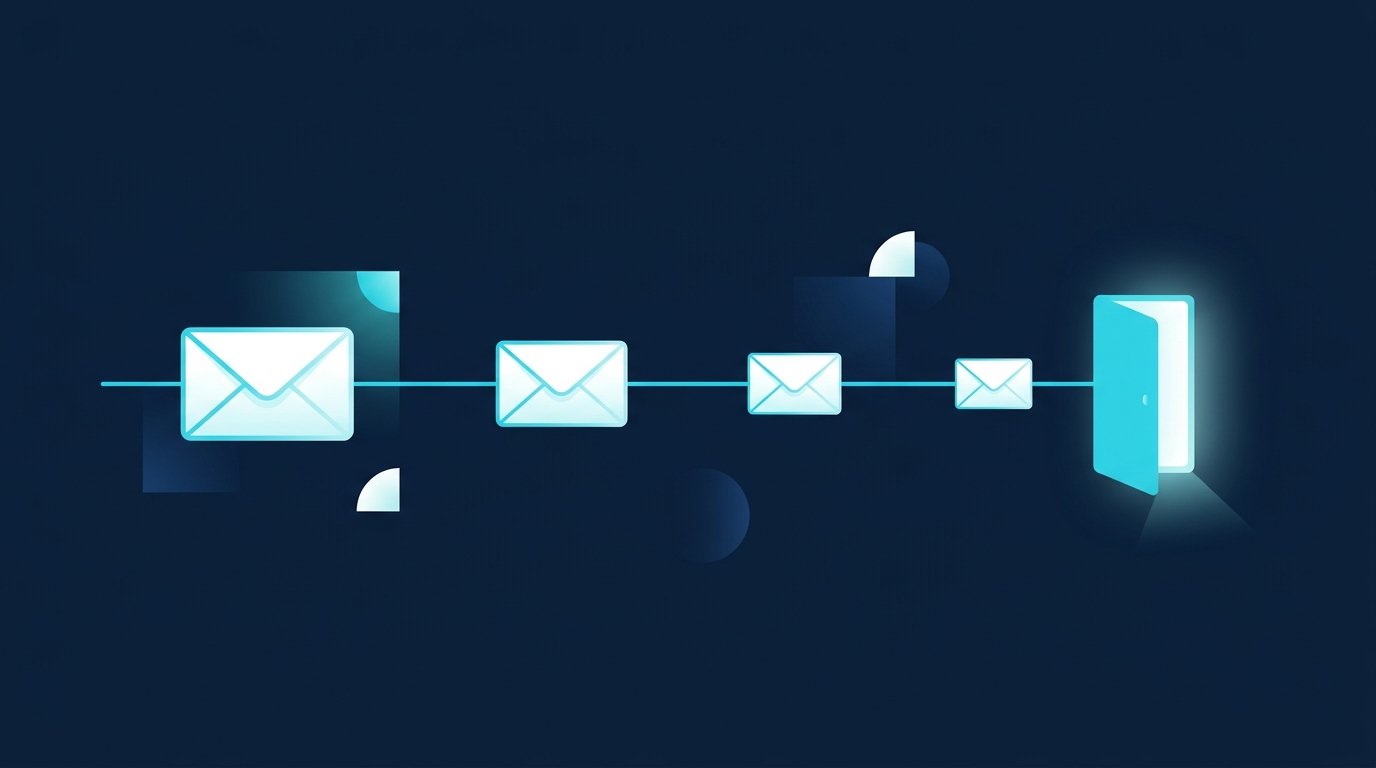
In our experience, few people reply to the first cold email, often because of the timing rather than the email itself. Two or three follow-ups give your message several chances without becoming pushy. Each follow-up should add something new instead of just asking "Did you see my email?"
Step | Timing | Content |
|---|---|---|
First email | Day 0 | trigger, observation, offer, question |
Follow-up 1 | after 3 to 4 business days | short reminder with one new detail |
Follow-up 2 | about a week later | an example, a number, or a document |
Break-up email | about two weeks later | friendly close, door left open |
These intervals come from experience. As soon as someone replies, even with a no, the sequence ends for that person. Reply in the same thread so the context stays visible.
Follow-up 1: Short, with a new detail
Hi [First name], bumping my note from last week. One detail I left out: [new information, such as a result or a date]. Is [topic] relevant for you right now?
Follow-up 2: With an example or document
Hi [First name], in case [topic] is on your list: we summarized how [result] came about at [similar company]. Should I send you the summary? A yes or no is enough.
Break-up email: Leave the door open
Hi [First name], I don't want to keep filling your inbox, so this is my last note about [topic]. If the timing works better later, just reply to this email. Good luck with [trigger]!
More wording for reminders and follow-ups is in our follow-up templates.
When LinkedIn is the better first touch
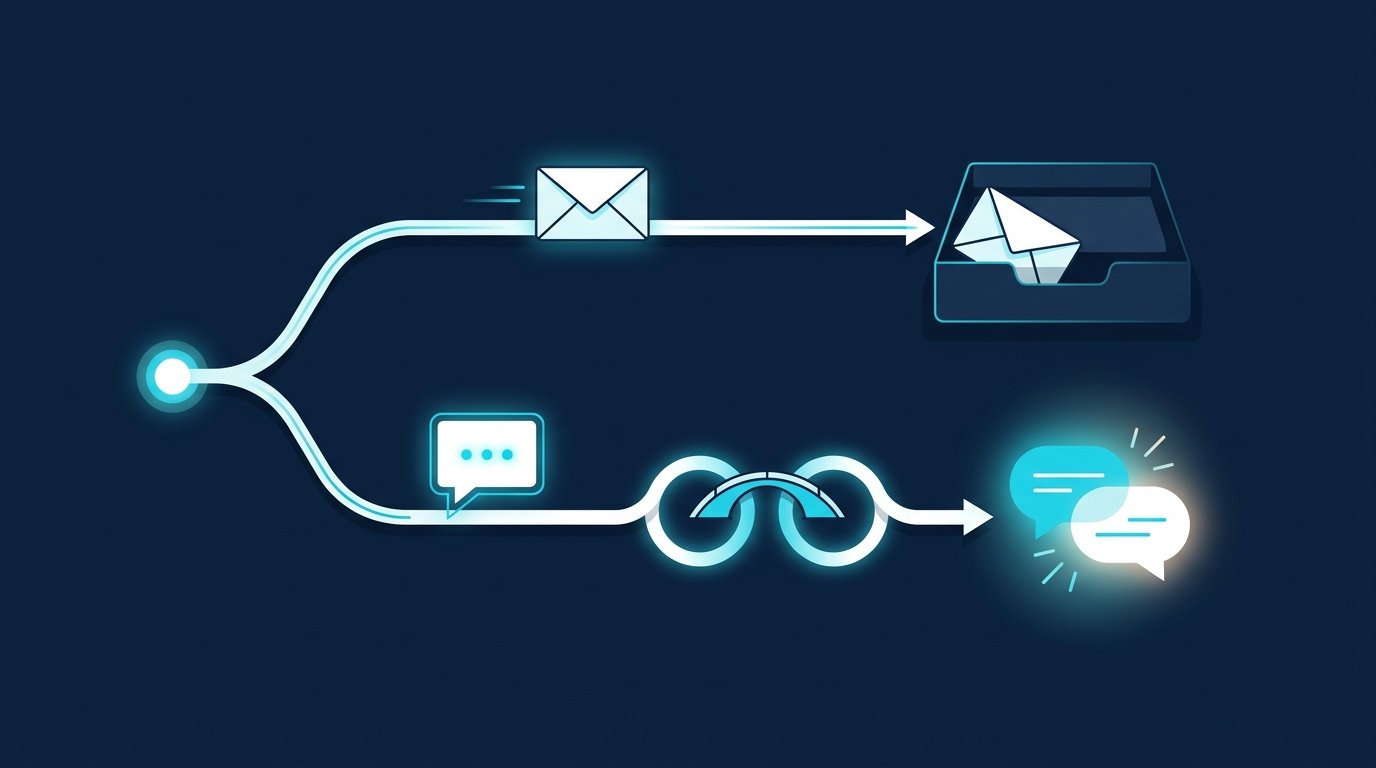
Cold email has a built-in disadvantage: the recipient can't see who you are before reading. LinkedIn is different. Both sides see profiles, career history, and mutual connections, and by accepting your connection request, the other person says yes to the contact themselves.
Situation | Better first touch |
|---|---|
You have a work address from a source you can name and a clear trigger | |
The person is active on LinkedIn; you can see posts or a job change | |
You only know name, role, and company, but no address | |
Your topic needs a document or a calculation | Email, or LinkedIn first and email once they agree |
Recruiting and job search | usually LinkedIn, because career histories are visible there |
The two channels work together. How to move cleanly from a LinkedIn conversation to email is covered in LinkedIn and email outreach.
Sales, recruiting, and job search: how CompLeadly helps
CompLeadly is a desktop app that runs on your own computer. For both channels it handles the timing; you write the text.
- Sales by email: the "Automatic email" feature sends emails to a target audience you import as an Excel list, through your own SMTP server and your own sender address. You set how many emails go out per day and per minute, and you can send a silent copy of each email to your CRM. The feature is included in the Premium plan.
- Sales on LinkedIn: a people search or Sales Navigator search becomes your target audience. CompLeadly sends connection requests, an opener after acceptance, and follow-ups that stop as soon as the contact replies.
- Recruiting: with your own Recruiter license, Recruiter Lite searches, pipelines, or saved searches become the target audience, and from Basic one workflow per role runs profile visits, connection requests, and follow-ups.
- Job seekers: a people search for team leads at the companies you want to work for becomes your target audience. Profile visits, connection requests with a note, opener, and follow-up run in the free version, with daily limits such as 2 connection requests and 1 follow-up per day.
You start with a 10-day trial with all features. After that, your access switches automatically to the free version with basic features and daily limits. Plans and prices are on the pricing page.
FAQ: Cold email
What does cold email mean?
A cold email is a business email to someone who doesn't know you and isn't expecting your message. Unlike a newsletter, it's a one-to-one message connected to the recipient's work. In B2B, it goes to the work address of a person whose role fits your topic.
How do you write a cold email?
In five parts: a short subject line, an opening that connects to the person and names where you found their address, an observation about their situation, your offer with one example, and a small question. Add one line that lets the recipient opt out of further emails. The whole email should fit on a phone screen.
How many times should you follow up on a cold email?
Two or three times: after three to four business days, about a week later, and a closing email roughly two weeks after that. Each follow-up adds a new detail. Once the person replies, even with a no, the sequence ends. These intervals are based on experience.
How long should a cold email be?
Short enough to read on a phone without scrolling. As a guideline, five to eight sentences, no images or attachments, and at most one link in the signature. Everything else belongs in the conversation your closing question is meant to start.
What makes a good cold email template?
A good template has fixed slots for what changes per recipient: the trigger, the source of the address, an observation, and a fitting example. The question at the end stays small, and the opt-out line is always there. Templates without those slots turn into mass mailings.