LinkedIn Verification: Why It’s Essential Today
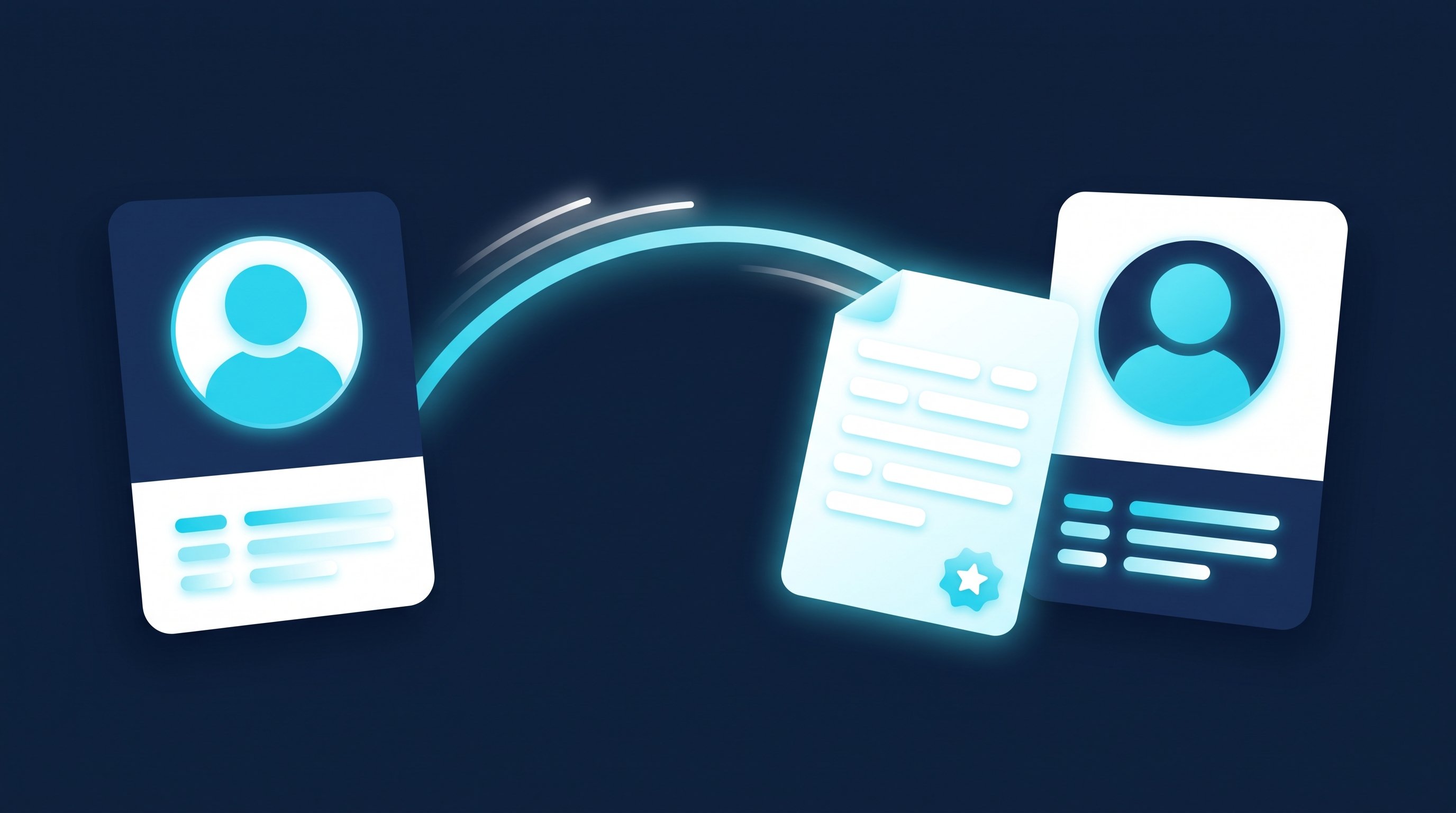
LinkedIn verification is free and confirms your identity, employer or educational institution with a badge on your profile. In Germany, identity verification is handled by LinkedIn’s partner Persona using an NFC-enabled ID document in the LinkedIn app. You can also verify your employer with a company email address. Both take a few minutes and are optional (as of 19 September 2026).
LinkedIn verification is becoming increasingly important. After platforms such as Meta and X (formerly Twitter) established their verification models, LinkedIn is now also placing greater emphasis on its own verification feature. Unlike other networks, LinkedIn verification is free of charge – yet many users still wonder whether it is really necessary. After all, you sign up for LinkedIn with your full name, CV and professional details. But current developments show that LinkedIn verification is more relevant than ever.
Why LinkedIn verification is becoming increasingly important
As fake profiles and fraudulent activity increase, so does the need for reliable identity verification on LinkedIn. LinkedIn verification is a clear signal of authenticity and strengthens trust in a professional environment. However, many networks still view verification with scepticism.
Survey results: Hesitation despite the verification option
A recent survey in my LinkedIn network showed that many users initially hesitate to verify their profile. Reasons included:
- Uncertainty about the verification process
- Data privacy concerns
- Uncertainty about the specific benefits of LinkedIn verification
But a closer look shows that the benefits outweigh the concerns.
Why LinkedIn verification is still worthwhile
LinkedIn verification offers several key benefits that directly affect your visibility and credibility:
1. Protection against fake profiles
LinkedIn verification helps you clearly distinguish yourself from fake profiles. At a time when identity misuse is on the rise, this is a crucial advantage.
2. Increased credibility
A verified profile appears more professional and trustworthy. Network contacts and potential employers view a verified LinkedIn profile much more positively.
3. Improved visibility
Verified LinkedIn profiles are often prioritised in search results. This increases your chances of appearing in relevant searches and opening up new professional opportunities.
How to verify yourself on LinkedIn
LinkedIn offers three types of verification: identity, workplace and educational institution. All are optional and available at no additional cost (Source:LinkedIn Help – “Verifications on your LinkedIn profile”, accessed 19 September 2026).
Verify identity (in Germany via Persona)
Identity verification in Germany is handled through LinkedIn’s partner Persona and only works in the LinkedIn app for iOS and Android. According to LinkedIn, accepted documents include NFC-enabled passports, national ID cards issued from August 2021 onwards, and residence permits. The name on the ID must match the name on the profile.
- Open your profile in the LinkedIn app and select Resourcesthe pointAbout this memberand thereVerify now.
- Agree to Persona’s terms of use and privacy policy.
- Take a photo of your ID document, such as your passport.
- Scan the document’s NFC chip with your smartphone.
- Take a selfie.
- Confirm withYes, sharethat the result is transmitted to LinkedIn.
Source for these steps:LinkedIn Help – “Identity verification via Persona”(accessed on 19 September 2026). The app needs access to the camera for verification.
Confirm employer (company email)
- From your profile, start Verify workplace.
- Enter your current employer’s email address and request a code.
- Find the code in your company inbox. It expires 15 minutes after you receive it.
- Enter the code and confirm. Your employer verification is then active.
Source: LinkedIn Help – “Workplace verification with your work email” (accessed 19 September 2026). You’ll also find step-by-step instructions with screenshots in our knowledge base article on LinkedIn Profile Verification with Your Company Email.
Alongside a company email address, LinkedIn offers three other ways to verify your employer: Microsoft Entra Verified ID, if your employer has enabled it, or a LinkedIn Learning or LinkedIn Recruiter licence provided by your company.
LinkedIn strictly controls which data becomes visible: information from your ID, email address, or proof of employment is used only for verification and cannot be viewed by other members.
Personal experience: LinkedIn verification is worth it
Despite the initial scepticism in my survey, I decided to verify my own profile. The process was surprisingly straightforward and took only a few minutes. The positive effects are clearly noticeable: more trust, a clear distinction from fake profiles and a stronger professional presence.
For anyone who wants to use LinkedIn strategically for professional development, LinkedIn verification is a sensible and important step. If you also want to learn how to optimise your LinkedIn profile strategically, our professional LinkedIn consulting can help. In a no-obligation initial consultation, we show you initial optimisation opportunities and possible ways to work together.
A verified profile only makes an impact when your profile is complete. Our guide shows you how to combine the two: The Perfect LinkedIn Profile in 6 Steps.
The badge becomes especially important when you contact people who don’t know you. As a recruiter, you reach out to candidates who are rightly cautious about unknown senders. As a job seeker, you message hiring managers who filter through requests every day. In both cases, the other person looks at your profile first. When CompLeadly visits profiles, sends connection requests, writes messages and follows up for you, recipients see your name and profile photo with every request and message—whether the list comes from Sales Navigator, a regular search or Recruiter Lite (separate licence). So verify yourself before you start reaching out, not afterwards. More on reaching out to candidates: CompLeadly for recruiters; on finding a job: Open to Work and who can see it.
Frequently Asked Questions About LinkedIn Verification
How much does LinkedIn verification cost?
Nothing. LinkedIn explicitly states that verification is optional and free of charge – even without a Premium subscription (as of 19 September 2026).
How long does verification take?
The process involves just a few steps in the app or a code sent to your company inbox and is usually completed within minutes. The email code expires 15 minutes after receipt.
Which identity documents does LinkedIn accept in Germany?
According to the Persona help page, NFC-enabled passports, identity cards issued from August 2021 onwards, and residence permits are supported. Verification does not work without an NFC chip because the chip needs to be read.
Do I need a smartphone?
For identity verification via Persona, yes: LinkedIn explicitly lists this option only for the iOS and Android mobile app because it requires an ID photo, NFC scan and selfie. Employer verification via company email works without it.
Can anyone see my ID details?
No. LinkedIn makes it clear that your email address, ID details, and proof of employment are only used for verification and are not visible to others. Only the badge appears on your profile.
Does verification protect against fake profiles?
It doesn’t prevent fake profiles from existing, but it makes genuine profiles easier to distinguish. Read our article on how else to spot fake profiles: Fake LinkedIn profiles.