
To delete your LinkedIn profile, go to “Settings & Privacy”, then “Account management” and “Close account”. After that, your connections, messages, recommendations and skill endorsements are gone. If you just want a break, choose “Temporarily deactivate account”. If you only want to log out, you don’t need either option.As of October 2026.
- Click “Me” at the top of the LinkedIn homepage.
- Select “Einstellungen & Datenschutz”.
- Under “Account preferences”, find “Account management” and click “Change” next to “Close account”.
- Choose a reason and click “Continue”.
- Enter your password and click “Close account”.
That’s the desktop process; the app steps are further down. We checked the steps, time limits and consequences in this article against LinkedIn Help on October 3, 2026: Close and delete your LinkedIn account. Before you click, read the next section. Deleting your account is rarely the only option.
Delete, deactivate or log out: which option do you actually want?
The three options sound similar but have very different consequences.
Option | What happens | Can you undo it? |
|---|---|---|
Close account (delete) | Your profile is deleted, and you lose your connections, messages, recommendations and skill endorsements | Usually within 14 days, but not completely |
Temporarily deactivate | Nobody can see your profile, including in searches; posts, comments and messages remain but appear under “A LinkedIn Member” | Yes, after at least 24 hours |
Log out | One or all sessions end; nothing changes on your profile | Yes, just log back in |
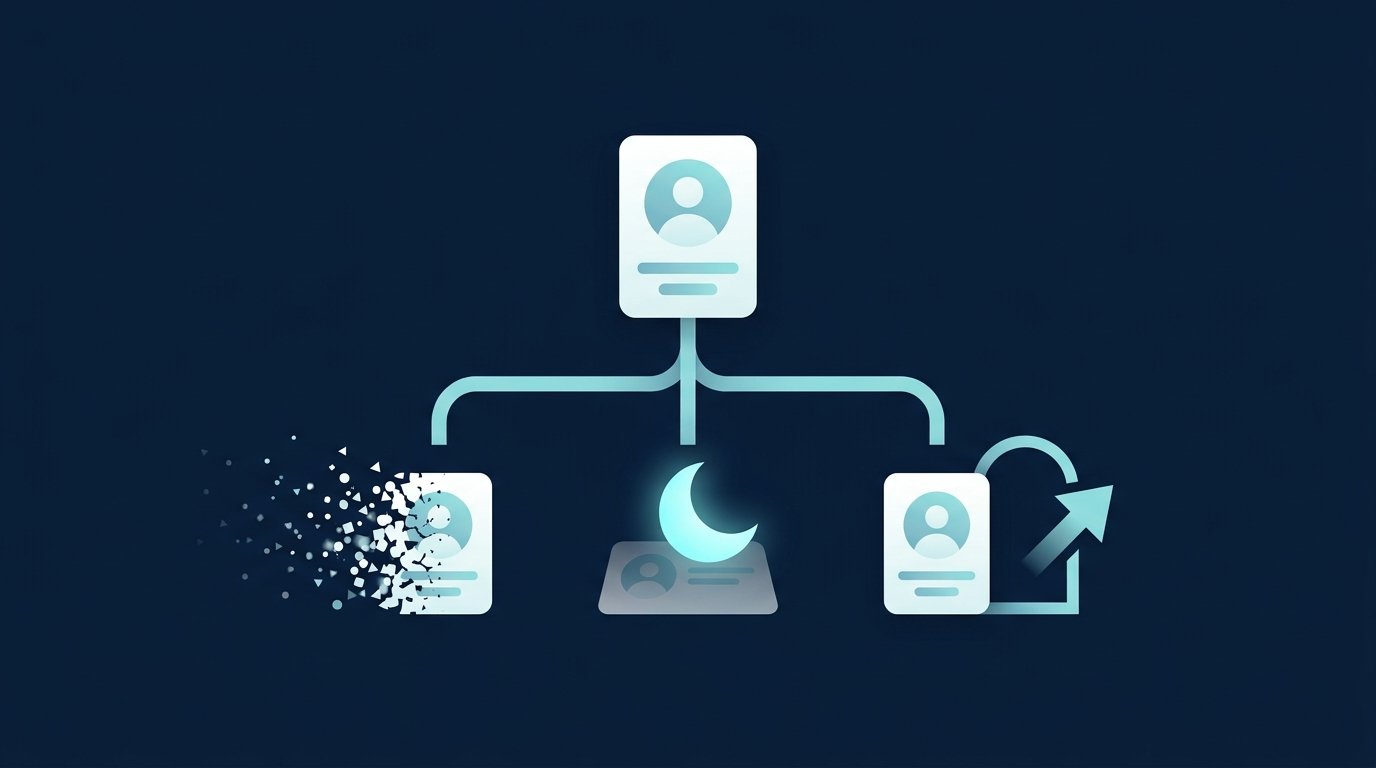
If you’re unsure, temporarily deactivate your account. You can reverse that completely; closing your account can only be reversed in part.
What you need to do before deleting your account
LinkedIn won’t close an account in every situation. According to its help article, you first need to resolve the following:
- an active Premium membership,
- your role as the owner of a LinkedIn group,
- a licence for a Premium account.
Three more points from the same help page: Search engines such as Google or Bing may still show your information for a short time. After closing your account, you lose access to your transaction history. And if you signed in to LinkedIn with Google, Apple or Microsoft, you also need to unlink the account with that provider.
If you have a company account with Recruiter access, you’ll no longer be able to access online jobs or job postings published in Recruiter. The data in Recruiter remains, and the licence can be assigned to someone else.
Delete LinkedIn in the app (iOS and Android)
According to the same help article, the steps in the app are:
- Tap your profile picture, then “Settings” and “Account preferences”.
- Under “Account management”, tap “Close account”.
- Tap “Continue”.
- Choose your reason and tap “Continue”.
- Enter your password and tap “Done”.
Deleting the app from your phone does not close your account. Your profile stays online; you just can’t see it in the app anymore.
Temporarily deactivate your LinkedIn account instead of deleting it
On desktop, click your profile picture at the top, select “Settings & Privacy”, then choose “Temporarily deactivate account” under “Account management”. Choose a reason, enter your password and confirm. Here’s what you need to know:
- 24-hour waiting period: Only after that can you log back in and reactivate your account. You can’t access your profile before then.
- Premium ends immediately: An active Premium subscription is cancelled immediately, and any previous promotional price will no longer apply. If you subscribed through Apple, you also need to cancel with Apple.
- Licences for LinkedIn Sales Solutions, such as Sales Navigator, remain active after reactivation unless your company admin has revoked access. LinkedIn recommends informing your admin beforehand.
- Resolve outstanding issues first: According to LinkedIn, in some cases you first need to pay outstanding balances, assign your group admin role to someone else or deactivate a LinkedIn Learning or Recruiter licence.
- Connection count after you return: Your connection and follower counts may briefly be incorrect. According to LinkedIn, this resolves itself within 48 hours.
Source: LinkedIn Help: Temporarily deactivate your LinkedIn account, accessed October 3, 2026.
What happens with Premium, data and recommendations
If your concern is just the cost, you don’t need to delete anything. According to LinkedIn, you can cancel Premium and keep your free Basic account, including your profile, connections and all your information. You’ll find the costs of each plan in LinkedIn costs and Premium prices.
When you close your account, you lose access to your LinkedIn data. It’s worth exporting it first.

Request a copy of your data
- Click “Me” at the top of the homepage, then “Settings & Privacy”.
- Select “Data privacy” on the left.
- Under “How LinkedIn uses your data”, click “Get a copy of your data”.
- Select the data and click “Request archive”.
For individual categories, LinkedIn says the email arrives within a few minutes; for a full archive, it arrives within 24 hours. The download is then available for 72 hours. This feature is only available on desktop, not in the app. Some connections’ email addresses may be missing because members choose whether others can download them. Source: LinkedIn Help: Get a copy of your data.
Deadline: Reopen account
According to LinkedIn, you can reopen a closed account in most cases as long as it was closed less than 14 days ago. Even then, LinkedIn does not restore everything:
- skill endorsements and recommendations,
- ignored or pending invitations,
- accounts you followed, such as Top Voices or companies,
- group memberships.

Don’t count on the 14-day period to bring everything back. If you’re hesitant, temporarily deactivate your account instead.
Merge duplicate accounts
If you accidentally have two profiles, you don’t necessarily have to delete one. LinkedIn lets you merge them, but with strict limits: Only theContacts and the email addressof the account you close. Profile content, skill endorsements, recommendations, saved articles, group memberships, and pending invitations won’t carry over. Any InMail credits will expire. Accounts with no contacts or more than 30,000 contacts can’t be merged.
If the duplicate account has no contacts, close it using the same steps described above. After 48 hours, add the freed-up email address to your main account. If both accounts have contacts, you’ll need to contact support. Our article on how to contact support explains how to reach them.LinkedIn Customer Support. Source:LinkedIn Help: Merge or Close Duplicate Accounts.
Cancel LinkedIn instead of deleting it
Often, when someone says “delete,” they mean “log out”—for example, because they left LinkedIn open on someone else’s computer. Under “Settings & Privacy,” go to “Sign in & security” and select “Active sessions.” There, you can end individual sessions or all sessions except your current one by selecting “End all these sessions” and confirming with your password. In the app, go through your profile picture, then “Settings” and “Sign in & security.” If you don’t recognise a device, change your password too. Source:LinkedIn Help: View your active sessions.
Before you delete: what the problem actually is
- It’s about money:Cancel Premium only and keep your Basic account.
- It’s about peace of mind:Temporarily turn off notifications, or go to “Settings & Privacy” → “Notifications” to choose how often LinkedIn contacts you.
- It’s about visibility:Then the question is what your profile says about you, not whether it exists. If you want to view profiles more discreetly, you can use thePrivate mode. What LinkedIn is actually useful for is explained byWhat is LinkedIn?.
Another question to ask if you’re looking for a job, hiring or selling: Will you need your profile in the coming months? Recruiters find candidates through search, and without a profile, there’s nothing for them to review before a conversation. A recruiter loses their network when they give up their account; a salesperson loses contacts built up over years. If the real issue is the work involved in connecting and following up, you can reduce that work without giving up your account. CompLeadly is a desktop app that runs on your own computer. It handles profile visits, connection requests, initial messages and follow-ups for a target audience found through people search, Sales Navigator or recruiter search (your own licence required). After the 10-day trial with all features, the basic features remain free, subject to a daily limit. See how recruiters use it inthe page for recruiting teams.
Frequently asked questions: Delete your LinkedIn profile
How do I permanently delete my LinkedIn profile?
Go to “Me”, then “Settings & Privacy”, “Account Management”, and “Close account”. Choose a reason, enter your password, and confirm. This deletes your profile, and you lose access to your contacts and messages.
Can I restore my deleted LinkedIn account?
According to LinkedIn, you can restore your account in most cases if it has been closed for less than 14 days. Endorsements, recommendations, ignored or pending invitations, group memberships, and the accounts you followed will not be restored.
What’s the difference between deactivating and deleting a LinkedIn account?
Deactivating hides your profile but doesn’t delete anything. You can log back in after at least 24 hours. Deleting removes your profile, contacts, messages, and recommendations. You can usually restore your account only within 14 days, and not everything can be recovered.
What happens to my Premium subscription if I delete my account?
According to LinkedIn, you need to cancel an active Premium membership before you can close your account. If you temporarily deactivate your account, Premium ends automatically and immediately. If you subscribed through Apple, you also need to cancel your subscription with Apple.
Is deleting the LinkedIn app enough?
No. Uninstalling the app only removes access from your device. Your profile stays online and visible. To delete it, go to your account settings.
How do I back up my contacts before deleting my account?
Go to “Settings & Privacy,” then “Privacy,” then “Download your data.” Individual categories are available within a few minutes, while the full archive is available within 24 hours. The link remains valid for 72 hours. You can only do this on a desktop.