
Phantombuster is a cloud service for automations on LinkedIn and more than 15 other platforms. Single automations are called "Phantoms," you chain them into workflows, and they keep running on the vendor's servers even after you close your browser. Pricing depends on slots, execution time and credits, from €69 a month or €56 billed annually. As of October 2026.
Below you will find what Phantombuster does for LinkedIn, what each plan includes, and how a cloud service differs from a desktop app such as CompLeadly. Everything we say about Phantombuster comes from the vendor's website as retrieved on October 3, 2026. We do not claim any hands-on test results of our own.
What is Phantombuster?
Phantombuster is built from two pieces. A Phantom does exactly one job, for example extracting LinkedIn profiles, enriching contacts with email addresses, or pushing leads into a CRM. A workflow is a ready-made chain of several Phantoms aimed at one goal. The vendor's own example: find people who engaged with a LinkedIn post, collect their profiles, and send them to your CRM.
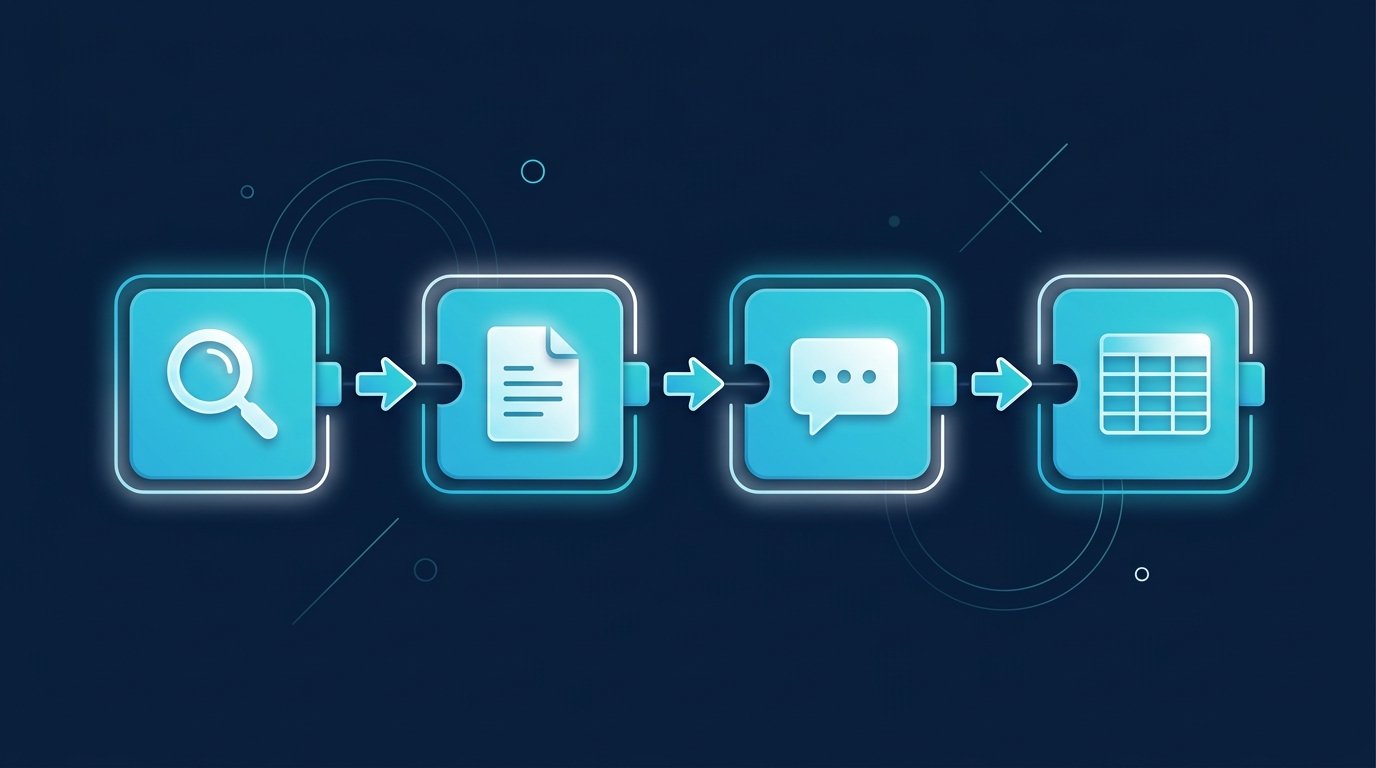
You launch things in the browser, but the work happens on the vendor's side. The pricing page FAQ puts it this way: "PhantomBuster runs in the cloud. Once a Phantom or Workflow is launched, it continues running even if your browser is closed." On top of that you get an MCP server for launching automations from AI tools like Claude or ChatGPT, plus integrations with HubSpot and other CRMs as well as n8n, Zapier and Make. Source: Phantombuster pricing page, retrieved October 3, 2026.
Phantombuster features for LinkedIn
The Phantom catalog lists more than 40 single automations for LinkedIn, plus a separate category for Sales Navigator. Grouped by what you use them for:
- Collecting data: "LinkedIn Search Export" turns the results of a LinkedIn search into a spreadsheet. Other Phantoms extract profiles, company pages and employee lists, or export the people who liked or commented on a post. According to its description, "LinkedIn Group Members Export" pulls up to 2,500 members of a group.
- Reaching out: "LinkedIn Auto Connect" sends connection requests with a personalized note, and "LinkedIn Message Sender" writes to existing connections. The workflow "Connect and send follow-up messages" combines the request with up to three follow-up messages.
- Maintaining your network: Phantoms for likes, comments, skill endorsements, following and unfollowing, withdrawing pending invitations, and scheduling pre-written posts.
- Enrichment: email addresses for profiles, group members or search results via email credits, and a "URL Finder" that matches a list of names to LinkedIn profiles.
Source: Phantombuster catalog, LinkedIn category, retrieved October 3, 2026. Each Phantom takes up one or more slots, which matters once you look at pricing.
Phantombuster pricing (as of October 2026)
On October 3, 2026 the pricing page showed four tiers. Every plan allows unlimited users and includes the MCP server. Annual billing saves 20% according to the vendor.
Plan | Monthly | Billed annually | Slots | Execution time per month | Email credits per month | AI credits | Exports |
|---|---|---|---|---|---|---|---|
Trial | free (14 days) | not applicable | 5 | 2 hours | 50 | 1,000 | limited to 10 rows |
Start | €69 | €56 per month (€672 a year) | 5 | 20 hours | 500 | 10,000 | unlimited |
Grow | €159 | €128 per month (€1,536 a year) | 15 | 80 hours | 2,500 | 30,000 | unlimited |
Scale | €439 | €352 per month (€4,224 a year) | 50 | 300 hours | 10,000 | 90,000 | unlimited |
Source: phantombuster.com/pricing, retrieved October 3, 2026 from Germany, with prices shown in euros. Prices displayed in other regions may differ. According to the page, the trial runs 14 days and needs no credit card.

Slots, execution time and credits: how Phantombuster bills
Three budgets decide how much you get done. Slots are the number of automations that can run at the same time. Execution time is the monthly time your Phantoms spend actively working. Email credits are used up when Phantombuster enriches profiles with email addresses, and they are counted separately from execution time. Once execution time runs out, your automations pause until it resets or you upgrade. According to the FAQ, no overage charges are applied automatically.
In practice: a workflow made of several Phantoms occupies several slots, and every hour it runs comes out of your monthly execution time. If you process many searches in parallel, you will hit the next tier sooner than someone running one campaign a week.
Who Phantombuster is for
Phantombuster is built wide. It pays off when you want to move data from several sources into spreadsheets or a CRM, when your automations should run independently of your computer, and when you like assembling building blocks yourself. Besides LinkedIn and Sales Navigator, the platform also covers Google, Instagram, X and other services.
The vendor spells out where it does not fit: "PhantomBuster is not designed for buying pre-made lead lists or scraping private or restricted data. If you don't need automation, scale, or fresh data, PhantomBuster may be more than you need." If all you want is to start conversations with a clear target audience on LinkedIn, you often won't need that breadth.
Cloud service or desktop app: two ways of working
LinkedIn tools come in two basic models, and both have their place. Phantombuster and Waalaxy run as cloud services on the vendor's servers. CompLeadly and Linked Helper run as desktop apps on your own computer. You notice the difference in three places.

- When the work happens: A cloud service works while your computer is off. A desktop app works while your computer is running. If you want CompLeadly to run around the clock, you can optionally book your own CompLeadly cloud computer.
- Where the work happens: In the cloud, actions run through the vendor's infrastructure. CompLeadly runs in the app on your computer and connects to LinkedIn through your own internet connection. How CompLeadly handles your data is explained on the Security page.
- What you plan with: With Phantombuster you plan in slots, hours and credits. In CompLeadly you set a daily value for each workflow step, for example how many connection requests a step sends per day.
Neither model is right for everyone. If campaigns should run without your computer switched on, a cloud service fits. If you want the work to stay on your own device and plan with fixed daily values, a desktop app fits. Which vendors are based in Germany and where they host is covered in our overview of LinkedIn automation vendors from Germany.
Phantombuster alternatives compared
The table only shows values we can back up: Phantombuster and CompLeadly as of October 3, 2026, Waalaxy and Linked Helper from our comparison pages as of September 23, 2026. Where a vendor does not state a value, the cell says so.
Criterion | Phantombuster | CompLeadly | Waalaxy | Linked Helper |
|---|---|---|---|---|
Where it runs | Cloud, keeps running with the browser closed | Desktop app on your computer, optional own cloud computer | Fully cloud-based, Chrome extension removed on July 1, 2026 | Desktop app with its own browser engine, local through your own IP |
Platforms | LinkedIn, Sales Navigator and more than 15 others | LinkedIn, with Sales Navigator and Recruiter Lite as sources | LinkedIn plus email (email on the Business plan) | |
Billing | Slots, execution time and credits per plan | Plan by feature set, daily values per step | Per user per month | Per month |
Cheapest paid plan | €69 a month (Start) | €29.99 a month (Basic) | €19 per user per month | $15 a month (Standard, local storage) |
Billed annually | €56 per month | €24.99 per month | 50% discount according to the vendor | up to 45% discount according to the vendor |
Free trial | 14 days, no credit card | 10 days with all features, no credit card | 14 days | 14 days |
Permanent free version | Not listed on the pricing page | Yes, basic features with daily limits | No | No |
MCP server for AI tools | On every plan | On every plan, including the free version | Native MCP connector documented | Not mentioned in the vendor sources we checked |
Sources: Phantombuster pricing page (October 3, 2026), CompLeadly pricing (October 3, 2026), CompLeadly vs. Waalaxy and CompLeadly vs. Linked Helper (as of September 23, 2026). More tools with every table row are in our comparisons.
Five questions before you decide
- Do you need platforms other than LinkedIn, or is LinkedIn all you work with?
- Should your campaigns run while your computer is off?
- Do you prefer planning in hours and credits, or in fixed daily values per step?
- How many campaigns do you run at once, and which tier does that put you in?
- Do you want to keep using the tool for free after the trial, even with limits?
How CompLeadly works for sales, recruiting and job seekers
CompLeadly focuses on LinkedIn. You build an audience from a LinkedIn or Sales Navigator search, a saved search, your followers, your profile visitors or an Excel list, and run a workflow on it: visit the profile, connect, send a first message once the request is accepted, and follow up, with follow-ups stopping at the first reply.
- Sales: Your Sales Navigator search becomes the audience, and the workflow handles the visit, the request and the follow-up. From Basic you can save as many audiences as you like, the free version keeps two.
- Recruiting: A Recruiter Lite search, a pipeline or a saved Recruiter search serves as the source, with one workflow per role. More on the page for recruiters.
- Job seekers: A people search for recruiters and hiring managers at the companies you want to work for becomes your audience. Profile visits, connection requests with a note and a follow-up also run in the free version, with daily limits.
You start with a 10-day free trial with all features and no credit card. After that, your account moves to the free version automatically: basic features with daily limits, for example 2 connection requests and 25 profile visits per day. The REST API and MCP server are included in every plan, including the free version. Plans and prices are on the pricing page.
FAQ: Phantombuster
What is Phantombuster?
Phantombuster is a cloud service for automations on LinkedIn and more than 15 other platforms. Single automations are called Phantoms, and several of them form a workflow. They run on the vendor's servers, even when your browser is closed.
How much does Phantombuster cost?
According to the pricing page on October 3, 2026, Start costs €69, Grow €159 and Scale €439 a month. Billed annually, it is €56, €128 and €352 per month. The plans differ in slots, execution time and credits.
Is there a free version of Phantombuster?
There is a 14-day trial without a credit card, with 5 slots, 2 hours of execution time and exports limited to 10 rows. The pricing page does not list a permanent free version.
What are slots in Phantombuster?
Slots are the number of automations that can run at the same time. Start has 5, Grow 15 and Scale 50 slots. Some Phantoms and workflows take up two or three slots at once.
What are the Phantombuster alternatives for LinkedIn?
Cloud services such as Waalaxy, or desktop apps such as CompLeadly and Linked Helper. CompLeadly runs on your own computer, starts at €29.99 a month and keeps a permanent free version with basic features and daily limits after the 10-day trial.