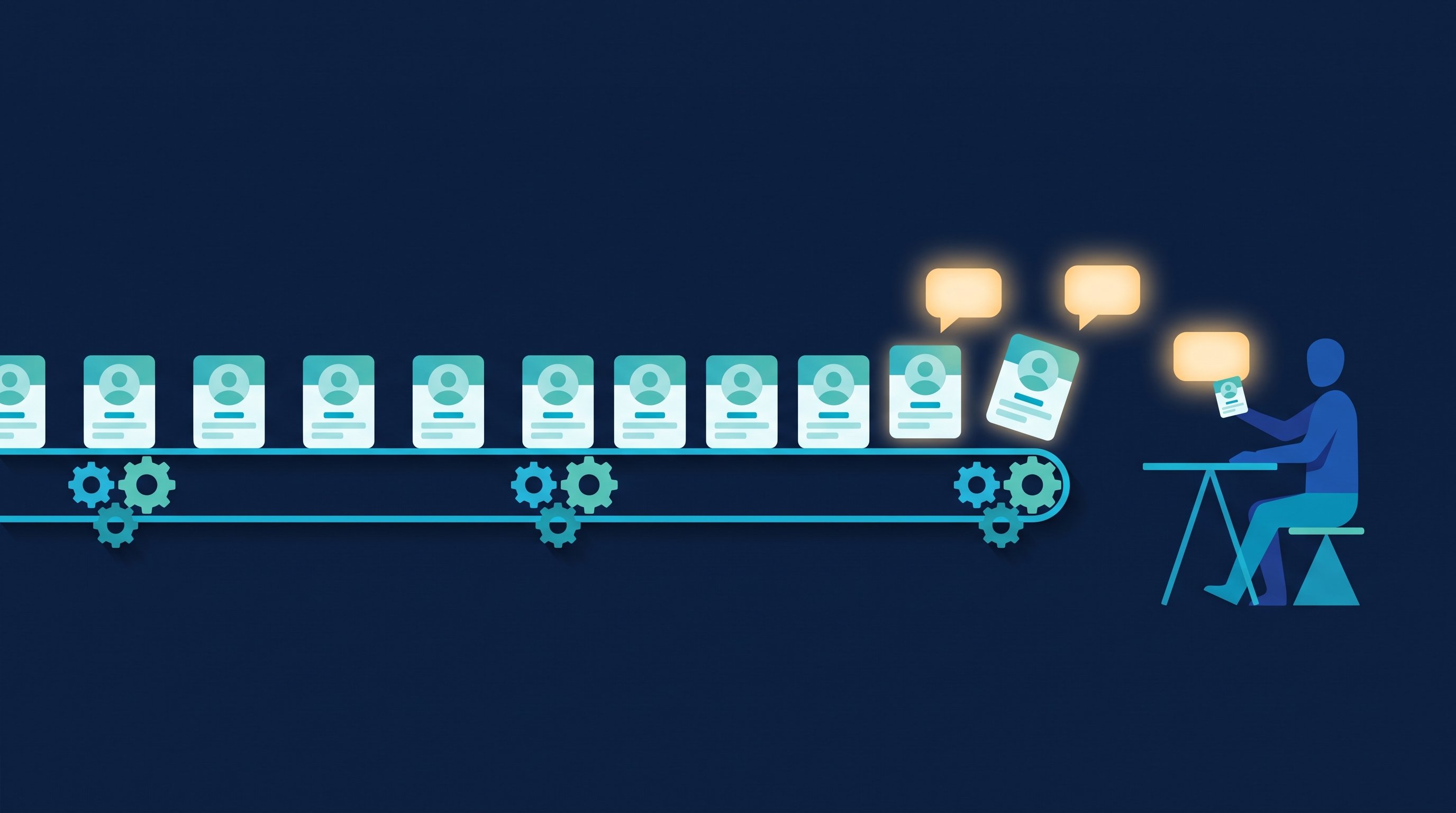
In short: An MCP server is a program that gives an AI assistant like Claude or ChatGPT tools and data from another application. It speaks the Model Context Protocol, an open standard Anthropic introduced in November 2024. With it, the AI can look up leads or create target audiences instead of just writing text.
Last updated: November 2026. This post explains the idea for people in sales and recruiting, no coding background required. If you are wondering whether to run LinkedIn through an AI browser agent instead, read ChatGPT or Claude as a LinkedIn bot. The product page for the CompLeadly server is REST API and MCP server.
What is an MCP server?
MCP stands for Model Context Protocol. The official project site calls it an open-source standard for connecting AI applications to external systems and compares it to a USB-C port: one standard plug instead of a different cable for every device. An MCP server is the side of that connection that offers something. It tells the AI which tools exist, what they do and what input they need.
Without a shared standard, every AI vendor would have to build a separate integration for every piece of software. With MCP, a software company builds one server, and any AI application that speaks the protocol can use it. According to modelcontextprotocol.io, Claude, ChatGPT, Visual Studio Code and Cursor are among the apps that support it.
Two dates for context. Anthropic released MCP as an open standard on November 25, 2024. On December 9, 2025, Anthropic donated the protocol to the Agentic AI Foundation, a directed fund under the Linux Foundation co-founded by Anthropic, Block and OpenAI. In the same announcement, Anthropic cites more than 10,000 active public MCP servers and over 97 million monthly SDK downloads. Those are the vendor's own figures as of December 2025.
Host, client, server: who does what?
The specification defines three roles. The terms sound technical, but the idea is simple.
Role | What it is | Example |
|---|---|---|
Host | The AI application you work in | Claude Desktop, Claude.ai, ChatGPT, Visual Studio Code |
Client | The host's connection to exactly one server. The host creates a separate client for each server. | Created automatically when you add a connector |
Server | The program that provides tools, data and templates | The CompLeadly MCP server, a server for Google Drive or GitHub |
Here is a sales example. You type into Claude: "Which of my target audiences has the best acceptance rate for connection requests?" Claude is the host. Through the client, Claude asks the CompLeadly server which tools it has, picks the right one and calls it. The server pulls the numbers from your account and sends them back. Claude turns them into an answer, and you skip three menus.
Local and remote servers
A local server runs on your own computer and talks to the AI application over what is called the STDIO transport. Developers use this mostly, for example to work with files on their machine. A remote server runs on the internet and is reached over Streamable HTTP. The specification allows standard sign-in methods such as bearer tokens and recommends OAuth.
In sales and recruiting you will usually work with a remote server. All you need is a server URL and an access credential. There is nothing to install, and you can use the same server in several AI apps. According to Anthropic's help center, Claude connects to remote servers from Anthropic's cloud, not from your device.
What an MCP server provides: tools, resources and prompts
According to the specification, a server can expose three kinds of building blocks. For sales work, tools matter most.
- Tools: functions the AI can call to take an action. The spec gives file operations, API calls and database queries as examples. In sales, that means listing leads, creating a target audience or pulling a report.
- Resources: data sources that give the AI context, such as file contents or database records.
- Prompts: reusable templates that structure an interaction with the language model.

Under the hood it works like this. The client sends a tools/list request to see which tools the server offers. Each tool has a name, a plain-language description and a list of fields. When a tool fits your request, the AI calls it with tools/call and fills in the fields. The messages use the JSON-RPC 2.0 format. You don't need to remember any of that. What matters is that the AI reads the descriptions and decides, based on your request, which tool to use.
That leads to a practical rule: the more precisely you say what you want, the more likely the AI picks the right tool. "Show me the leads in my target audience Manufacturing CEOs" gets you there faster than "What's new?"
MCP vs. REST API vs. browser agent
People often mix up MCP and APIs. Both connect software, but they serve different users. A REST API is built for code: a developer or a platform like Zapier calls fixed endpoints in a fixed order. An MCP server is built for an AI that decides on its own which tool it needs and when. A browser agent, in turn, clicks through web pages as if a person were sitting at the screen.
Approach | Who is in control | Good for | What you need |
|---|---|---|---|
REST API | Code or a no-code platform following a fixed flow | CRM sync, recurring data flows | An API token and someone to build the flow, for example in Make, n8n or Zapier |
MCP server | An AI app, driven by your request in plain language | Questions about your data, tasks that look a little different each time | A server URL plus a token or OAuth sign-in |
Browser agent | An AI operating a web interface | Sites without an interface for software | A browser extension or AI browser |
For how LinkedIn's official interface works and who gets access, see the LinkedIn API guide. For what a browser agent really takes to run daily LinkedIn work, see the post on the DIY LinkedIn bot. CompLeadly offers both interfaces: the MCP server for your AI and a REST API for developers and no-code tools. The API token guide shows how to create a token for it, and more connections are listed under Integrations.
How sales, recruiting and job seekers use an MCP server
What you get out of a server depends on the tools it offers. The examples below use the CompLeadly server, because every function can be checked in its code. An MCP server does not replace a strategy. It saves you the clicking between a question and its answer.
Sales: audiences, leads and metrics through chat
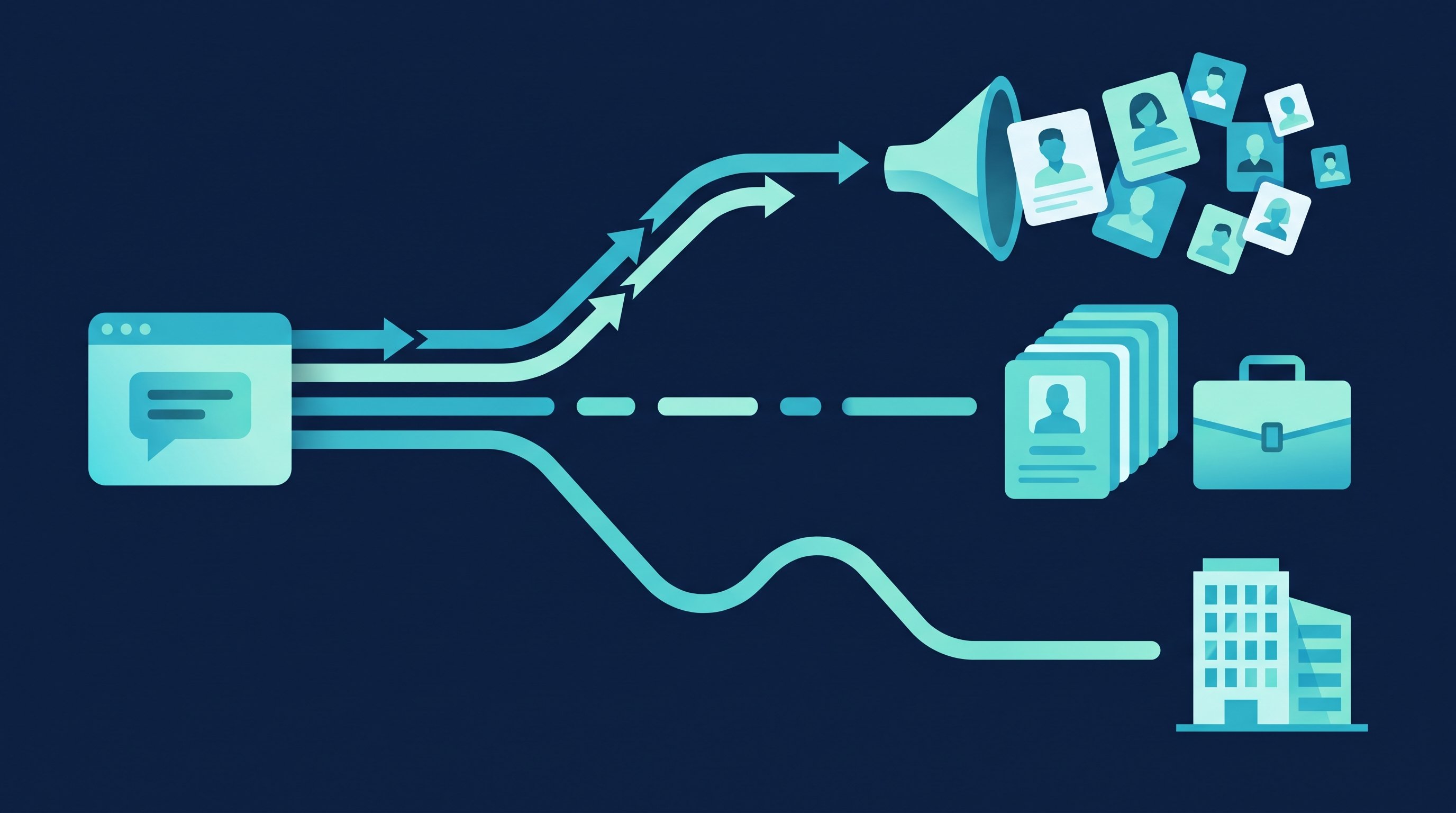
In sales, the AI saves you the most work when it can use your real pipeline data. With the CompLeadly server, it can turn filter terms into a LinkedIn or Sales Navigator people-search link and save that as a target audience. It lists leads and their history, reports the acceptance rate of connection requests per audience and summarizes your metrics by day, week or month. A typical request: "Build me a Sales Navigator link for CEOs in manufacturing in Texas and save it as a target audience." The guide Create a LinkedIn target audience shows how audiences work in CompLeadly.
On pricing: the MCP server is included on every plan, including the free version. What happens on LinkedIn afterward depends on your plan. On Free, basic functions run as single steps with a daily limit, for example 2 connection requests a day. Full workflows and recurring schedules start with Basic. You'll find team setups under CompLeadly for sales teams, in Automating LinkedIn outreach and in AI in sales. If your audience still feels fuzzy, start with the free ICP generator.
Recruiting: sourcing candidates and preparing conversations
Recruiters use the same building blocks. Besides LinkedIn people search, CompLeadly can build an audience from LinkedIn Recruiter searches, pipelines and saved searches, provided you use Recruiter. The AI can add individual profiles to an audience, show a candidate's history and draft replies for ongoing Smart Chat conversations. Ask "How many candidates in my Java Developers Munich audience accepted the connection request?" and you get the number without exporting a list.
Smart Chat is a standalone package you purchase separately, and according to the pricing page you can use it without a base plan. For first-message templates, see LinkedIn recruiting messages. For the search itself, see Active sourcing on LinkedIn, and for team features, CompLeadly for recruiters.
Job seekers: reaching recruiters and hiring managers directly
Job seekers can work with an MCP server too, as long as the goal is clear. For example: search LinkedIn for people with "hiring" in your field, copy the link to the results and have the AI turn it into a target audience. Later it can tell you how many of your requests were accepted and help you draft the first message. On the free version, 2 connection requests and 10 messages to 1st-degree contacts per day are enough for a short list of target employers. The guide to the "hiring" search explains how to find these people. Whether to show Open to Work as well is covered in Open to Work on LinkedIn.
Template: requests to copy
These requests match tools the CompLeadly server offers. Replace the placeholders in brackets.
- "List my target audiences and give me the connection acceptance rate for each."
- "Build a Sales Navigator search link for [job title] in [industry] and [region]. Tell me which filters you couldn't match."
- "Summarize my LinkedIn metrics for the last four weeks, week by week."
- "Show me the history for [name]: visits, actions and which workflow."
- "Read my open Smart Chat conversations and draft replies. Don't send anything."
- "Search the CompLeadly knowledge base for how to create a target audience from a Sales Navigator search."
Connecting an MCP server to Claude or ChatGPT
The steps are similar across the common AI apps: add the server URL, sign in, test. Menu names vary by app and language.

Claude
According to Anthropic's help center, you add your own connector under Customize > Connectors, click "+ Add" and choose "Add custom connector." Enter a name and the server URL. Custom connectors are available on the Claude Free, Pro, Max, Ultra, Team and Enterprise plans. Free users are limited to one custom connector. In Team and Enterprise organizations, an Owner adds the connector in the organization settings. The steps for CompLeadly are in Connect Claude with CompLeadly.
ChatGPT
ChatGPT also connects to remote MCP servers through a server URL. With the CompLeadly server, you sign in via OAuth, using your CompLeadly login instead of pasting a token. OpenAI decides which ChatGPT plans allow custom connectors, so check your ChatGPT settings. The step-by-step guide is Set up ChatGPT access.
Claude Code, Cursor and others
For other apps, CompLeadly shows its own setup guides in the settings, including Claude Code, Codex, Cursor, Gemini CLI, Visual Studio Code and Windsurf. For Claude Code it is a single command that adds the server over HTTP with your token. Other clients connect over Streamable HTTP with a bearer token. The overview is in How to set up MCP access.
Checklist for your first connection
- Copy the server URL from the app you want to connect.
- Create a token and store it in your password manager right away if the app only shows it once. With OAuth, you sign in instead.
- Add a custom connector in your AI client with a name and the server URL.
- Start with a read-only question, such as "List my target audiences."
- Read the client's approval prompts before you confirm a tool that changes data.
- Create a separate token for each client so you can revoke one without touching the others.
The CompLeadly MCP server: scope, pricing and setup
The CompLeadly server gives your AI access to your own CompLeadly account through more than 80 tools. Every call is limited to your account. The server takes your user ID from your credential, not from whatever the AI sends.
Area | What the AI can do |
|---|---|
Leads | Search, create and update leads, view history and follow-ups |
Target audiences | Build and parse LinkedIn and Sales Navigator search links, create audiences, add profiles, report acceptance rates |
Workflows and schedules | Create workflows, add and edit steps, manage schedules |
Smart Chat and Smart Comment | Read conversations and comments, maintain drafts and the Smart Chat guide |
Statistics | Summarize metrics by day, week, month or year |
Categories, blocklist, webhooks | Organize leads, manage blocklist entries, create webhooks for other systems |
Knowledge base | Search and read help articles |
The server is included on every plan, including the free version, at no extra cost. What the AI can trigger on LinkedIn depends on your plan. On Free, basic functions run as single steps with a daily limit. Full workflows and recurring schedules start with Basic at $29.99 a month, or $24.99 a month on the yearly plan. Premium is $59.99 ($49.99) and Premium Plus $99.99 ($79.99). All prices exclude VAT, as of November 2026. See Pricing for the current overview and Features for what each function does.
Sending has a safeguard in the code: when the AI switches an existing Smart Chat entry or Smart Comment to send, the call must include an explicit confirmation, or the server rejects it. The cleanest setup is to have the AI save replies as drafts only. CompLeadly does not send drafts. To have the AI pre-write replies that you then review, follow Let your AI pre-write Smart Chat replies. For CRM connections, see Setting up webhooks in CompLeadly.
How to set up access
In the CompLeadly app, open the settings and go to the MCP section for connecting your own AI. It shows the server URL, and a new token gives you a personal credential. An expiry date is optional. Leave it empty and the token never expires. The token is shown only once. CompLeadly stores it as a hash, not in plain text, and you can revoke it at any time. OAuth connections appear in the same view. This section also holds the Smart Chat guide, where your AI assistant stores the rules and templates it uses to draft your replies.
Working carefully with an MCP server
An MCP server lets an AI take real actions in your data. A few habits keep that easy to oversee.

- Treat tokens like passwords: don't paste them into chats, tickets or shared docs. The app says it plainly: whoever has the token can access your CompLeadly data.
- One token per app: that way you can revoke access for Cursor without reconnecting Claude. Name each token after its client.
- Set an expiry date when you only need access for one project or a test.
- Read the approvals: Anthropic's help center advises reviewing Claude's tool approval requests carefully. Before you confirm, check which tool will run with which input.
- Only connect servers from vendors you know: a server receives everything the AI passes to it. Stick to servers from companies whose product you already use.
How CompLeadly protects access and data is described on the Security page. For other AI tools that help on LinkedIn, see LinkedIn AI tools.
Your first test with the CompLeadly server
The fastest way to understand MCP is to try it with your own data. Get CompLeadly from the download page and try Premium for 10 days, no payment details required. The trial ends automatically, and you continue on the free version with basic functions and a daily limit. You can connect the MCP server in both phases. All plans are compared on the pricing page.
FAQ: MCP servers
What is the difference between MCP and an API?
An API is built for code that calls fixed endpoints in a fixed order. MCP is a standard that lets an AI app discover which tools a server offers and call them to match your request. The CompLeadly server, for example, calls the CompLeadly API behind the scenes.
Do you need coding skills to use an MCP server?
Not for a remote server. You add a server URL in Claude or ChatGPT and sign in with a token or OAuth. You only need coding skills if you want to build a server yourself.
Does MCP work with ChatGPT?
Yes. The official MCP site lists ChatGPT among the apps that support it. You connect the CompLeadly server in ChatGPT with an OAuth sign-in. OpenAI decides which ChatGPT plans allow custom connectors.
How much does the CompLeadly MCP server cost?
Nothing extra. The server is included on every plan, including the free version. What the AI can trigger on LinkedIn depends on your plan: basic functions as single steps with a daily limit on Free, full workflows and recurring schedules from Basic.
How do you make sure the AI never sends a message without your OK?
Have the AI save replies as drafts only. CompLeadly does not send drafts. When the AI switches an existing Smart Chat entry or Smart Comment to send, the CompLeadly server requires an explicit confirmation in the call. On top of that, your AI client shows approval prompts, for example in Claude. Read them before you allow a tool that changes data.
Is MCP an Anthropic standard?
Anthropic released MCP in November 2024 and donated it in December 2025 to the Agentic AI Foundation, a directed fund under the Linux Foundation co-founded by Anthropic, Block and OpenAI.