LinkedIn scraping means automatically extracting profiles, search results and other data from LinkedIn and copying them into a spreadsheet. It is different from the export LinkedIn offers itself: a copy of your own data, including your 1st-degree connections. For outreach you rarely need large amounts of data. You need a well-built audience and a few clean fields.
This article explains what a LinkedIn scraper does, how the official export works, how to work sparingly with data, and how searches and audiences in your own account lead to the same conversations. As of October 2026.
What is LinkedIn scraping?
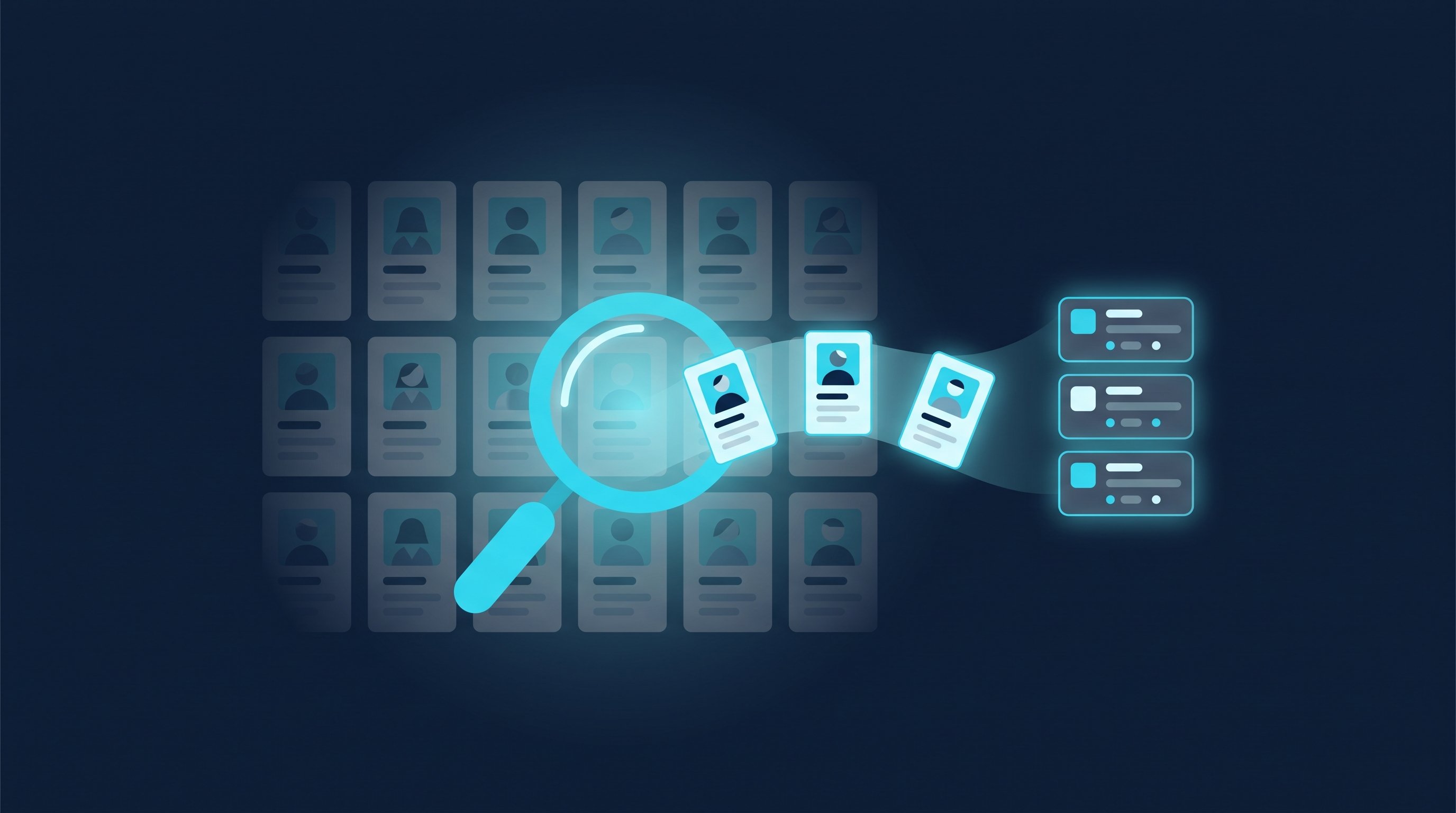
A LinkedIn scraper is software that opens LinkedIn pages and turns the visible content into structured data: name, headline, position, company, location, profile URL, sometimes also posts, comments or group member lists. The result ends up in a spreadsheet, a CRM or a database. Typical uses are lead lists for sales, candidate lists for recruiting, and market overviews.
Scrapers come in three forms: browser extensions that read the page you have open, cloud services that work through searches on their own servers, and programs that run on your computer. The next section shows the route LinkedIn itself provides: exporting your own connections.
Scraping vs. exporting your own connections
The export is the route LinkedIn provides itself. It gives you a copy of your own data, including your connections. According to LinkedIn Help: Export connections from LinkedIn (retrieved October 3, 2026), it works like this:
- Click the "Me" icon at the top of your LinkedIn homepage.
- Select "Settings & Privacy" from the dropdown.
- Click "Data privacy" on the left.
- Under "How LinkedIn uses your data," click "Get a copy of your data."
- Select "Download larger data archive, including connections, verifications, contacts, account history, and information we infer about you based on your profile and activity."
- Select "Request archive." The download link arrives by email at your primary address.
The help page names two limits itself: you can only export your direct connections, and you will only see email addresses for connections who have allowed their connections to see or download their email address.

Criterion | Scraping | Exporting your own connections |
|---|---|---|
Who provides the data | A third-party tool reads LinkedIn pages | LinkedIn itself, through your settings |
Which people | Anyone a search, group or page shows | Only your 1st-degree connections |
Email addresses | Depends on the tool, usually through extra enrichment | Only if the connection allowed it |
Format | Depends on the tool, usually a spreadsheet | Archive for download, link by email |
Relationship to you | Often none, the person doesn't know you | You are connected |
For outreach, the last row matters most. Someone in your export accepted your request or sent you one. Someone on an extracted list knows nothing about you. You will notice the difference in the first message.
When an export is worth it
An export isn't an end in itself, but it makes sense in three situations. First, when you want to match your network against your CRM to see which customers and contacts you already know on LinkedIn. Second, before you close your account or change jobs and want to keep your connections as a list. Third, when you work with Sales Navigator: lead lists live inside the subscription there. How to back them up is covered in our guide on how to use LinkedIn Sales Navigator. In all three cases the same rule applies as below: keep only the fields you actually use.
Work sparingly with data: only what you need for outreach
Whether you collect data for outreach through an export, a search or your CRM, you need surprisingly little. Name, profile URL, current position and company are enough for a good first message. Everything else is inventory you have to maintain, secure and eventually delete. That also means you don't export everything just because you technically can.

Checklist before you import data
- Purpose: Which campaign, role or offer is the list for? If that isn't settled, you don't need the list yet.
- Fields: Only name, profile URL, position and company. Private details like birthdays, home addresses or phone numbers don't belong on an outreach list.
- Source: Record where each list comes from and when, for example "Sales Navigator search, purchasing managers in mechanical engineering, October 3, 2026." That way you can tell every contact how you found them.
- Blocklist: People who don't want messages, existing customers and contacts a colleague owns go on a blocklist that you check before every import.
- Expiry date: Decide when you delete lists that got no reply. A list from two years ago is outdated anyway, since positions and companies have changed.
- Sharing: Lists stay with the person or team who has the conversations. They are not sold or handed to third parties.
Name your source in the first message: three templates
If you record your source, you can also name it. That makes the first message more honest and usually better, because it has a real reason behind it. Three templates to copy, just replace the brackets:
Hi [First name], I came across your profile while searching for [role] in [industry]. We help teams like [company] with [topic]. Would you like to connect?
Hi [First name], your comment on [topic] under [name]'s post stuck with me. I'm working on the same question at [your company]. Happy to connect.
Hi [First name], I'm looking for a [position] in [location] for [company] and found your profile through LinkedIn search. May I send you the job description?
If someone replies that they don't want any messages, they go on the blocklist right away and come off every running list. A short reply like "Thanks for letting me know, I won't reach out again" closes the conversation on a friendly note.
This way of working has a side effect: if you write to a few well-matched contacts, you write better messages. How LinkedIn software vendors handle data and where they host is covered in our overview of LinkedIn automation vendors from Germany. How CompLeadly does it is explained on the Security page.
The alternative: work with searches and audiences in your own account
For sales and recruiting, you rarely need the data in a spreadsheet. You need a list of the right people and a way to reach them one by one. That is exactly what the search in your own LinkedIn account delivers: filters for position, company, industry and location in the regular people search, and many more filters plus saved searches in Sales Navigator. How to set up Sales Navigator for this is covered in the same guide.
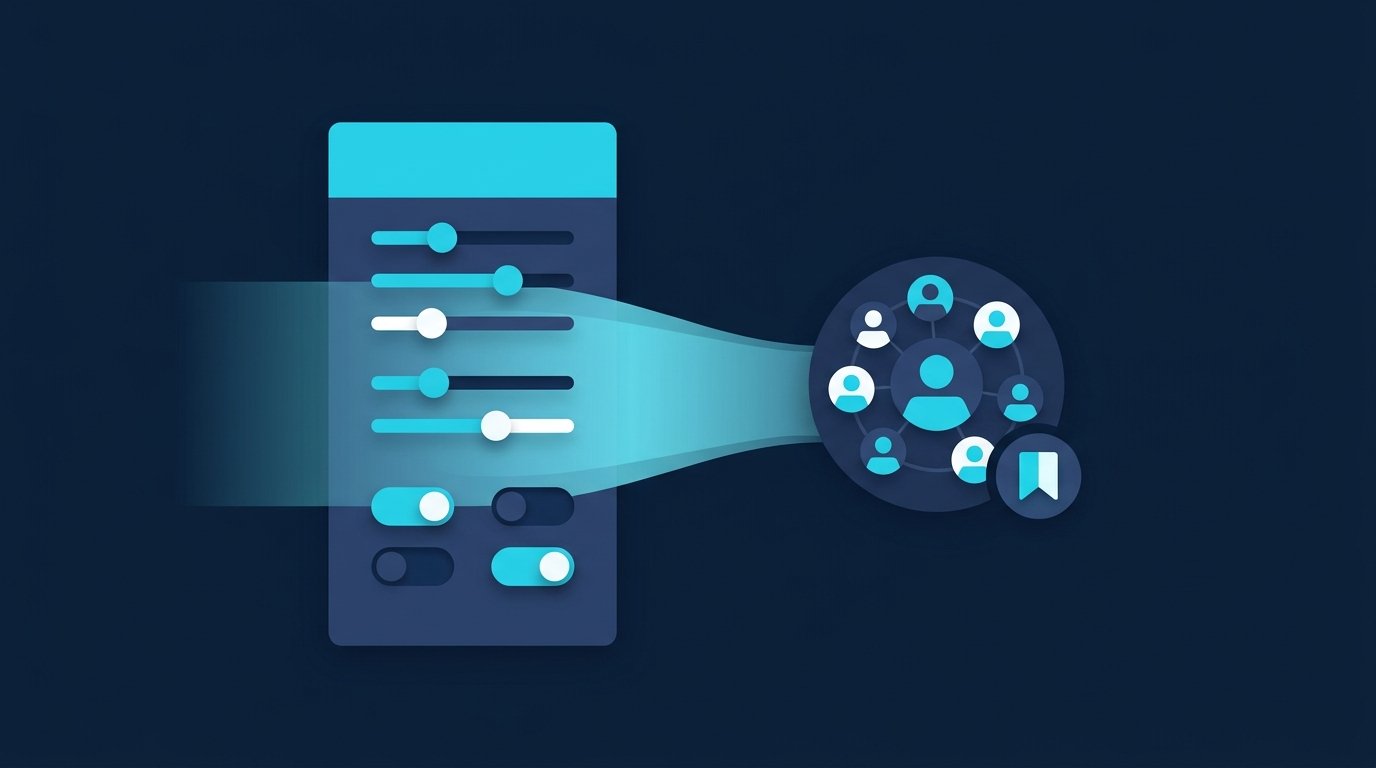
The search stays where it belongs: in your account, with your filters, current at the moment you reach out. Instead of a spreadsheet that is outdated the day after the export, you work with a search you can run again at any time.
How CompLeadly works with audiences
In CompLeadly, the search itself becomes the audience. Sources include a LinkedIn people search, a Sales Navigator search or saved search, a Recruiter Lite search, pipeline or saved Recruiter search, your followers, profiles you follow, your profile visitors, or an Excel list. You then run a workflow on that audience: visit the profile, connect with a note, send a first message once the request is accepted, and follow up, with follow-ups stopping at the first reply. The app runs on your own computer and works with your own LinkedIn account.
- Saved audiences: two in the free version, unlimited from Basic.
- Team blocklist: From Premium, a team blocklist holds back contacts someone else on your team already owns.
- Export when you need it: Network and profile export are available in the free version too, with 50 and 99 profiles per day, and from Basic the tool sets no cap of its own. Excel export is available from Basic.
Sales, recruiting and job search: three examples
- Sales: Instead of extracting a list of every managing director in an industry, you save the Sales Navigator search and use it as your audience. That way you know which search every contact came from.
- Recruiting: The Recruiter Lite pipeline for a role becomes the audience, with one workflow per role. Candidates who declined go on the blocklist. More on the page for recruiters.
- Job seekers: A people search for recruiters and hiring managers at the companies you want to join is your audience. Profile visits, connection requests with a note and a follow-up also run in the free version, with daily limits.
How to run your account cleanly day to day, with LinkedIn's own guidance on pace and invitations, is covered in our guide to running your account. You start with a 10-day free trial with all features, no credit card required. After that your account continues in the free version: basic features with daily limits, for example 2 connection requests per day. Plans are on the pricing page.
FAQ: LinkedIn scraping
What is a LinkedIn scraper?
Software that opens LinkedIn pages such as search results, profiles or group members and saves the visible content as a spreadsheet. It comes as a browser extension, a cloud service, or a program on your own computer.
How do I export my LinkedIn connections?
Go to "Settings & Privacy," then "Data privacy" and "Get a copy of your data." Choose the larger data archive that includes connections and select "Request archive." LinkedIn emails the download link to your primary address.
Why are email addresses missing from my LinkedIn export?
According to LinkedIn Help, you only see email addresses for connections who have allowed their connections to see or download them. For everyone else the field stays empty.
Can I export 2nd-degree connections?
No. According to LinkedIn Help, you currently can't export a list that includes people who aren't direct connections. For people outside your network, you work with searches and audiences.
What data do I need for LinkedIn outreach?
Name, profile URL, current position and company are enough for a personal first message. Also record which search the contact came from, and keep a blocklist for everyone you shouldn't contact.
Is there an alternative to scraping for prospecting?
Yes: use searches and saved searches in your own LinkedIn account or in Sales Navigator as your audience. In CompLeadly, a search like that becomes the audience for a workflow of profile visits, connection requests and follow-ups.