An ideal customer profile (ICP) describes the type of company that gets the most out of your offer and is worth the most to you: industry, size, region, decision-makers, buying triggers and exclusion criteria. You derive it from your best existing customers. Here is how to build one in six steps and turn it into LinkedIn filters.
What is an ideal customer profile?
ICP stands for ideal customer profile. It describes a company, not a person: which businesses buy from you, stay for a long time, refer you and take little effort to sell to? A complete ICP has five parts:
- Company attributes: industry, headcount, region, business model.
- Contacts: the roles that decide, influence or use the product.
- Buying triggers: events after which the need appears, such as growth, a new location or a leadership change.
- Exclusion criteria: who doesn't buy or doesn't fit, even in the right industry.
- Evidence: which existing customers look exactly like this.
In sales, the ICP is the first step of prospecting. Only once you know which companies fit is it worth building lists and reaching out. What happens next is covered in our article What is prospecting?.
ICP vs. buyer persona vs. target audience
The three terms describe different levels. Mix them up and your searches end up too broad or too narrow.
Term | Describes | Example question | What you use it for |
|---|---|---|---|
Target audience | A whole market | Who could buy at all? | Positioning, marketing |
Ideal customer profile | The ideal company type in that market | Which companies buy most readily and stay? | Account selection, search filters |
Buyer persona | A person inside that company | Who decides, and what drives them? | Messaging, outreach, content |
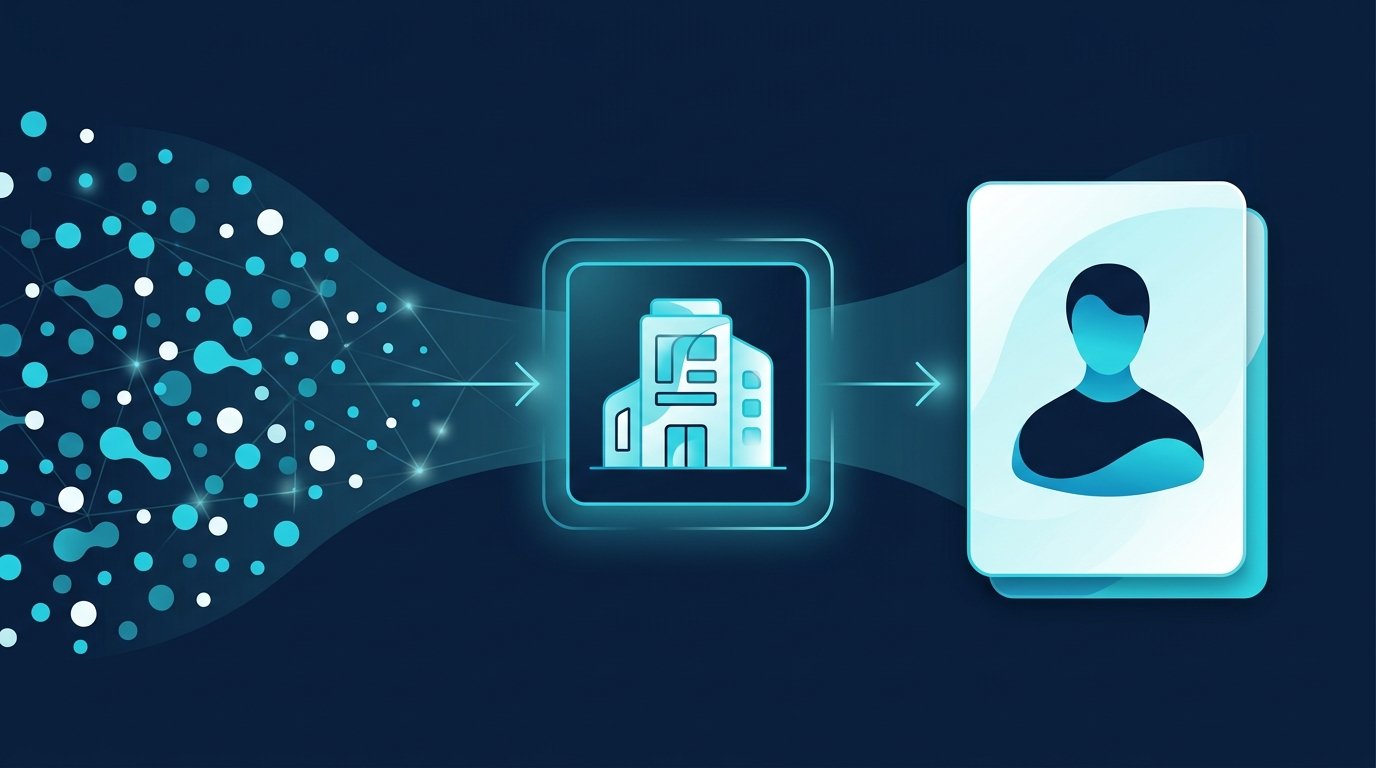
Order matters: ICP first, then the personas inside those companies. A persona without an ICP means you message the right role at the wrong company.
Build your ICP from existing customers in 6 steps
1. Pick your best customers
Take your customer list and mark the ten to twenty best. Best doesn't mean biggest. It means: paid well, decided quickly, stayed long, needed little support, willing to refer you. If you don't have customers yet, use the conversations with the strongest interest and label your ICP a hypothesis.
2. Compare company attributes
For each of these customers, write down industry, headcount, region and business model. Look for patterns. Often it isn't the industry that connects them but something like “has a field sales team” or “grows by opening new locations”.
3. Record decision-makers and users
Who signed, who started the project, who uses the product every day? Note the roles, not the names. These roles become your buyer personas and, later, your search filters.
4. Find the buying triggers
Ask yourself or your customers: what happened just before you bought? Typical triggers are growth, a new team, a leadership change, a funding round or a failed project with another vendor. Triggers are valuable because they tell you when to reach out, not just whom.
5. Set exclusion criteria
Look at the customers who churned and the conversations that went nowhere. What did they have in common? Too small, too regulated, wrong business model? That becomes your negative ICP, more on that below.
6. Write it down and test it
Put everything on one page using the template below. Then test the ICP: build a search on these criteria, reach out only to these companies for four weeks and compare acceptance and reply rates with your previous contacts. An ICP is only good once it shows up in the numbers.
ICP template to fill in
Copy the table and fill in the right-hand column. The example is made up and only shows how specific your answers should be: a vendor of shift-scheduling software.
Field | Example | Your ICP |
|---|---|---|
Industry | Home care services, hospitals, logistics | [Industry] |
Headcount | 50 to 500 | [Range] |
Region | Germany, Austria, Switzerland | [Region] |
Business model | Shift operations across several locations | [Attribute] |
Decision-makers | Managing director, head of HR | [Roles] |
Users | Site managers, team leads | [Roles] |
Buying triggers | New location, many open roles, new head of HR | [Events] |
Exclusions | Under 20 employees, office-only businesses | [Criteria] |
Evidence | The ten best existing customers all match the rows above | [Customer list] |
Free: the CompLeadly ICP generator
If you want a first draft faster, use our free ICP generator. You enter your product, optionally the price, your target market and a description of your best customers. The tool turns that into an ideal company type, three to six roles, buying triggers and exclusion criteria. One click opens the roles as a search in the Boolean search generator. With your consent, your input is sent to OpenAI (USA) to generate the result, so leave customer names out. The draft doesn't replace checking against your real customers from step 1, but it saves you the blank page. Open the tool
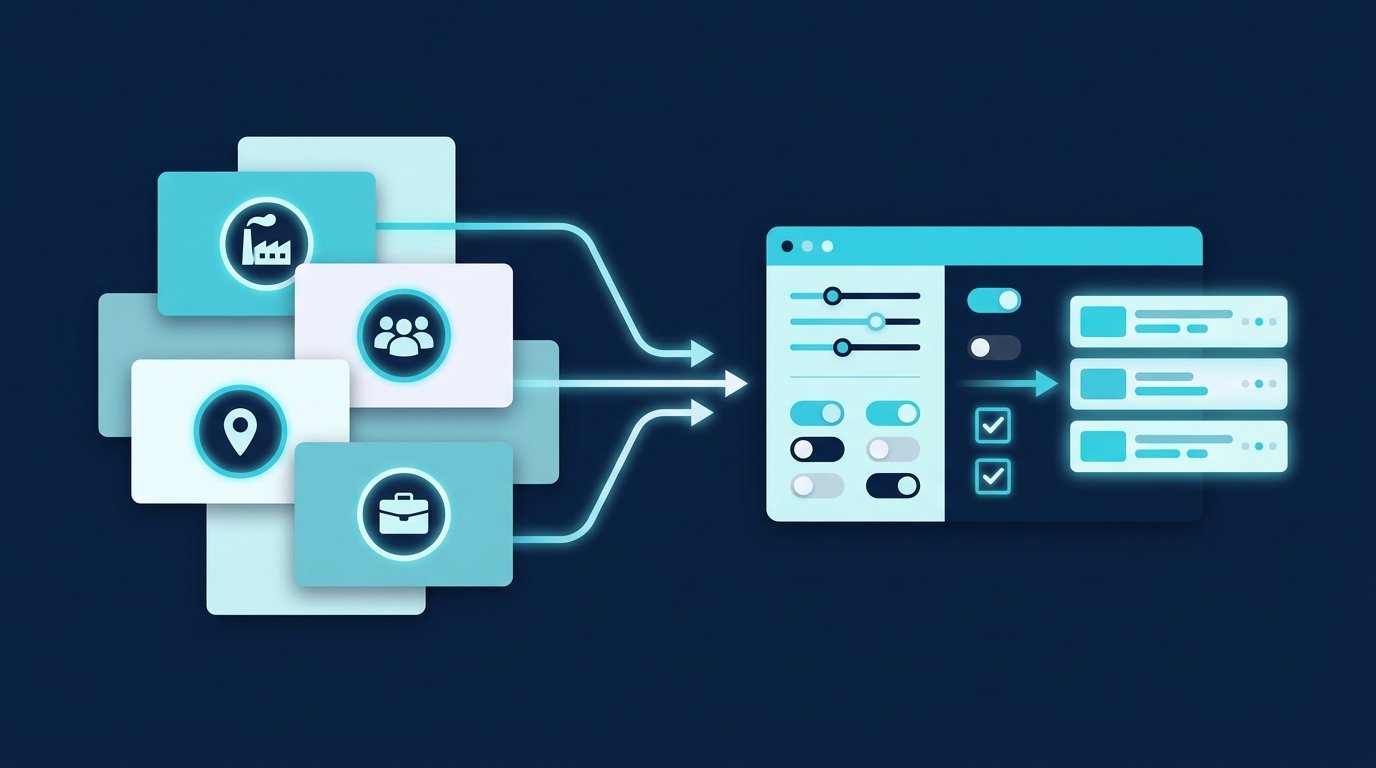
Turn your ICP into LinkedIn and Sales Navigator filters
An ICP that only lives in a document does nothing. The next step is a search that returns exactly these companies and roles. Sales Navigator has an account search for companies and a lead search for people. The filter names in the table come from LinkedIn Help: Sales Navigator lead and account search filter definitions, retrieved October 3, 2026. Last updated: October 2026.
ICP attribute | Sales Navigator filter | Without Sales Navigator |
|---|---|---|
Industry | “Industry” (account and lead search) | Industry terms in the search |
Headcount | “Company headcount” | Not directly searchable |
Growth | “Company headcount growth” (last 12 months, account search) | Not available |
Revenue | “Annual revenue” (account search) | Not available |
Region | “Headquarters location” or “Geography” | Location in the search |
Decision-maker role | “Function”, “Current job title”, “Seniority level” | Boolean search, e.g. ("Head of HR" OR "HR Director") NOT assistant |
Trigger: job change | “Changed jobs” (last 90 days) | Not available |
Active on LinkedIn | “Posted on LinkedIn” (last 30 days) | Not available |
Company list from your ICP | “Account lists” in the lead search | Company names joined with OR |
Reusing a persona | “Persona” (built from function, seniority, job title, geography) | Saved search |
For regular LinkedIn search: type Boolean operators in capitals (AND, OR, NOT), put exact phrases in quotation marks, and group only with parentheses (LinkedIn Help: Use Boolean search on LinkedIn, retrieved October 3, 2026). The free Boolean search generator builds the string for your roles. How to get from an account list to a lead search in Sales Navigator is shown in our Sales Navigator guide.
Negative ICP: who you exclude

The negative ICP is the list of companies and roles you deliberately don't approach. It matters as much as the ICP itself, because every request to the wrong company costs time and dilutes your rates. Typical entries:
- Too small: companies where your problem doesn't exist yet.
- Wrong model: for example office-only work when your product assumes shift operations.
- Existing customers and open deals: they belong on a separate list, not in prospecting.
- Competitors and partners: you find them through job titles and company names.
- Wrong role in the right company: assistants, interns, working students, if they don't take part in the decision.
In search, you apply the negative ICP with NOT in a Boolean search or with excluded filter values in Sales Navigator. CompLeadly also has blocklists: profiles on them skip the features you specify.
From ICP to lead: sales, recruiting, job search
A target account becomes a lead when someone there shows interest. What makes a lead is explained in our article What is a lead?. With CompLeadly, which runs locally on your own computer as a desktop app, your ICP search turns into a workflow:
- Sales: The Sales Navigator search or saved search for your ICP becomes the audience. Profile visit, connection request with or without a note, first message and follow-ups that stop when someone replies all run on it. You see the acceptance rate per audience, so you can test two ICP variants against each other.
- Recruiting: Here the same idea is called a candidate profile: which experience, which companies, which region. CompLeadly uses searches, pipelines and saved searches from LinkedIn Recruiter Lite as audiences. More on the recruiters page.
- Job seekers: Flip the ICP and describe your ideal employer with the same fields: industry, size, region, triggers such as growth or new locations. In CompLeadly, a people search for team leads and recruiters at those companies becomes your audience, including in the free version with daily limits.
You start with a 10-day free trial with every feature. After that, your account switches automatically to the free version with basic features and daily limits, for example 2 connection requests and 25 profile visits per day. Plans and prices are on the pricing page.
How often to review your ICP
An ICP is a working hypothesis. Review it every quarter and whenever something about your offer changes: new price, new feature, new market. The question is always the same: do the customers who bought and stayed in recent months still look like your template? If not, update the template, then your searches.
Frequently asked questions: ideal customer profile
What is an ICP in sales?
ICP stands for ideal customer profile. It describes the type of company that gets the most out of your offer: industry, size, region, decision-makers, buying triggers and exclusion criteria. In sales, it determines which companies you approach in the first place.
What is the difference between an ICP and a buyer persona?
The ICP describes a company, the buyer persona a person inside that company. First you use the ICP to decide which companies fit. Then you use personas to describe who decides there and what drives them.
How do I create an ideal customer profile?
Pick your best existing customers, compare their company attributes, record decision-makers and users, find the buying triggers, set exclusion criteria and write it all on one page. Then test the ICP for four weeks with a matching search and compare the rates.
How do I use an ICP on LinkedIn?
Translate each attribute into a filter. Sales Navigator offers filters such as “Industry”, “Company headcount”, “Seniority level” and “Changed jobs”. In regular LinkedIn search, you work with Boolean operators such as AND, OR and NOT.
Is there a free ICP generator?
Yes. The CompLeadly ICP generator turns your product, target market and a description of your best customers into a draft with company type, roles, buying triggers and exclusion criteria. It is free and needs no sign-up.