

Rename/label features #Add note/comment
1. Activate the Expert mode
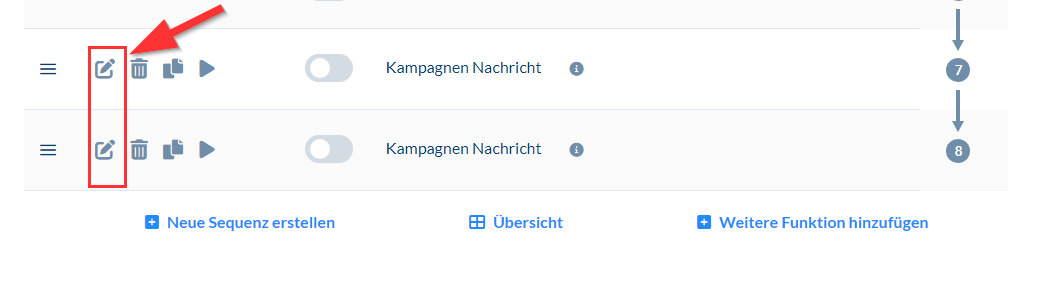
2. Click the pencil icon next to the feature
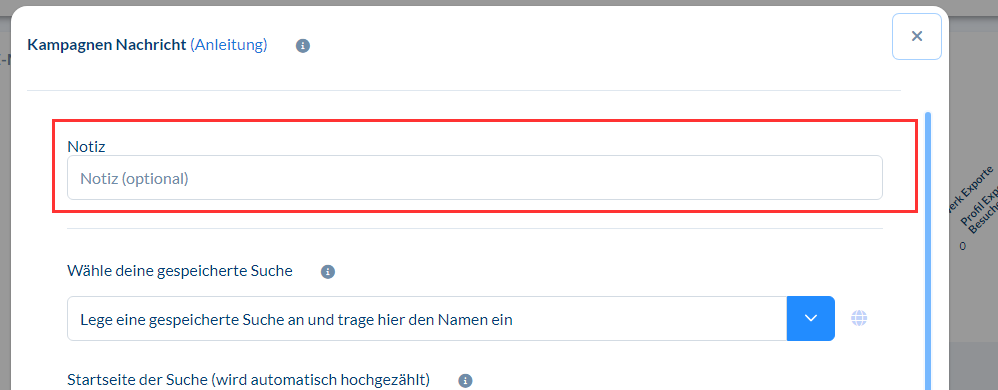
3. You can add a note in the first line
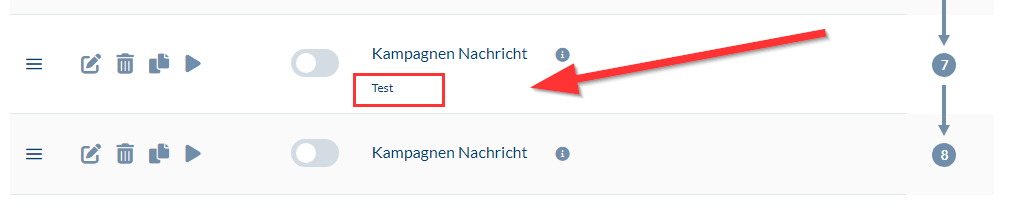
4. It will then be displayed
Author: CompLeadly TeamLast updated on 1 min read
1. Activate the Expert mode
2. Click the pencil icon next to the feature
3. You can add a note in the first line
4. It will then be displayed
Was this article helpful?
Didn't find your answer? Get in touch
Our support team is happy to help you personally.