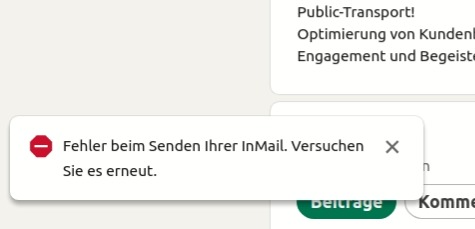
If you want to write an InMail in regular LinkedIn, this error prevents you from doing so.
The error is relatively new, and we suspect there is a hidden limit imposed by LinkedIn behind it.
Countermeasure:
As of 2024-01-10, you should still be able to send InMails in Sales Navigator.
- Use a Sales Navigator search in the InMail function
- Disable "Always write in Linkedin.com"
- An InMail in Sales Navigator always includes a signature automatically. How to change it
- A subject line is required for InMails in Sales Navigator
➔ As Video guide
More about InMails:
The key differences between LinkedIn InMails and Sales Navigator InMails
Keep your InMail sending consistent:
Set your daily InMail volume within our recommended range.
Maximum number of InMails per day (recommendation)