A good meeting request email states the reason you are writing, what the other person gets out of the conversation, two specific time slots with a duration, and an easy way to say no. Below are 8 email templates, 5 LinkedIn templates, subject lines, and a reminder for when nobody answers. Last updated: October 2026.
This post is a collection to copy from. Why meetings that start on LinkedIn fall through despite real interest, and how to stay on it, is covered in Why many LinkedIn meetings fall through. Here we focus on the wording itself.
Which template fits which situation?
Start with the situation. Each row points to a template further down and to a subject line that goes with it.
Situation | Channel | Template | Subject line (example) |
|---|---|---|---|
Someone referred you | Email 1 | [Referrer's name] suggested we talk | |
A specific trigger at their company | Email 2 | Quick question about [topic] | |
After a trade show or event | Email 3 | Our chat at [event] | |
Existing customer | Email 4 | [Company] annual review: two time options | |
No reply to your request | Email 5 | Re: [original subject] | |
Meeting agreed, confirmation | Email 6 | Confirmed: [date], [time] | |
Meeting needs to move | Email 7 | New time for [topic]? | |
Internal meeting | Email 8 | 30 minutes on [project] this week? | |
Contact replied on LinkedIn | LinkedIn 1 and 2 | n/a | |
Not connected yet | LinkedIn 3 | InMail subject like Email 2 | |
Candidate or hiring manager | LinkedIn 4 and 5 | n/a |
How to structure a meeting request
A meeting request is not a sales pitch. Its only job is to make one decision easy: yes to a time slot. That takes four parts, in this order.
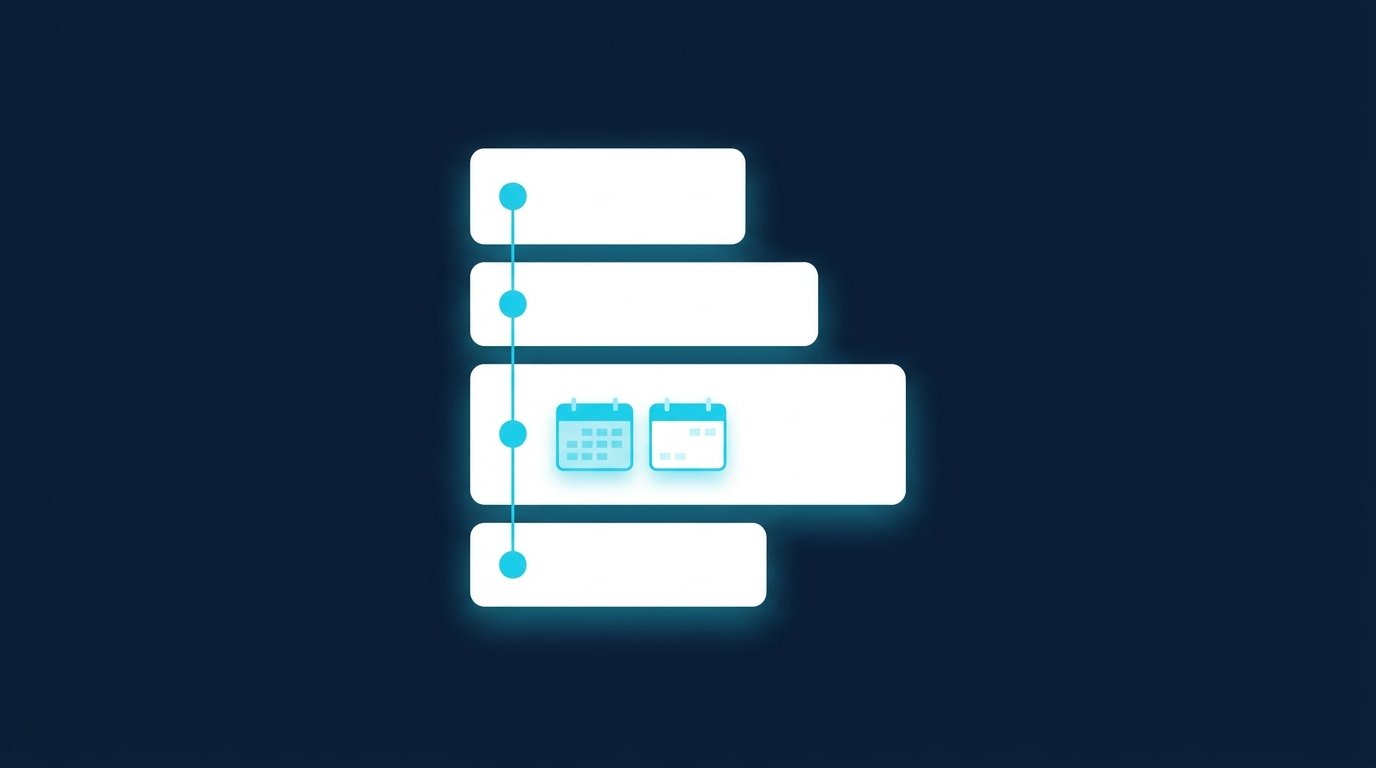
- Reason: Why are you writing now? A referral, a post, a conversation at an event, a new role. One sentence is enough.
- What's in it for them: What will they have after the call that they don't have now? An assessment, a comparison, an answer to an open question.
- A specific proposal: duration, format, and two time slots. "15 minutes on video, Tuesday at 10 or Thursday at 2" is easier to answer than "When are you free?"
- An easy out: one sentence that makes a no or a counter-proposal painless. People who can decline without awkwardness reply more often, including with a yes.
Keep it short. Anything beyond these four parts belongs in the meeting. Attach documents only when someone asks for them.
8 meeting request email templates
Replace everything in square brackets. Adjust the tone to the person: some industries expect "Dear Ms. [Last name]", others a plain first name.
Email 1: First contact through a referral
Subject: [Referrer's name] suggested we talk
Hi [First name],
[Referrer's full name] suggested I get in touch. She mentioned that [Company] is working on [topic] right now. I have spent [time period] helping [target group] with exactly this, and I'd be glad to show you how other teams have handled it.
Would you have 20 minutes for a video call? Tuesday, [date], at 10 a.m. or Thursday, [date], at 2 p.m. both work for me. If this isn't a priority for you right now, a one-line reply is fine and I won't follow up.
Best regards, [Your name]
Email 2: First contact with a specific trigger
Subject: Quick question about [topic]
Hi [First name],
I read that [Company] is [trigger: opening a new site, launching a product line, issuing a tender]. At [similar company or industry], that led to [specific consequence], and we helped them [result in half a sentence].
Would a 15-minute call be useful? I could do Wednesday, [date], at 9:30 a.m. or Friday, [date], at 11 a.m. If neither works, feel free to suggest another time.
Best, [Your name]
Email 3: After a trade show or event
Subject: Our chat at [event]
Hi [First name],
Thanks for stopping by our booth at [event]. You mentioned that [topic from the conversation] needs to be solved by [deadline]. I'd like to walk you through [demo, calculation, example] properly.
How about 30 minutes on [date] at 10 a.m. or [date] at 3 p.m.? I'll send a calendar invite with a video link.
Best regards, [Your name]
Email 4: Meeting with an existing customer
Subject: [Company] annual review: two time options
Hi [First name],
It's been [time period] since we last caught up. I'd like to look back at the year with you: what went well, what's missing, and what you have planned for [year].
An hour should do it. Does [date] at 10 a.m. or [date] at 2 p.m. work, either at your office or on video?
Best, [Your name]
Email 5: Following up when there's no reply
Subject: Re: [original subject]
Hi [First name],
Just bumping this in case my note from last week got buried. Same question: would you have 15 minutes for [topic]? I could do [date] at 10 a.m. or [date] at 4 p.m.
If the timing is off, just reply "later" and I'll check back in [month].
Best, [Your name]
Email 6: Confirming the meeting
Subject: Confirmed: [date], [time]
Hi [First name],
Thanks, I'm confirming our meeting on [weekday], [date], at [time]. We'll talk [on video via this link: link / by phone at: number / at your office: address]. I've set aside [duration] and will bring [document].
If anything changes on your side, just reply to this email.
Best regards, [Your name]
Email 7: Rescheduling
Subject: New time for [topic]?
Hi [First name],
Unfortunately [short reason] came up, so I can't make our meeting on [date] at [time]. I'm sorry about that.
Would [date] at [time] or [date] at [time] work instead? The duration stays at [duration].
Best, [Your name]
Email 8: Internal meeting request
Subject: 30 minutes on [project] this week?
Hi [First name],
For [project], I need your take on [specific question] before I lock in [next step]. Thirty minutes would be plenty.
I'm free Wednesday at 11 a.m. or Thursday at 3 p.m. If that's tight, send me two times that work for you.
Thanks, [Your name]
Subject lines for meeting requests
The subject line helps decide whether the email gets opened. Name the topic or the shared connection, not just "Meeting request". A few examples to adapt:
- [Referrer's name] suggested we talk
- Quick question about [topic]
- Our chat at [event]
- 15 minutes on [topic] on [weekday]?
- Two time options for [project]
- Confirmed: [date], [time]
- New time for [topic]?
More examples, sorted by situation, are in Cold email subject lines.
5 LinkedIn meeting request templates
On LinkedIn, the meeting request is rarely the first message. According to LinkedIn, you can message your 1st-degree connections for free; people outside your network usually need an InMail. The note on a connection request can be up to 200 characters, according to the current help page. That's hardly enough for a meeting request, so it belongs in the message after they accept. Sources: LinkedIn Help: Send messages on LinkedIn and Personalize invitations to connect, checked on October 3, 2026.
LinkedIn messages are shorter and more casual than email, so the templates below are too.
LinkedIn 1: After they reply in the chat
Thanks, [First name], interesting that you [point from their reply]. I have a couple of ideas on how other teams handle that. Up for a quick 15-minute call? Tuesday at 10 or Thursday at 2 would work for me.
LinkedIn 2: Locking in the time in the chat
Great, let's make it concrete: Thursday, [date], 2 p.m., 15 minutes on video. Send me your email address and I'll send the invite with a link. Or would you rather do a quick phone call? Then just share your number.
LinkedIn 3: InMail to someone outside your network
Subject: Quick question about [topic]
Hi [First name], I read your post about [topic]. We work with [target group] on the same question and are seeing [observation]. Would you have 15 minutes to compare notes? I'd suggest [day] at [time] or [day] at [time]. Totally fine if it doesn't fit.
LinkedIn 4: Recruiting, a call with a candidate
Hi [First name], thanks for getting back to me about the [position] role at [Company]. Let's have a no-pressure 20-minute chat so I can tell you more about the team and you can ask your questions. Does [day] at 6 p.m. or [day] at 12:30 p.m. work?
LinkedIn 5: Job search, a call with a hiring manager
Hi [First name], thanks for connecting. I saw your team is hiring a [position]. Before I apply, I'd like to understand what the team is working on right now. Would you have 15 minutes in the next two weeks? Happy to work around your schedule.
Want to know if your message is too long or too salesy before you send it? Run it through our free Message Check. It checks length, personal reference, an open question, and promotional language, runs locally in your browser, and needs no sign-up. Open the tool
Booking link or suggested times?
A booking link from a scheduling tool is convenient for you. For the other person, it's work: open the link, scan the calendar, pick a slot, fill in a form. That's fine for people who have already said yes. In a first request, it's a hurdle.
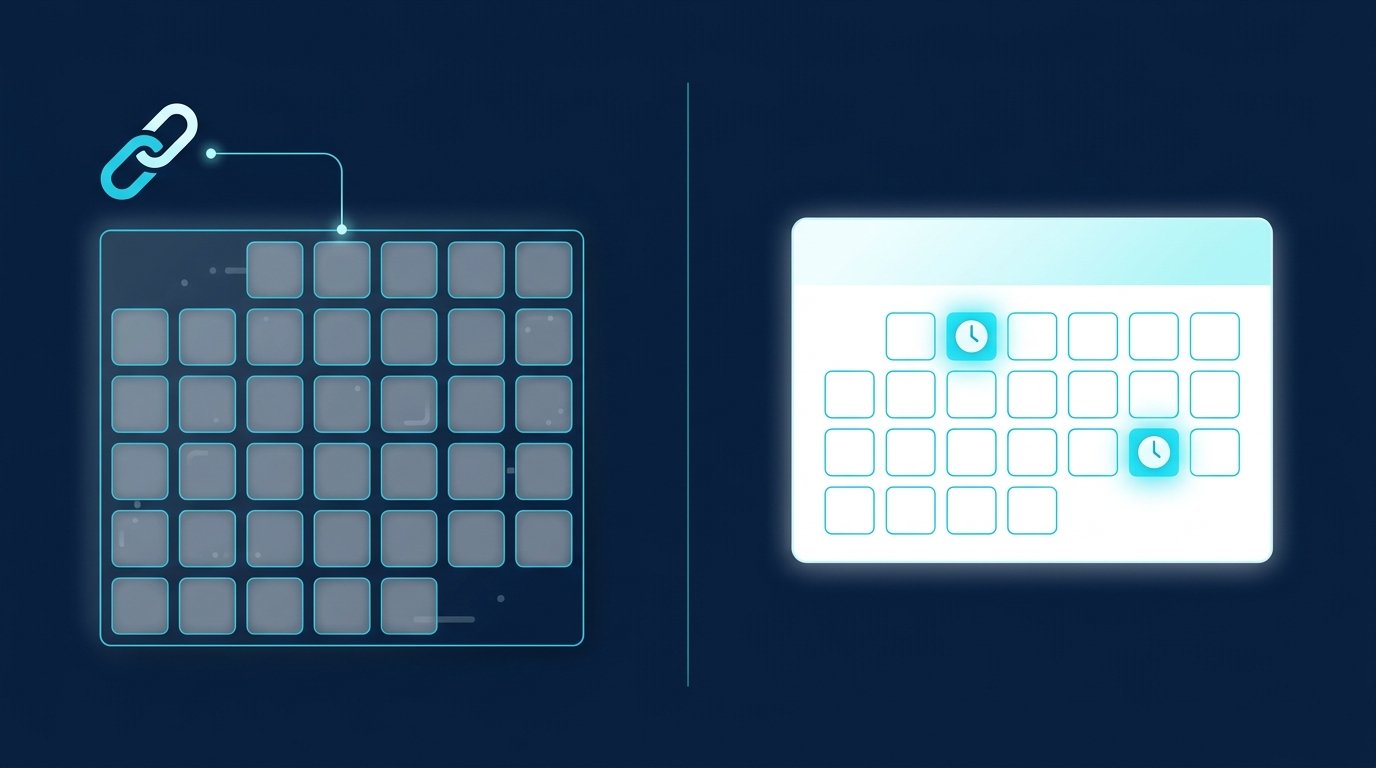
Our recommendation: suggest two specific times in the first request and offer the link only as a fallback ("If neither works, pick a time here: [link]"). Two options can be answered in one word. Send the link on its own only when someone explicitly asks for your availability or you have scheduled with them several times before.
Two suggested times | Booking link | |
|---|---|---|
Effort for the other person | one short reply | open link, find a slot, fill in a form |
Best for | first requests, decision-makers with packed calendars | follow-up meetings, teams who prefer to book themselves |
Downside | one more round if both slots fail | feels impersonal to strangers |
The reminder when nobody replies
An unanswered meeting request is not a no yet. Often it just landed at the wrong moment. Plan two reminders from the start, and no more.

- First reminder after three to four business days: reply to your own message so the thread stays visible (Email 5). Offer two new times.
- Second reminder after about a week: shorter, with an easy out. "Is the timing off? Then I'll check back in [month]."
- Then stop: a third reminder rarely helps and costs goodwill.
These intervals come from experience, not from a rule. More wording for reminders and follow-ups is in our follow-up templates.
Meeting requests in sales, recruiting, and job search with CompLeadly
Write the meeting request itself by hand, because it responds to what the other person said. The routine before and after it is something CompLeadly can handle on LinkedIn. CompLeadly is a desktop app that runs on your own computer.
- Sales: a LinkedIn people search or a Sales Navigator search becomes your target audience. CompLeadly sends connection requests, sends a first message (opener) after acceptance, but only if the chat is still empty, and follows up. A follow-up only goes out once your last message has gone unanswered for as many days as you set. As soon as the contact replies, the sequence stops and you write the meeting request yourself.
- Recruiting: with your own Recruiter license, CompLeadly uses Recruiter Lite searches, pipelines, or saved searches as the target audience. From Basic, one workflow per role runs profile visits, connection requests with an opener, and follow-ups. When a candidate replies, use LinkedIn template 4. More on the CompLeadly for recruiters page.
- Job seekers: a people search for hiring managers and recruiters at the companies you want to work for becomes your target audience. Profile visits, connection requests with a note, opener, and follow-up all run in the free version, with daily limits such as 2 connection requests, 1 opener, and 1 follow-up per day.
You start with a 10-day trial with all features. After that, your access switches automatically to the free version with basic features and daily limits; full workflows start with Basic. All plans are on the pricing page.
FAQ: Meeting request emails and LinkedIn messages
How do you write an email requesting a meeting?
Open with the reason for writing, add one sentence on what the other person gets out of it, then propose two specific time slots with duration and format, for example "15 minutes on video, Tuesday at 10 or Thursday at 2". Close with one sentence that makes declining easy. That's all the email needs.
How do you politely ask for a meeting?
Polite here means specific and easy to answer. Instead of "When are you free?", suggest two times and invite them to propose another. A line like "If this isn't a priority right now, a one-line reply is fine" takes the pressure off.
What is a good subject line for a meeting request?
Name the topic or the shared connection, for example "Quick question about [topic]" or "Our chat at [event]". "Meeting request" on its own doesn't say what it's about. For confirmations and reschedules, put the date and time in the subject line.
How do you request a meeting on LinkedIn?
Connect and start a conversation first, then ask for the meeting. According to LinkedIn, a connection request note can be up to 200 characters, so the message after acceptance is the better place. Suggest two times there and ask for an email address or phone number for the invite.
How often should you follow up on a meeting request?
Twice: after three to four business days and again after about a week, each time short and with new time options. After that, let it rest and reach out again when there's a new reason to. These intervals are based on experience.