A good cold email follow up refers back to your last message, gives the reader a new reason to reply and ends with exactly one question. Send the first reminder three to seven days after your first email, follow up no more than three times in total, and stop the moment the person replies. Below you'll find 15 templates, eight for email and seven for LinkedIn, each with the timing that fits.
Placeholders are in square brackets. Last updated: 28 September 2026. Details about LinkedIn features come from the LinkedIn Help pages linked in the text.
Why the follow-up matters
An unanswered message is rarely a no. Most of the time it simply arrived at the wrong moment. Your contact read it between two meetings, meant to reply later and forgot. A follow-up brings your message back to the top when there's time for it.
If you never follow up, you accept a rejection nobody actually gave you. And the effort is small. You already did the hard part: the research, the angle, the first message. The reminder takes two minutes.
The recipient sets the limit. When they reply, your sequence ends and you take over personally. When they say "not interested", it ends too. Following up means keeping an open question open. It doesn't mean talking someone into something.
Cold email follow up timing
There's no universal waiting period. LinkedIn itself offers a useful reference point: in LinkedIn Recruiter you can schedule a follow-up InMail "to be automatically sent after a minimum of 3 days (approximately 72 hours) and a maximum of 28 days after you send a message". By default, follow-ups there go out 7 days after the first message if the candidate hasn't replied. Source: Recruiter Help: Schedule a message or follow-up in Recruiter and Recruiter Lite, accessed 28 September 2026.
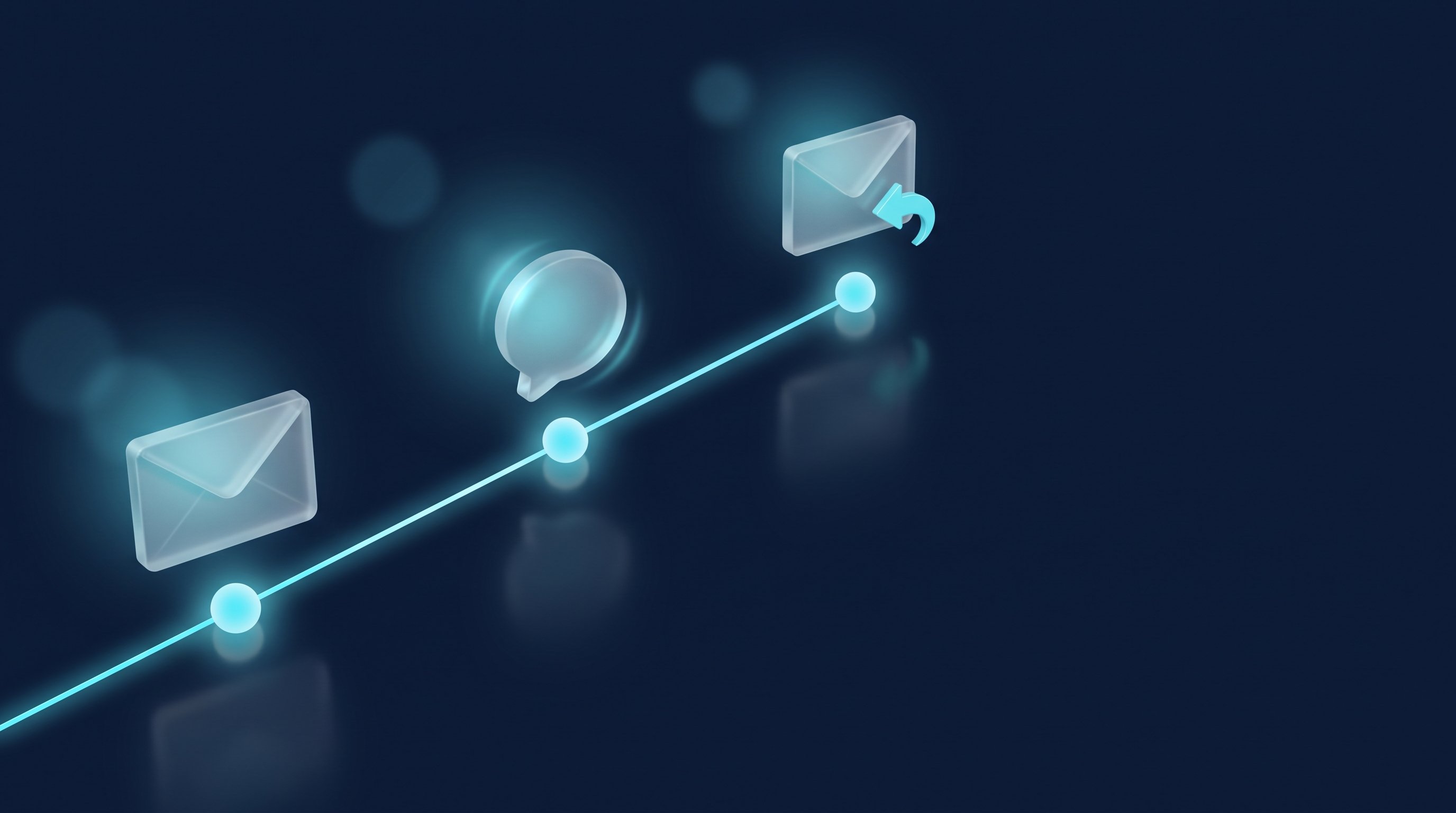
Here's the sequence we recommend, with three reminders:
Step | When | Channel | Goal | Condition |
|---|---|---|---|---|
First touch | Day 0 | Email or LinkedIn | Open a conversation with one question | Person fits your offer |
Reminder 1 | Day 3 to 7 | Same channel | Briefly bring the question back up | No reply |
Reminder 2 | Day 10 to 14 | Same channel | Add new value: an example, an observation, an easier question | No reply |
Reminder 3 (breakup) | Day 21 to 30 | Same channel | Offer an easy way out, leave the door open | No reply |
Re-engagement | After a few months | Email or LinkedIn | Pick up a new trigger | A real trigger, no explicit no |
The condition matters more than the day. Every reminder assumes there was no reply to the one before. As soon as your contact responds, even with "maybe later", you're back in a conversation and write yourself.
Want to map out the gaps for your own audience? The free Outreach Sequence Planner turns your audience, goal and offer into a multi-step sequence with a timeline, from the connection request through the follow-ups to the closing message. You can copy each step or the whole sequence.
Five rules for a follow-up that gets answered
- Refer to your last message: Reply in the same thread and say in the first sentence what it was about. Don't make your contact dig.
- New value instead of "just checking in": Every reminder brings something: a relevant example, an observation about their company, or a question that's easier to answer. "Just following up" only tells them you're waiting.
- Keep it short: Three to five sentences, readable on a phone without scrolling.
- Ask one question: End with a single question that can be answered in one line. Yes or no, or a choice between two time slots.
- Offer a way out: Say plainly that "not right now" is a fine answer. It takes the pressure off and often gets you exactly the short reply you can plan with.
Before you drop a template into your sequence, run it through the free Message Check. It checks length, personal reference, an open question and salesy language, locally in your browser.
8 follow up email templates
About subject lines: whenever you can, reply in the existing thread. The original subject stays, and your contact sees the context at a glance. Where you start fresh, the template suggests a subject.
1. Follow up email after no response to your first email
Hi [First name],
I'm coming back to my note from [date]. In short: [one sentence on why you reached out]. Here's an example of what that looks like: [short example from your work]. Is this on the agenda at [Company] right now, or more of a later-this-year topic?
Best,
[Your name]
When: three to seven days after the first email, in the same thread.
2. After sending a proposal
Subject: Your proposal for [project]: any questions?
Hi [First name],
I sent over the proposal for [project] on [date]. Questions about scope or timing often come up once people read it properly. Is there anything I should explain in more detail, or should I send it straight to [name], who's part of the decision?
Best,
[Your name]
When: three to five business days after sending.
3. After a meeting
Subject: Recap of our call on [date]
Hi [First name],
thanks for your time on [date]. As discussed, the key points: [point 1], [point 2], [point 3]. Our next step was [next step]. Does [proposed date] work for you, or would another day suit you better?
Best,
[Your name]
When: the same or the next business day.
4. After a trade show or event
Subject: [Event]: our chat about [topic]
Hi [First name],
we spoke briefly at [event] on [day] about [topic]. You mentioned that [detail from the conversation]. I've attached [document or example] on exactly that. Would a 20-minute call be worth it to see how this applies to [Company]?
Best,
[Your name]
When: within two business days of the event, while the conversation is still fresh.
5. After a job application
Subject: My application for [position], reference [number]
Hi [First name],
I applied for the [position] role on [date]. The job appeals to me because [specific reason]. Could you tell me what the timeline for the next steps looks like? If anything is missing from my application, I'm happy to send it.
Best,
[Your name]
When: after the deadline mentioned in the job ad or the confirmation email, otherwise after about two weeks.
6. After an invoice with no reaction
Subject: Invoice [number] from [date]
Hi [First name],
I'm reaching out about our invoice [number] for [amount] from [date], due on [date]. It probably got buried in day-to-day work, so I've attached it again. Do you need a PO number or a different billing address from us?
Best,
[Your name]
When: a few days after the due date. Asking about the PO number or address gives accounts payable an easy reason to reply.
7. The breakup email: your last message
Subject: Should I close this out?
Hi [First name],
I've reached out twice about [topic] and don't want to keep filling your inbox, so this is my last note on it. If [topic] becomes relevant later, a one-line reply is all it takes. And if someone else on your team owns this, I'd appreciate a name.
Best,
[Your name]
When: two to three weeks after the second reminder. It asks for a direction, not a decision, which makes it easy to answer.
8. Re-engaging after a few months
Subject: Following up on our exchange in [month]
Hi [First name],
back in [month] we exchanged a few messages about [topic], and the timing wasn't right. Since then I've seen that [trigger, e.g. new location, new role, new product]. Does that put [topic] back on the table, or should I check in again later?
Best,
[Your name]
When: when there's a concrete trigger, not because the calendar says so. Without a trigger, re-engagement is just another reminder.
7 LinkedIn follow up message templates
LinkedIn messages are shorter than emails, and regular messages have no subject line. Keep the tone a notch more conversational than in email.
9. After connecting, no reply to your first message
Hi [First name], quick follow-up on my question from last week: [question in one sentence]. If it's not relevant for you right now, that's completely fine, just let me know.
When: five to seven days after your opener, the first message after they accepted your connection request.
10. After a profile view
Hi [First name], thanks for checking out my profile. We haven't really talked yet: you work on [topic from their profile], I work on [your topic]. Is there a question around that at [Company] right now that I could help with?
When: a few days after the visit, if you're already connected.
11. After a comment on your post
Hi [First name], thanks for your comment on my post about [topic]. Your point about [detail] stuck with me. How do you handle that at [Company]?
When: the same or the next day. The question moves the public exchange into a private one without jumping straight to a pitch.
12. After an InMail
InMail comes with its own rules. According to LinkedIn Help, InMail "is designed for initial outreach only. You cannot send a follow-up InMail unless the recipient accepts and responds to your first message", and if the recipient declines your first InMail, you can't send a follow-up InMail at all. Source: LinkedIn Help: Unable to follow-up with InMail Messages, accessed 28 September 2026. On credits, LinkedIn says: "Every InMail message that is accepted/declined or responded to directly within 90 days of it being sent is credited back." Quick Replies count as a response. Source: LinkedIn Help: InMail message credits and renewal process, accessed 28 September 2026.
In practice, that means your follow-up after an InMail usually happens once there's a conversation, or through a regular message after you've connected:
Hi [First name], thanks for getting back to me about [topic]. One thing I didn't mention in my first message: [new value in one sentence]. Would a short call in the next two weeks work, or is this not a priority for you right now?
When: after they've accepted or replied, never after a decline.
13. After a "maybe later"
Hi [First name], back in [month] you mentioned that [topic] would only become relevant from [timeframe]. So I'm checking in as agreed. Is now a better time, or should I try again in [timeframe]?
When: exactly at the time your contact named. Since they already replied, this follow-up doesn't run automatically. Put the date in your calendar and write it yourself.
14. Recruiting: follow-up to a candidate
Hi [First name], I reached out about the [title] role at [Company]. One thing I'd like to add: [e.g. remote share, team size or salary range, if approved for sharing]. Would a 15-minute call be interesting, even if you're not actively looking? A "not interested" helps me just as much.
When: five to seven days after your first message.
15. Job hunting: follow-up to a recruiter or hiring manager
Hi [First name], I applied for the [position] role on [date] and wanted to introduce myself briefly: [one sentence on your relevant experience]. Do you know when the team plans to decide on the first round of interviews?
When: one week after applying, to the person who posted the role or leads the team.
How CompLeadly helps
CompLeadly is a desktop app for Windows and macOS that runs on your own computer, through your own IP. It handles LinkedIn follow-ups as a workflow and sticks to the condition from the timing table: it only follows up when there's no reply.
- Follow-ups by days: A follow-up only goes out once your previous message has been unanswered for as many days as you set.
- No follow-up after a reply: If the contact has replied, CompLeadly sends no further follow-up. The reply shows up in Smart Chat, the inbox in CompLeadly where all replies come together, and you continue the conversation yourself. AI reply suggestions come with the Smart Chat add-on, which isn't included in the LinkedIn plans.
- A careful opener: The first message after connecting isn't sent if the contact has already replied or if there are already two messages from you in the chat.
- Placeholders: First name, company and other placeholders go into every message. Salutation placeholders are available from Basic.
- InMails: InMails to Open Profiles are free, and you can choose to send only to Open Profiles. The InMail reply collector sorts replies, declines and unanswered InMails into separate audiences, so you only follow up where it still makes sense.
- Follow up email (from Premium): The Auto Email feature sends emails to an imported audience through your own SMTP connection.
- Pace: You set a daily limit for every feature, such as the maximum number of messages per day. Expert mode adds breaks, for example a set number of follow-ups before a pause. Statistics show what went out per feature and week.
After the 10-day trial with every feature, you can keep using CompLeadly for free with the basic features and a daily limit, for example 2 connection requests, 1 opener and 1 follow-up per day, each step started on its own; full workflows come with Basic. Email sending isn't part of the free plan. All plans are on the pricing page, and step-by-step setup guides are in the CompLeadly knowledge base.
Following up in recruiting and job hunting
In recruiting, the logic is the same, except your contact is a candidate who already has a job and reads your message between two tasks. In CompLeadly you build the audience from a LinkedIn people search, a Sales Navigator search or, with Recruiter access, from Recruiter searches. Then you connect, open with a first message and follow up with messages that stop as soon as the candidate replies. InMails to Open Profiles don't use credits. More on the CompLeadly for recruiters page.
As a job seeker, you flip the direction. You reach out directly to recruiters, hiring managers or people at the company you want to work for: audience from a people search, a connection request, a short first message and a follow-up like template 15. The free plan's daily limits, with one follow-up per day, are often enough, because you're writing to a small number of carefully chosen people anyway. Common pitfalls are covered in 10 common LinkedIn mistakes when job hunting.
FAQ
How many follow-ups should I send?
Two to three after your first message, with the last one as a breakup email. After that, only reach out again when there's a new trigger. If your contact said no, don't follow up.
How long should I wait before following up?
Three to seven days before the first reminder, with longer gaps after that. LinkedIn Recruiter uses 7 days as the default for scheduled follow-ups and allows anything from 3 to 28 days.
Should I follow up by email or on LinkedIn?
In the channel where you started. If the first message was on LinkedIn, follow up there and only move to email once your contact wants that.
How do I start a follow up email after no response?
With the reference: "I'm coming back to my note from [date] about [topic]." Then get straight to the new value. Openers like "just checking in" can go.
What should the subject line say?
Ideally nothing new. Reply in the existing thread so the original subject stays. You only need a new subject line when you write after a long pause with a new trigger.