In short: Personal branding on LinkedIn means the right people connect your name with a topic and with a problem you solve. As a founder or consultant you only get there if you post and network, as one process: the post gives every connection request a reason, and every new contact reads your next post. Here is one week of this system, what you click by hand, what CompLeadly takes over and which messages pick up on a post.
As of: October 2026.
Most founders treat LinkedIn as two separate jobs. On Monday they write a post and wait for reactions. On Thursday they send twenty connection requests to strangers, with no link to the post. Both cost time, and neither brings much on its own. The post mainly reaches people who are already in your network. The request lands with people who have never seen your name.
Turn it around. Whoever reacts to your post gets a request that refers to it. Whoever accepts your request sees your next post. That way each half works for the other. This post shows what that looks like as a weekly routine. If, as a founder, you mainly want your first customers without a sales team, the product route is on the page for founders.
What personal branding on LinkedIn means for founders
A founder brand is not a logo and not a follower count. It is the answer someone from your audience gives when your name comes up: "Oh, she's the one who writes about pricing for agencies." That answer comes from four parts.
- A topic. A problem your customers have that you know more about than most. Not your product, but what your product solves.
- A profile that carries the topic. Headline, About section and banner show at a glance who you work for. Ideas for the headline come from the free headline generator, the rest is in The perfect LinkedIn profile in 6 steps.
- Posts. Regular, on the same topic, with your own numbers and cases.
- A network made of your audience. Without the right people in your network, the wrong people read your posts.
Everyone knows the first three parts. Most founders fail at the fourth because they leave it to chance.
Founder-led sales is the phase in which the founder sells personally. It is not a stopgap. In this phase you learn which questions customers ask, and exactly those questions are your best post topics. A founder brand is the strongest sales tool you have in this phase, because buyers want to talk to the person who owns the product. When it makes sense to hand off meeting booking is covered in Appointment setting on LinkedIn.
Why posting alone is not enough, and networking alone isn't either
LinkedIn itself doesn't measure a post by likes alone. In post analytics, LinkedIn shows, among other things, how many impressions came from inside your network and how many from outside, how many people visited your profile because of the post and how many followed you through it (LinkedIn Help, post analytics for your content, accessed on 8 October 2026).
Two things follow from this.
First, your reach depends on your network. If you connect with people from your audience every week, the group that can see your posts at all grows. If you connect with everyone, the wrong people see your posts.
Second, every post creates contacts who are already warm. Whoever comments, likes, visits your profile or follows you knows your name. A request to these people is not cold outreach. It picks up on something the person did themselves. Most people leave this list unused.
A founder who only posts waits for requests. A founder who only connects writes to strangers. Whoever combines both writes to people who already know them, and brings new readers for the next post every week. How social selling works as the method behind this is explained in Social selling: definition, methods and LinkedIn practice.
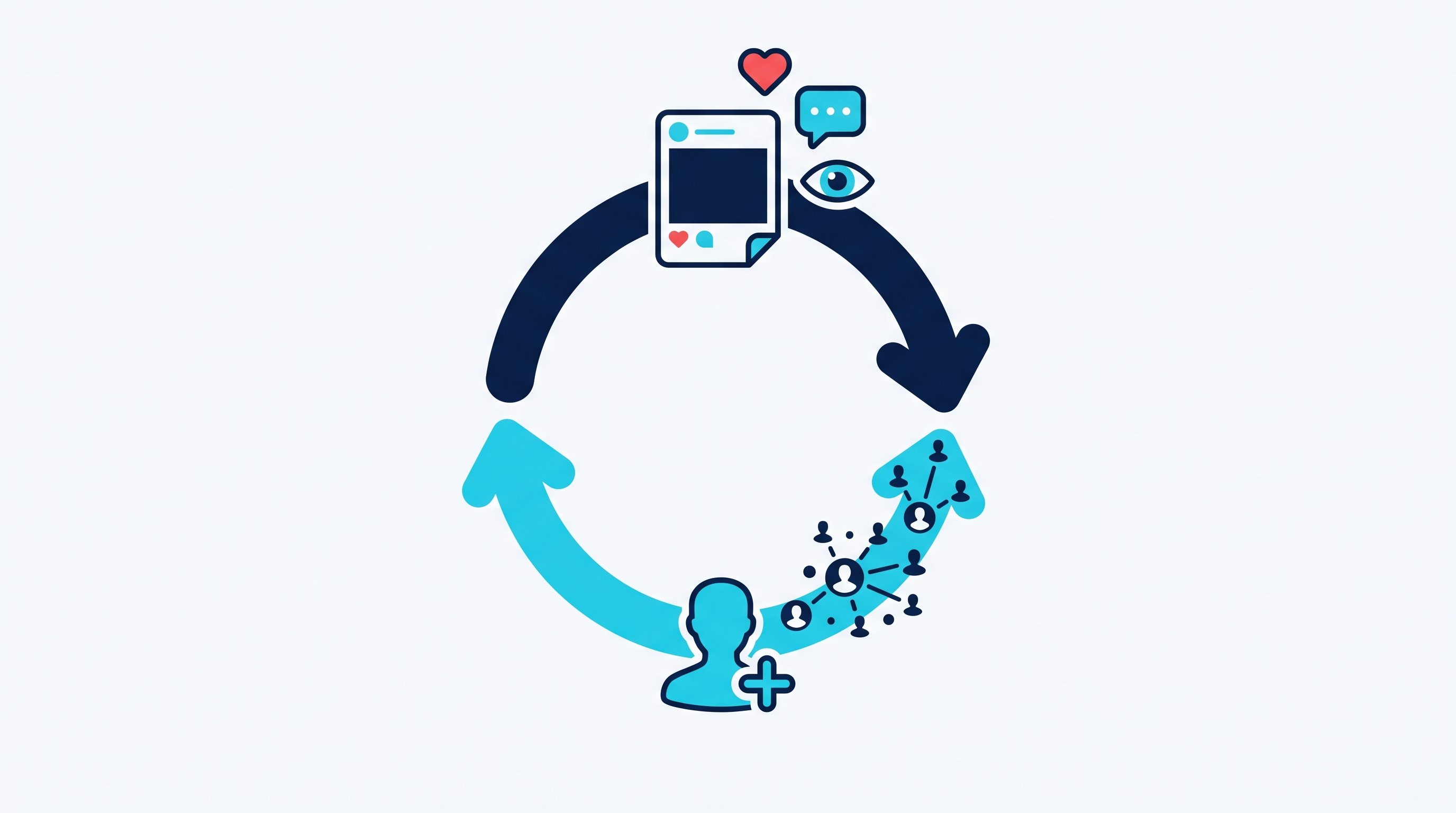
The system: one week of founder brand
One week is enough as a rhythm. Two posts are plenty if you use each of them for networking. More posts without networking bring less than two posts with it.
Day | Posting | Networking |
|---|---|---|
Monday | Pick the topic of the week from the questions in your last conversations, draft two posts | Answer replies in your inbox |
Tuesday | Publish post 1, answer comments in the first hour | Check last week's profile visitors and new followers and send requests |
Wednesday | Leave expert comments with five people from your audience | Everyone who reacted to post 1: send a request that refers to the post |
Thursday | Publish post 2 | First message to everyone who accepted this week |
Friday | Short review: which post brought profile views? | Everyone who reacted to post 2: send a request; follow up on open conversations |
Five rules make the plan work:
- One topic per quarter. If you write about something different every week, nobody links you to a topic.
- Every post answers a customer question. The questions are in your inbox. Whoever asks in chat what an onboarding costs gives you your next post.
- Commenting counts as posting. An expert comment under a post by someone from your audience puts you in front of their network. Why that brings reach is in Post less, comment more.
- Every request needs a reason. The best reason is a reaction to your post. The second best is a post by the other person.
- The conversation starts after acceptance, not in the note. The note explains the request. The question comes in the first message.
When to publish is covered in Best time to post on LinkedIn, which formats carry in 2026 in the LinkedIn algorithm 2026. For posts with slides, LinkedIn carousel helps.
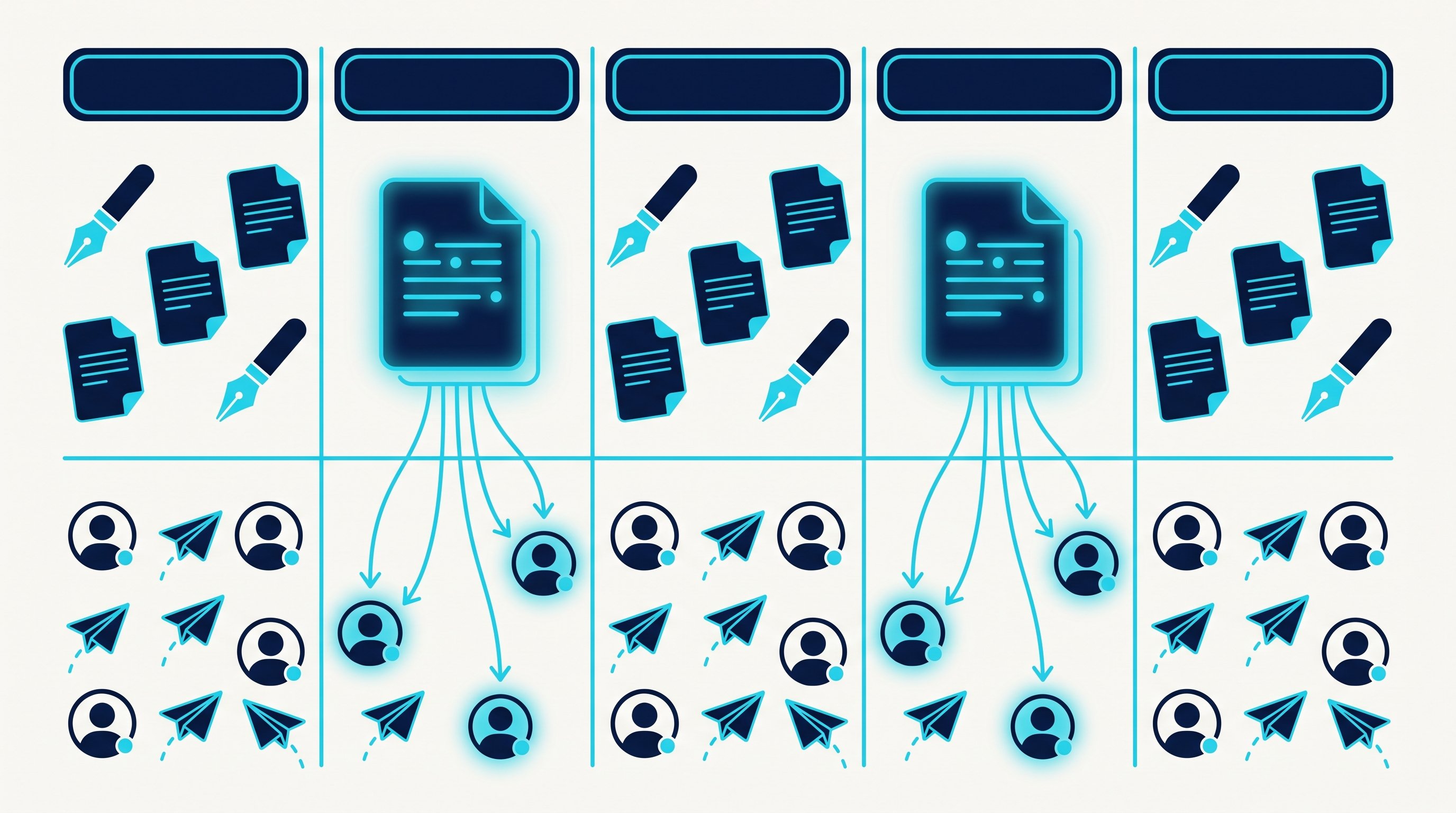
By hand: the networking half of a week
Writing is your work, and it should stay that way. The second half is where it gets expensive. Say your two posts bring 40 people in total who reacted, visited your profile or followed you. This is what the work looks like if you click it yourself. The minutes come from two CompLeadly accounts in 2026. They are the measured execution time of the software per action and therefore a lower bound for manual work: the software pauses like a person when opening, reading and typing.
- Write posts, publish them, answer comments: your work, not measured.
- Go through the list of people who reacted, profile visitors and new followers: not measured.
- Open and follow 40 profiles: about 60 minutes.
- Read 40 profiles, find the link to your post, send a connection request: about 120 minutes.
- Check about 10 new contacts and write them the first message: about 15 minutes.
- About 10 follow-ups to contacts from previous weeks without a reply: about 12 minutes.
- Withdraw 40 old pending requests: about 8 minutes.
- Handle replies, propose a conversation: your work, not measured.
That is about three and a half hours of pure clicking per week, on top of writing. Exactly these hours disappear for most founders as soon as day-to-day business gets busy. Then only posting is left, and the warm contacts from every post go to waste.
Steps 3 to 7 are the same for every contact. Steps 1 and 8 are where your brand is built.
How it works with CompLeadly
CompLeadly is a desktop app that runs on your computer. It takes over the networking half, steps 2 to 7. Posting stays with you.
- Post (you): You write and publish your posts yourself. You can schedule them directly in LinkedIn; the time has to be between 10 minutes and three months in the future (LinkedIn Help, schedule posts, accessed on 8 October 2026).
- Reactions as an audience (software, from Premium): The feature "Export post interactions" picks up people who reacted to or commented on your posts. Commenters and likers land in separate audiences, and each of them is split again into people you are already connected with and everyone else. You can evaluate only your own posts or posts by profiles from an audience, set an age window for the posts and include or exclude posts by keywords.
- Profile visitors and followers as an audience (software): You can turn the list of people who viewed your profile and the list of your followers into an audience. For profile visitors you need a LinkedIn Premium account, such as Sales Navigator.
- Connecting, opener, follow-ups (software): Profile visit and connection request with or without a note. After acceptance a first message goes out, but only if the chat is still empty. A follow-up only comes once your last message has gone unanswered for as many days as you set. If the contact replies, the automatic messages stop.
- Comments in your audience (software, Smart Chat Premium): Smart Comment AI writes fitting comments on posts from your audience and, depending on your setting, sends them directly or puts them in front of you for review.
- Replies (you): With Smart Chat, your LinkedIn messages sit in CompLeadly. You filter for unanswered chats, create categories such as "commented on post" and assign chats to a colleague, who does not need access to your LinkedIn profile for that.
The networking steps already run in the free version, with daily limits such as 2 connection requests, 10 messages to 1st-degree contacts and 1 follow-up per day, each step started individually. Full workflows and schedules start with Basic at $29.99 per month excl. VAT, or $24.99 on the yearly plan. Exporting post interactions is included in Premium, at $59.99 per month excl. VAT or $49.99 on the yearly plan. Smart Comment AI is part of the separately bookable Smart Chat Premium package at $49.99 per month excl. VAT, or $41.66 on the yearly plan. You start with a 10-day trial with all features, no credit card. All packages are on the pricing page, as of 8 October 2026.
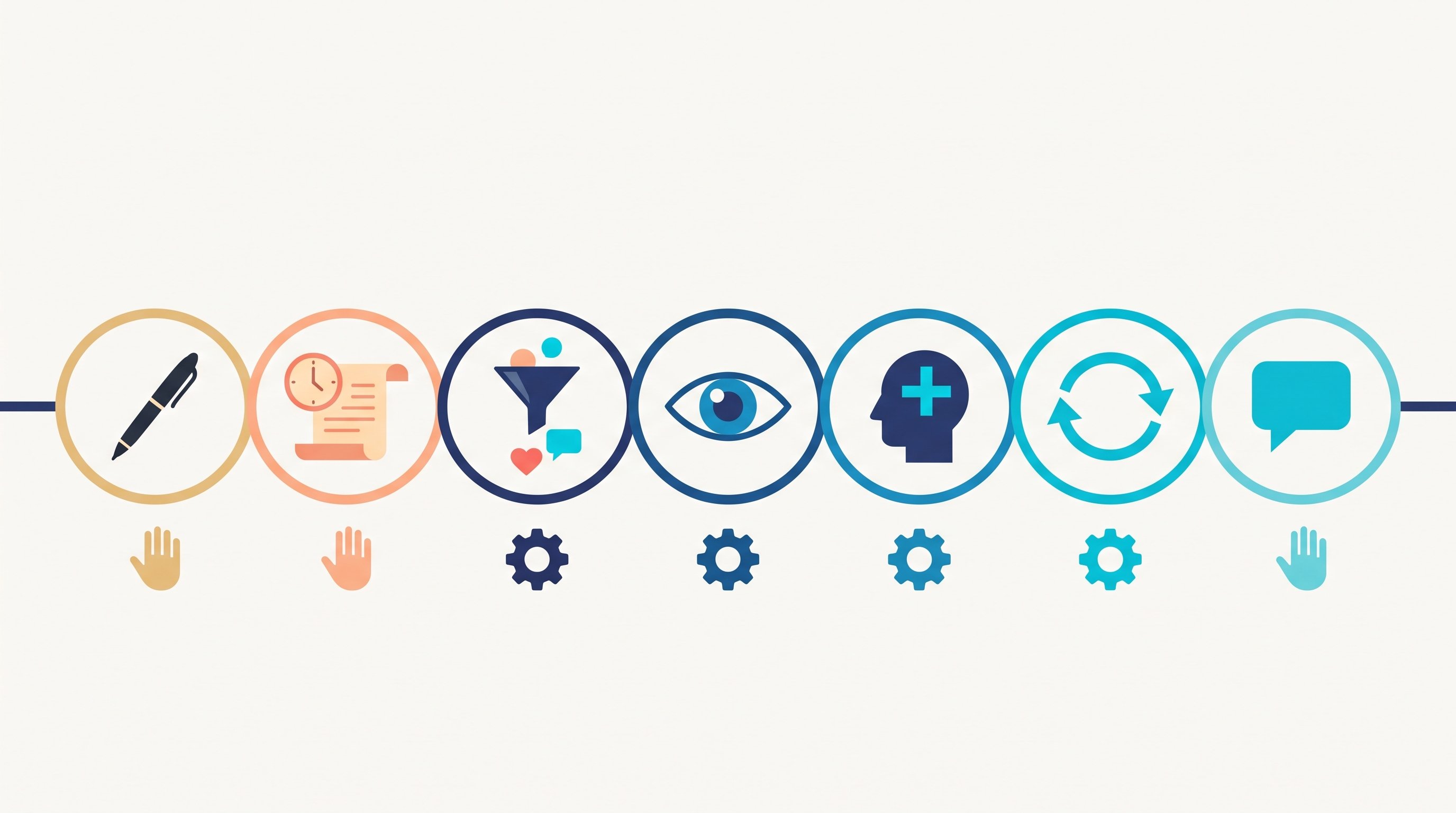
Time calculation
The table works through the clicking for 100 contacts you send requests to, up to the booked meeting.
| Step | Minutes by hand | Minutes with CompLeadly | Time saved |
|---|---|---|---|
| Open and follow the profile | 1.5 | 0 | 1.5 |
| Read the profile, find a reason, send the connection request | 3 | 0 | 3 |
| Withdraw the pending request | 0.2 | 0 | 0.2 |
| First message after acceptance (per accepted contact) | 1.5 | 0 | 1.5 |
| Follow-up without a reply (per accepted contact) | 1.2 | 0 | 1.2 |
| Total for 100 contacts | 8 h 58 min | 0 min | 8 h 58 min |
| Per accepted contact | 21.5 min | 0 min | 21.5 min |
| Per booked meeting | 7 h 10 min | 0 min | 7 h 10 min |
Example calculation · Acceptance rate 25%, Booking rate 5%
Sample calculation. Assumptions: minutes per step are the measured execution time of the software from two CompLeadly accounts in 2026 (average per action: follow 90 seconds, visit and connect 180, first message 91, follow-up 69, withdraw 12), a lower bound for manual work. Acceptance rate of 25 percent as the midpoint of the 13 to 37 percent range measured across the audiences of these accounts. Meeting rate of about 5 percent of accepted contacts, our own estimate, not counted. Withdrawing is applied to all contacted prospects and the follow-up to all accepted contacts, so both are upper bounds. With CompLeadly, 0 minutes per contact because the software runs these steps; the one-time setup of audience and messages is not included. Writing posts, answering comments, replies in chat and the conversation itself take the same time either way and are not included.
We have not measured a separate acceptance rate for people who reacted to a post. The range comes from requests to audiences built from searches. In these accounts, requests to coaches were accepted at 12.6 to 31.8 percent, depending on the region. Put in your own numbers as soon as you have them.
Seven hours of clicking per meeting is almost a full working day for a founder that doesn't go into the product. You write posts better than any software. Clicking, not so much.
Messages that pick up on a post
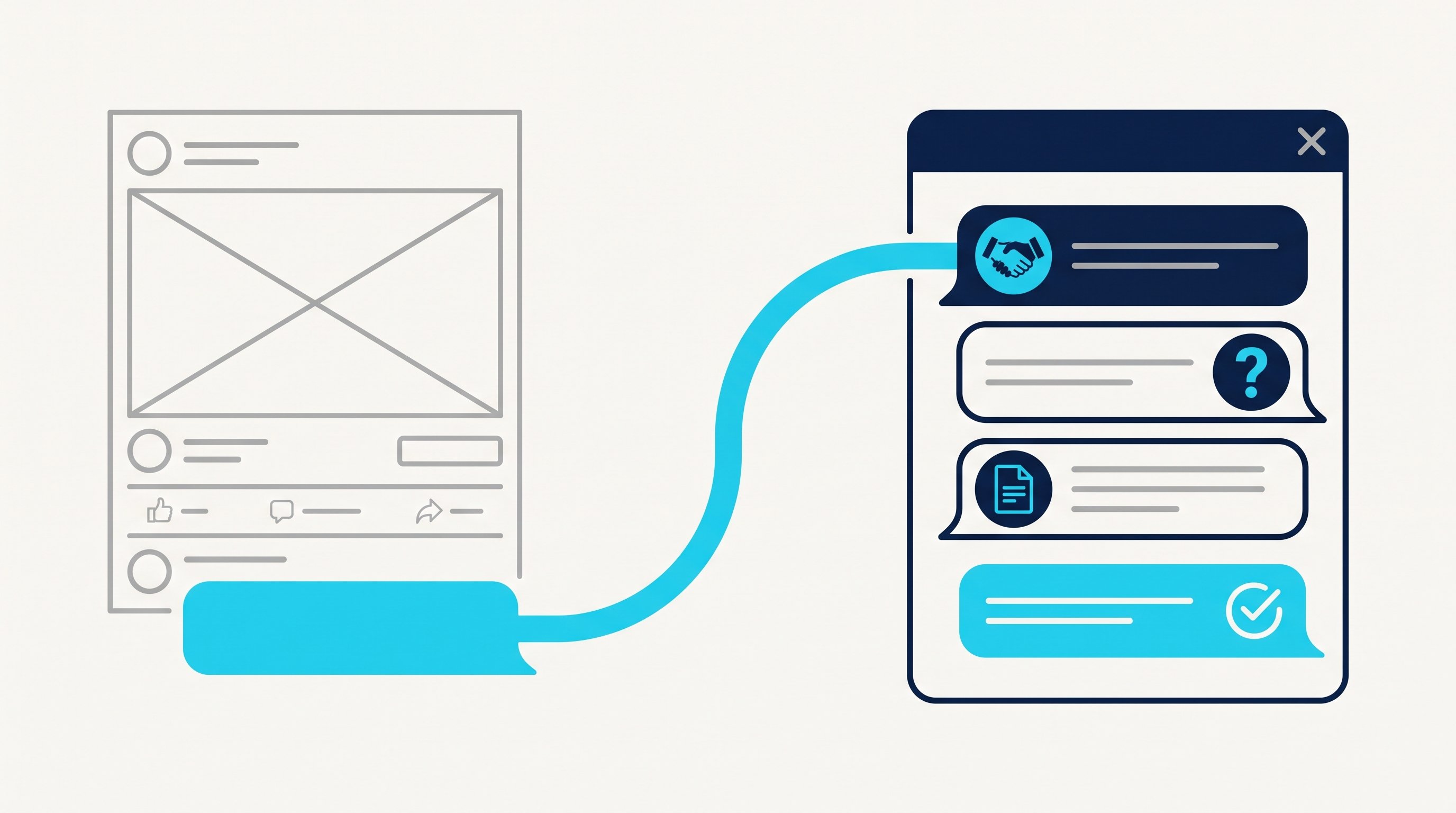
A request after a post has an advantage no cold outreach has: you know what the person is interested in. Use that, but don't quote their comment back to them. Here are four examples from a consultant for agency pricing. The names are made up.
A note on a connection request can be at most 200 characters long, and without Premium you can only add a note to up to three requests per month (LinkedIn Help, personalize invitations to connect, accessed on 8 October 2026). Whether to send a note at all is covered in LinkedIn connections with or without a message.
1. Note to someone who commented. Thanks, a reference, no offer.
Hi Jonas, thanks for your comment on hourly rates in agencies. Your point about fixed prices for retainers was better than my post. Let's connect.
2. Note to someone who visited your profile. Without "I saw you visited my profile". That sentence sounds like surveillance, not like a conversation.
Hi Miriam, you run an agency in Leipzig, and I write here every week about pricing for agencies. I'd be glad to connect.
3. First message after acceptance. A question only this person can answer.
Thanks for connecting, Jonas. A question out of curiosity: do you bill retainers by the hour today or by a fixed scope?
4. Follow-up without a reply. New content instead of a reminder, ideally your next post.
Jonas, today I wrote about exactly this question: three agencies that switched from hours to fixed prices, and what went wrong along the way. In case it's of interest, the post is at the top of my profile.
Note, opener and follow-up can run in one sequence. Whatever comes after the reply you write by hand, because the automatic follow-ups stopped with the first reply. How these conversations turn into customers in a plannable way is shown in Customer acquisition: the process by hand and automated. More ways to relevant contacts are in LinkedIn networking.
Recruiting and job hunting: the same brand, different conversations
Recruiting: A founder brand is also your best recruiting. Whoever reads your posts about team, way of working and customers is more likely to see a request from you as an offer to talk than a headhunter's message. To reach candidates, CompLeadly turns a recruiter search, a pipeline or a saved search into an audience, with your own Recruiter license. Connecting, opener and follow-ups run until someone replies. Exporting post interactions helps here too: whoever reacted to your post about an open role lands in an audience of their own. Wording is in LinkedIn recruiting messages, the process on the page for recruiters.
Job hunting: If you are looking for a job, you build a small brand as an expert with the same system. Write about what you have solved in your field, and connect with hiring managers and recruiters at your target companies, with a reference to their posts. In CompLeadly, a people search for these roles becomes an audience. Profile visit, connecting, opener and follow-up already run in the free version within its daily limits. That is enough for twenty target companies. What to avoid along the way is in LinkedIn mistakes when job hunting.
FAQ: LinkedIn personal branding
What is personal branding on LinkedIn?
Personal branding on LinkedIn means that people from your audience connect your name with a topic. It comes from a clear topic, a profile that carries this topic, regular posts and a network made of the right people.
How often should I post on LinkedIn as a founder?
Two posts per week are enough if you use each of them for networking. More important than the number is that you stay on the same topic and follow every post with requests to the people who reacted.
What is founder-led sales?
Founder-led sales is the phase in which the founder sells personally. On LinkedIn it fits well with a founder brand, because buyers want to talk to the person who owns the product, and because the questions from sales conversations make the best post topics.
How do I turn likes and comments into contacts?
Send everyone who reacted to your post and is not yet connected with you a connection request that refers to the post. After acceptance, ask a question that fits the topic of the post. From the Premium plan, CompLeadly collects these people into audiences automatically.
Can CompLeadly publish my posts?
Posting stays with you. You can schedule posts directly in LinkedIn. CompLeadly takes over the other half: it turns reactions, profile visitors and followers into audiences and runs connecting, the first message and follow-ups.
How much time does networking after a post take by hand?
In our sample calculation, about 9 hours of clicking for 100 contacts you send requests to and about 7 hours per meeting. The minutes are measured execution times of the software, the meeting rate is our own estimate.