In short: In 2026, AI in sales mostly takes over the busywork: research, lists, drafts, summaries, CRM upkeep and following up on schedule. What stays is judgement: whether a contact fits, how you lead the relationship and what you stand behind with your name. An autonomous AI SDR decides and sends on its own. An assistant prepares, and you send.
As of: October 2026.
Every week a new tool promises the salesperson who never sleeps. The question for you is more sober: which work can you hand off without your customers noticing, and which can't you? This post separates the two, with numbers from Germany, a clear definition of terms and a time calculation from two CompLeadly accounts.
Where AI in sales stands in 2026
AI has arrived in German companies, but in sales it is only getting started. According to Bitkom, 57 percent of companies with 20 or more employees use AI, up from 36 percent the year before. Of these, 14 percent name sales as an area of use, up from 5 percent the year before. Customer contact and marketing and communication are still ahead (Bitkom, 14 September 2026).
With AI agents it is even earlier. Bitkom draws the line like this: "Unlike a chatbot that answers questions, an agent acts on its own" (our translation). Among the companies that use AI or are thinking about it, 11 percent already use such agents. 29 percent plan to, 31 percent are discussing it.
The analysts at Gartner expect AI agents to outnumber sellers ten to one by 2028. The catch is in the same sentence: "By 2028, AI agents will outnumber sellers by 10 times, yet fewer than 40% of sellers will say AI agents have improved productivity." Gartner analyst Dan Gottlieb puts it this way: "more agents will not automatically mean more productivity" (Gartner, 28 July 2026).
The vendors themselves sound more optimistic. Salesforce, which sells AI agents, reports from its seventh "State of Sales" with more than 4,000 respondents: "85% of sales reps with agents say AI frees them to focus on higher-value work" (Salesforce, as of August 2026). That is a vendor number. It does fit the core point of this post, though: the value lies in the time that frees up, not in replacing the human.
Assistant, agent, AI SDR: three terms, three roles
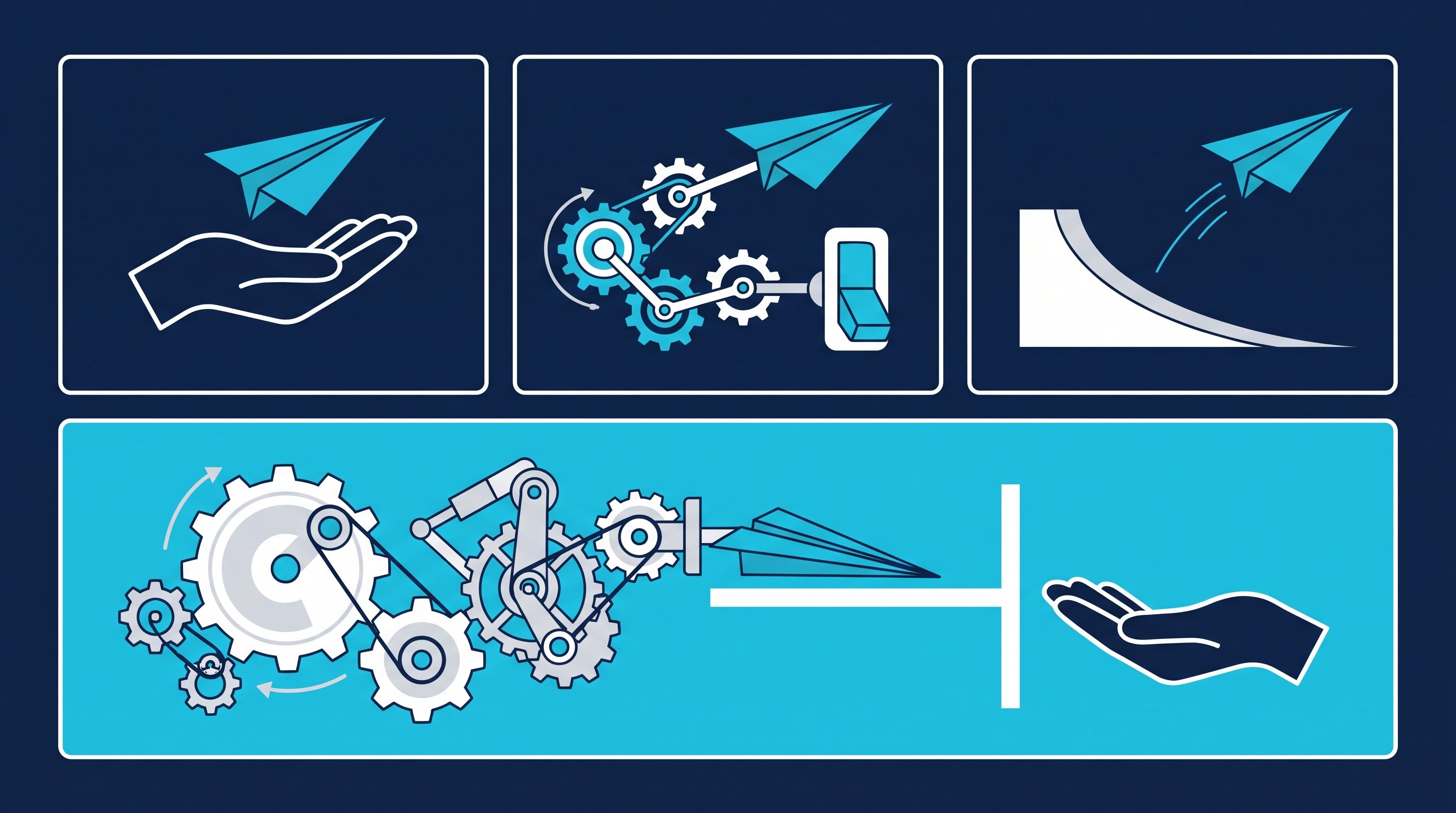
The terms get mixed up wildly. For your decision, one question counts: who presses send at the end?
Term | What it does | Who decides and sends | Typical example |
|---|---|---|---|
AI assistant | Responds to your request, writes drafts, summarises | You | A chatbot writes you three versions of a message |
AI agent | Works through a task in several steps on its own, using tools along the way | Depending on the setting, the agent or you | An agent researches ten companies and stores the results in the CRM |
Autonomous AI SDR (AI sales agent) | Finds leads, writes, sends, follows up, evaluates replies and books meetings | The agent, you see the result | A tool sends first messages and follow-ups without approval |
Assistant with a human in the loop | Prepares like an agent, but stops before sending | You approve | Reply drafts wait in the inbox, you read and send |
SDR stands for Sales Development Representative, the role that reaches out to new contacts and sets up meetings for sales. An AI SDR is meant to take over exactly this role. Whether that works depends less on the AI than on what happens after the first message.
What AI agents take over in sales in 2026
You can hand off well anything that repeats the same way for every contact and whose result you can check. The table shows the tasks that run reliably today and where you should look closely.
Task | What the AI takes over | What you watch for |
|---|---|---|
Research | Gathering company, role, recent posts, news | Are the facts right? AI can be wrong |
Building lists | Filtering contacts by industry, role, region and enriching them | Does the list match your target customer? |
Drafts | Pre-writing the note, first message, follow-up, email | Does every message have a reason that fits only this person? |
Summaries | Conversations, chat threads and calls in five sentences | Is the sentence that mattered missing? |
CRM upkeep | Entering status, notes, next steps | A spot check every week |
Following up | Follow-ups on schedule, stop on reply | Anyone who has replied gets no more automation |
Scheduling | Offering a booking link or two time slots | The meeting itself remains your conversation |
The pattern is always the same: the AI delivers volume and speed, you deliver the check. Salesforce describes how it set its own SDR agent on leads that would not have been worth working manually, "the millions of low-score leads we historically couldn't afford to work", and says it "created 3,200 opportunities in four months." That too is a vendor claim. It does show where autonomous agents are strong, though: with volume that would otherwise sit untouched.
What stays with the human
Three things you don't hand off, no matter how good the model gets.
The judgement on fit. Whether a contact really fits your offer is rarely in the profile. An AI can collect signals. Whether you want to talk to this company this quarter is your call. If your offer doesn't match the need, even the best text won't save it.
The relationship. In B2B, someone buys from someone. As soon as a contact replies, a conversation between two people begins. An agent that keeps writing on its own here saves you minutes and may cost you the deal.
The responsibility for what goes out. Every message carries your name and your profile picture. On LinkedIn there is no anonymous sender. According to a Gartner survey cited by Salesforce, "73% of B2B buyers actively avoid sellers who send irrelevant outreach." A bad message in your name falls back on you, not on the tool.
Autonomous AI SDR or assistant with a human in the loop?
Both models have their place. The question is which one fits your market.
Autonomous AI SDR | Assistant with a human in the loop | |
|---|---|---|
Suited for | Large lists, small deal size, short decision paths | Small, valuable target audiences, long decision paths, networks like LinkedIn |
Who sends | The agent | You, after checking |
What you save | Almost all the outreach work | Clicks, research and drafts |
What you hand off | Every message, including the ones you never saw | Only the prep work, not the sending |
What you need | Clean data, clear rules, close control of the results | A process in which drafts wait for you |
On LinkedIn, a lot speaks for the assistant. Your account is your personal profile, your network is limited, and every contact sees who is writing. Here one good reply pays off more than ten fast ones.
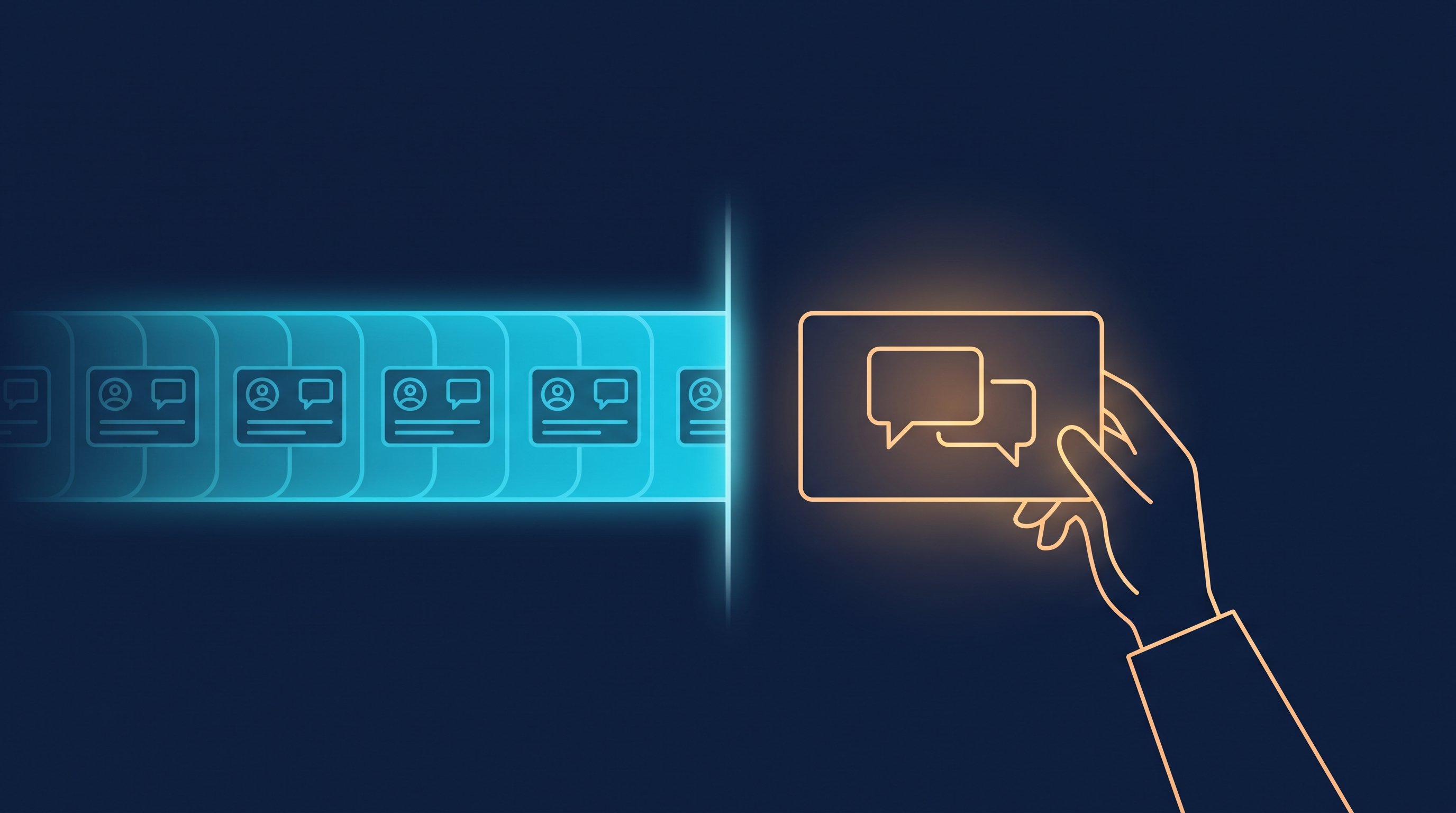
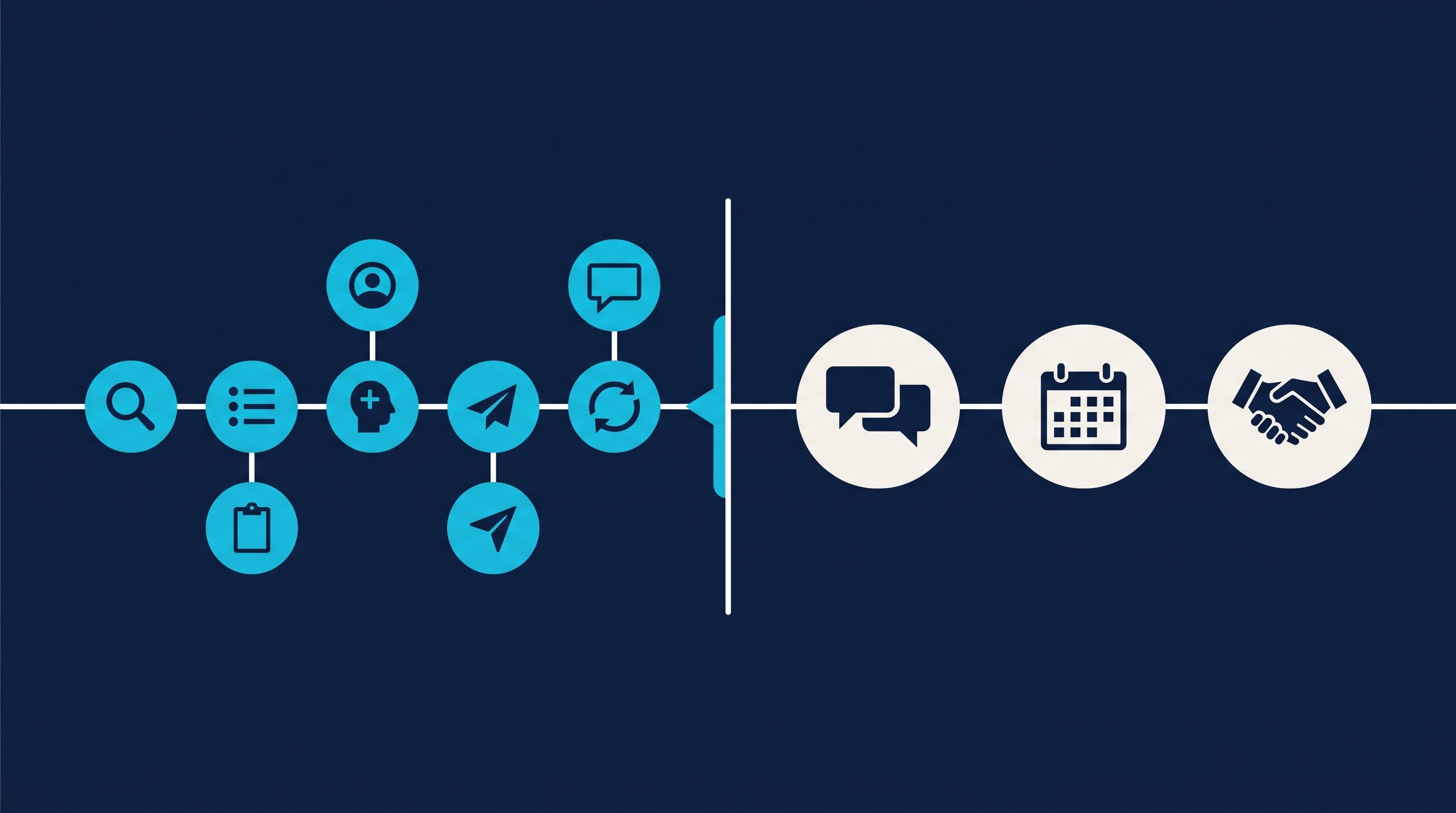
One dividing line has proven itself in practice: up to the first reply, the machine may work. From the first reply, the human takes over. Connecting, the first message and following up follow fixed rules. The conversation doesn't.
If you would rather set a browser agent like Claude in Chrome loose on LinkedIn instead of using a finished tool, you will find the effort and limits of that DIY approach in Using ChatGPT or Claude as a LinkedIn bot?. Which AI features LinkedIn itself offers in Premium, Sales Navigator and Recruiter is shown in LinkedIn AI tools: what actually helps.
How it works by hand
This is what the work for one contact on LinkedIn looks like when you click everything yourself. The minutes come from two CompLeadly accounts in 2026. They are the measured execution time of the software per action, a lower bound for manual work: the software pauses like a human when opening, reading and typing, and by hand every step takes at least as long.
- Define the target audience and set up the search: once per target audience, not measured.
- Open the profile and follow: about 1.5 minutes (90 seconds).
- Read the profile, find a reason, send the connection request: about 3 minutes (180 seconds).
- Check who accepted and write the first message: about 1.5 minutes (91 seconds) per accepted contact.
- Follow up after a few days without a reply: about 1.2 minutes (69 seconds) per follow-up.
- Withdraw open requests that nobody accepts: about 12 seconds per request.
- Read replies, lead the conversation, propose a meeting: your work, not measured.
Many people now bring in an AI chat for this: copy the profile, paste it into ChatGPT, copy the draft back, adjust it. That improves the text but saves no clicks. The copying even comes on top. What a workload like this feels like day to day is described in I was my most expensive intern.
How it works with CompLeadly
CompLeadly is a desktop app that runs on your computer. It follows exactly the dividing line from above: the software takes over the recurring steps up to the reply, and from the reply on, it's your turn.
- Target audience (you): A LinkedIn people search, a Sales Navigator search or, with Recruiter access, a Recruiter search becomes the target audience.
- Workflow (software): Profile visit, connection request with or without a note, opener after acceptance and follow-ups run one after another, with a daily value per step. A follow-up only goes out once the previous message has gone unanswered for as many days as you set. If the contact replies, the automatic messages stop. Full workflows with a schedule start with Basic.
- AI text (software, Premium Plus): Instead of a fixed text, the AI can write the note, opener and follow-ups individually for each profile, from your prompt and the contact's profile data.
- Smart Chat (you, with your own AI): The add-on (Lite or Premium) brings your LinkedIn inbox into CompLeadly. No built-in AI replies there. Your own AI, for example ChatGPT or Claude, reads new messages via MCP access and stores replies as drafts. You read, adjust and send. Your AI may only send directly if you explicitly tell it to. Setup is explained in Connect your own AI with CompLeadly (MCP access), what the access can do on the MCP page.
- Smart Comment AI (you approve): The Smart Chat Premium add-on uses AI to write comments under posts from your target audience and requires Sales Navigator. By default, sending without review is switched off. So every comment waits for your approval.
That makes CompLeadly not an autonomous AI SDR, but an assistant with you in the loop: automatic up to the reply, personal from the reply on.
Individual steps like connecting, opener and follow-up already run in the free version, with basic features and daily limits, for example 2 connection requests, 25 profile visits, 1 opener and 1 follow-up per day, each step started individually. You start with a 10-day trial with all features. Plans and add-ons are on the pricing page.
Time calculation
The table works through both routes for 100 contacts you send requests to.
Step | Minutes by hand | Minutes with CompLeadly |
|---|---|---|
Open the profile and follow | 1.5 | 0 |
Read the profile, find a reason, send the connection request | 3 | 0 |
Withdraw an open request | 0.2 | 0 |
First message after acceptance | 1.5 | 0 |
Follow-up without a reply | 1.2 | 0 |
Total per 100 contacts | about 9 hours | 0 |
Per accepted contact | about 21 minutes | 0 |
Per meeting | about 7 hours | 0 |
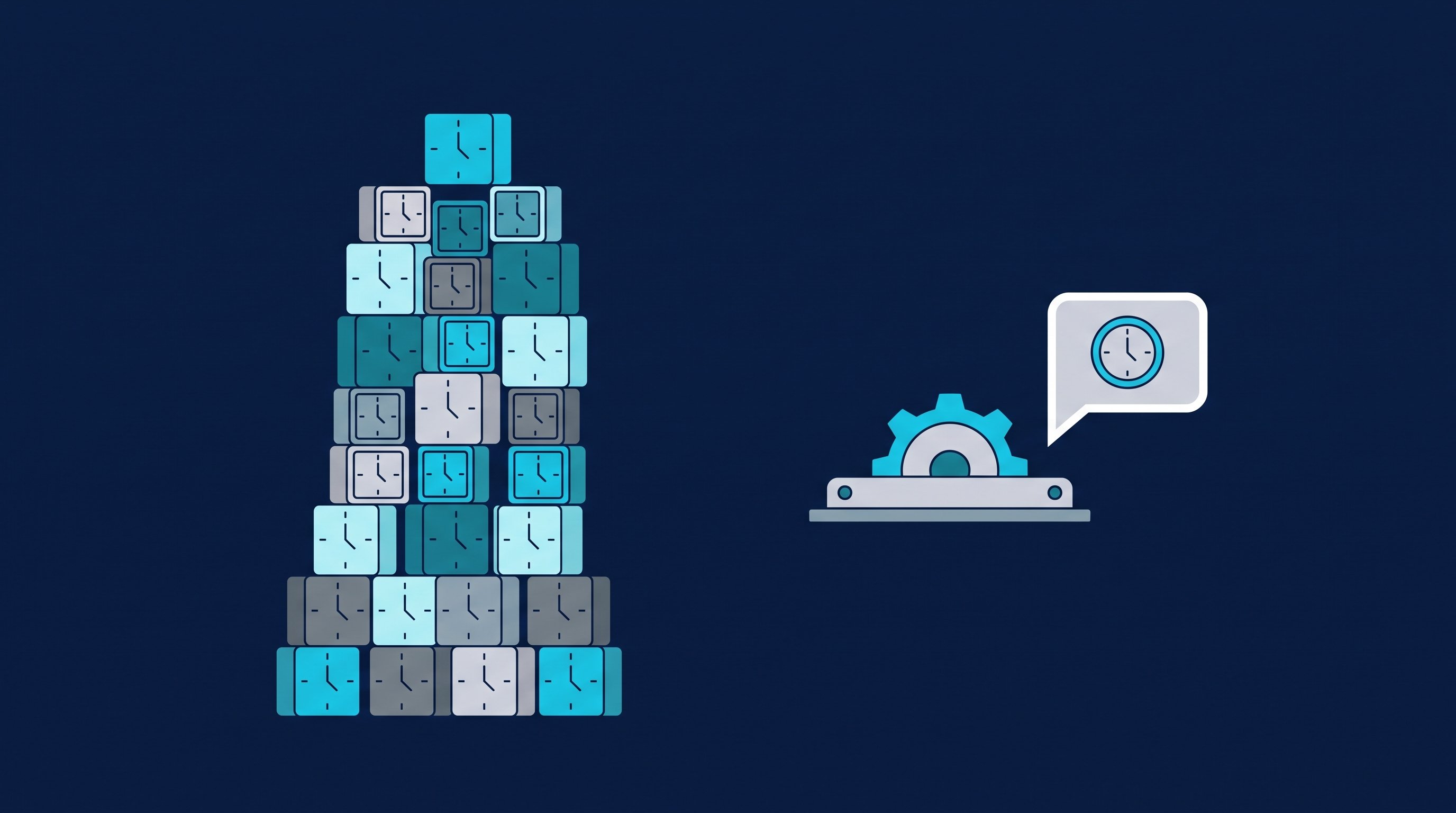
Worked example. Assumptions: minutes per step are the measured execution time of the software from two CompLeadly accounts in 2026 (average per action: following 90 seconds, visiting and connecting 180, first message 91, follow-up 69, withdrawing 12), a lower bound for manual work. Acceptance rate 25 percent as the middle of the range of 13 to 37 percent measured in the target audiences of these accounts. Meeting rate about 5 percent of accepted contacts, our own estimate, not counted. Withdrawing is calculated for all contacts requested and the follow-up for all accepted contacts, so both are an upper bound. With CompLeadly 0 minutes per contact, because the software carries out these steps; the one-time setup of target audience and texts was not measured and is not included. Reading replies, conversations and meetings cost the same time on both routes and are not included.
Projected over a year: in one of the two accounts, the software carried out actions totalling 707 hours from 1 January to 5 October 2026. By hand, this work would have cost about 18 hours per week. In the second account it was about 7 hours per week.
The time that is left belongs to the replies. That is where it is decided whether a contact becomes a meeting. What the day looks like once the busywork is gone is described in Why I only need 30 minutes a day for outreach now. The step from chat to meeting is shown in Why many LinkedIn meetings fall through.
AI in sales, in recruiting and in job hunting
Sales
You sell to managing directors of mid-sized companies. The AI does the research, the workflow connects and writes the opener, follow-ups follow up. When someone replies, your own AI creates a draft in Smart Chat that you check and adjust. What you measure: acceptance rate and reply rate per target audience. How teams set this up together is shown in CompLeadly for sales teams.
Recruiting
Recruiters reach out to suitable candidates, often for roles that nobody is actively looking for right now. The target audience comes from the Recruiter Lite search, the pipeline or a saved search, with one workflow per role. With Premium Plus, the AI writes the outreach per candidate from your prompt and the profile data. No agent holds the conversation about reasons for switching and salary for you. Wording for every stage is in LinkedIn recruiting messages, the process on the page for recruiters.
Job hunting
As a job seeker, you reverse the direction: recruiters and hiring managers at the employers you want to work for become your target audience. Profile visit, connecting with a note, opener and follow-up already run in the free version with its daily limits. Here, AI mainly helps you with your profile and the first draft. The question of why you fit exactly this team, you answer yourself. How to prepare your profile is shown in Open to Work on LinkedIn.
How to introduce AI in sales: five steps
- One task first. Start with the work that costs you the most time and repeats for every contact. Usually that is connecting and following up.
- Set the dividing line. Write down the point from which a human takes over. Our suggestion: from the first reply.
- Set the texts yourself. Give the AI your tone, your offer and two examples that worked well. Ready-made notes are in the templates for the connection request.
- Read the first 20 drafts. Check facts, salutation and reason for reaching out. The free message check rates length, personal reference and open question.
- Measure for four weeks, then expand. Compare acceptance and reply rates with the period before. Only when the numbers hold do you hand off the next task.
FAQ: AI in sales
What can AI take over in sales in 2026?
Mostly recurring work: research on companies and people, building lists, drafts for messages and emails, summaries of conversations, CRM upkeep and following up on schedule. The judgement on fit, the relationship with the customer and the responsibility for every message stay with the human.
What is an AI SDR?
An AI SDR, also called an AI sales agent, is software meant to take over the role of a Sales Development Representative: finding leads, reaching out, following up and booking meetings. An autonomous AI SDR sends on its own, without a human approving each message.
Will AI agents replace sales?
No. Gartner does expect AI agents to outnumber sellers ten to one by 2028, but also that fewer than 40 percent of sellers will say the agents have improved their productivity. Agents shift work, the conversation with the customer stays.
What is the difference between an AI assistant and an AI agent?
An assistant responds to your request and gives you a draft. An agent works through a task in several steps on its own and uses tools along the way. For sales, what counts is who sends at the end: you or the software.
How many companies use AI in sales?
According to Bitkom, 57 percent of companies with 20 or more employees in Germany use AI. 14 percent name sales as an area of use, up from 5 percent the year before. 11 percent of the companies dealing with AI use AI agents (as of September 2026).
Does CompLeadly write messages with AI?
Yes, in two ways. With Premium Plus, the AI writes the note, opener and follow-ups per profile. In Smart Chat, your own AI, for example ChatGPT or Claude, creates reply drafts via MCP access. You read them and send them yourself.