LinkedIn has no customer support phone number or public support email address. The official route is through the Help Center: sign in, scroll to the bottom, click “Contact us”, then “Chat with support”. An AI help assistant responds first. If that doesn’t resolve your issue, it connects you with the support team: via live chat if you have Premium, or via a support ticket with an email response if you have a free account.
As of October 2026. We checked all these options on October 3, 2026 in LinkedIn Help Centre. The main source is the help page Contact LinkedIn customer support.
Which option fits your issue?
Not every problem belongs in the same chat. There is a separate form for hacked accounts and separate help sections for billing and paid products. LinkedIn does not give a guaranteed response time for any of these options. So the third column shows how you’ll receive a response, not how long it will take.
Issue | Option | How you’ll receive a response |
|---|---|---|
Question about your profile, settings or features | Search the Help Center, then click “Contact us” and “Chat with support” | Directly in the chat from the AI help assistant, with a link to the relevant help page |
Unresolved issue, free account | Ask to be connected to the support team in the chat; create a support ticket | By email at the address associated with your LinkedIn account |
Unresolved issue, Premium account | Click “Start chat” on the right or at the bottom of the Help Center | In a live chat with the support team, when the chat is shown as online |
Hacked account or changes you didn’t make | LinkedIn verifies that the account is yours and helps you regain access | |
Restricted account | Sign in and follow the on-screen instructions, often including identity verification | Through the review process itself; after reviewing content again, LinkedIn informs you of the outcome |
Invoice, charge or subscription | Through the help assistant in that section | |
Sales Navigator, Recruiter, ads, Learning | A separate help section for each product, selected to the left of the search bar | Through the product’s help assistant; for purchased products, you can also speak to an advisor |
A post, profile or message violates the rules | Select the “More” icon at the top right of the content, then report it | LinkedIn reviews the report |
Sources: Contact LinkedIn customer support,Customer support chat for Premium members,Report a compromised account it and enter it AI-powered help on LinkedIn, all accessed on October 3, 2026.

Contacting LinkedIn Support: step by step
Here’s how LinkedIn describes the route to customer support in its Help Center:
- Open the LinkedIn Help Centre.
- Sign in. You won’t see the contact option unless you’re signed in. LinkedIn says: “You must be signed in to your LinkedIn account to contact our customer support team.”
- Search for your topic first. A help page can answer many questions faster than a chat.
- Scroll to the bottom of a help article or the Help Center homepage and click “Contact us”, then “Chat with support”. If you have Premium, you’ll also find “Start chat” on the right or at the bottom of the page.
- Describe your issue in the chat window. The help assistant summarises answers from LinkedIn sources, links to the relevant help page and asks follow-up questions.
- If that doesn’t resolve your issue, the chat offers to connect you with the support team.
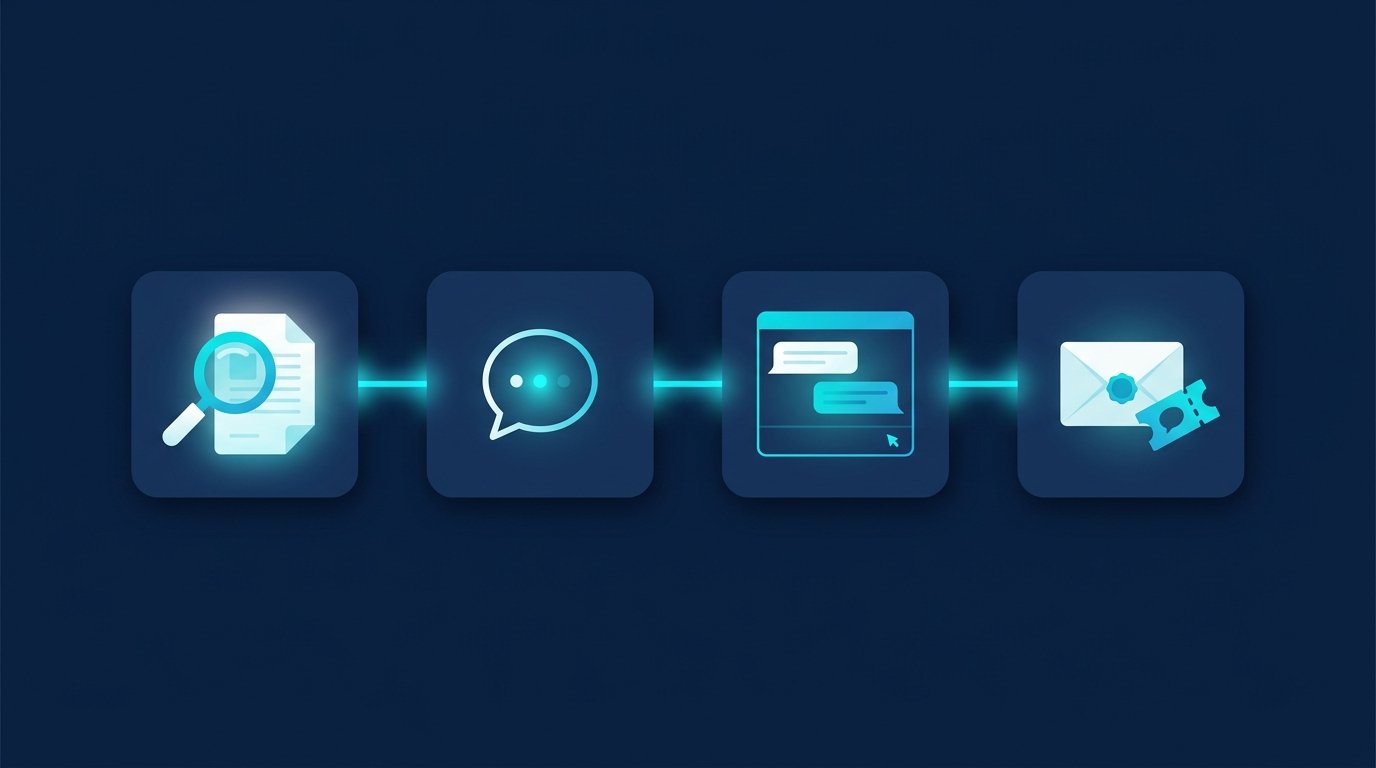
Our knowledge base article shows the support ticket process with screenshots: Contact LinkedIn Support and create a ticket.
Is there a LinkedIn support email address or phone number?
LinkedIn support by email
LinkedIn does not provide an address you can write to directly. Email support starts with a ticket: members with a free account “can create a support ticket to receive support by email”, according to the Premium chat help page. After you contact LinkedIn through the Help Center, it sends an automated email response. If you don’t receive one, check the other email addresses on your account and whether you’re receiving emails from LinkedIn at all.
LinkedIn phone number
“We don’t offer phone support,” LinkedIn states in its Help Center. In the same paragraph, it warns about websites advertising paid LinkedIn phone support. These sites are not affiliated with LinkedIn. LinkedIn does not charge for customer support and never asks for your password or access to your computer. So a number promising help for a fee does not belong to LinkedIn.
Live chat for Premium members
With Premium, you can reach a live advisor through the help assistant. According to LinkedIn, whether “Start chat” appears as online or offline depends on whether someone is available. Two help pages contradict each other on language availability: the contact page lists English, French, German, Portuguese, Spanish, Dutch and Italian, while the Premium chat page says live chat is “currently only available in English”. If the live chat does not respond in German, continue in English. You can find Premium pricing in LinkedIn Premium costs.
If you’ve purchased another LinkedIn product, such as Sales Navigator, type “Connect me with an advisor” or “I need to speak to someone” in the chat. LinkedIn then asks a few follow-up questions and connects you with the support team. Source: AI-powered help on LinkedIn, accessed October 3, 2026.
Check your case status: What happens after you submit a ticket
You can find all your requests together in the Help Center. On a computer, sign in, click “Help Center” in the right-hand sidebar, then click your profile photo at the top right and select “View your support cases”. Click a subject line to read the conversation and add new information. In the app, you can reach the same list through your profile photo, Settings and the Help Center. Source: Updates on your customer support case, accessed October 3, 2026.
Template: How to write your support ticket
The more complete your first message, the fewer follow-up questions you’ll get. Copy this template and fill in the brackets:
Subject: [Brief description, e.g. subscription charged twice]
Hello LinkedIn Support, I’ve had the following problem since [date]: [what happens, in two sentences]. I expected: [what should have happened]. The affected profile is [profile URL], and the email address on my account is [account email address]. I’m using [browser or app, device]. I’ve already tried: [steps you’ve taken]. I’m happy to provide screenshots. Thank you, [first name last name]
Never include your password in a support ticket. LinkedIn says in its help documentation that it will never ask for it.
Account restricted: How to regain access
If your account is restricted, the regular chat often won’t help because it requires you to sign in. LinkedIn provides a separate process: sign in and follow the on-screen instructions. If the issue concerns your profile, your identity or suspected unauthorised access, you’ll verify your identity through Persona, the provider LinkedIn uses for this process.
- On a computer, scan a QR code with your smartphone and continue there.
- Select the country that issued your ID and photograph your identity card, driving licence or passport. Persona may also ask for a photo of you.
- Persona shares the information with LinkedIn only with your consent. According to LinkedIn, it is usually permanently deleted within 14 days of submission.
- In the EU, Canada and the United Kingdom, there’s an option that doesn’t require an ID photo: a sworn statement of identity. Have it notarised, scan it and attach it to your support request.
If LinkedIn has removed content that you believe complies with its rules, sign in and follow the on-screen instructions to request another review. If someone has taken over your account, use the unauthorised account access form and provide your profile URL. For the types of restrictions and what to do in each case, see LinkedIn account restricted. Sources: Account restrictions it and enter it Verify your identity to restore account access, accessed October 3, 2026.
What support can’t do for you
Support resolves account problems. It won’t find you customers, candidates or a new job. For that, you need a clear target audience and patience with follow-ups. This is where CompLeadly, a desktop app that runs on your own computer, can help:
- Sales: A LinkedIn or Sales Navigator search becomes your target audience. CompLeadly visits profiles, sends connection requests and an initial message to new contacts, then sends follow-ups that stop as soon as someone replies. To see how teams set this up, read CompLeadly for sales teams.
- Recruiting: With a Recruiter licence, CompLeadly uses Recruiter searches, pipelines and saved searches as a target audience. Learn more at CompLeadly for recruiters.
- Applicants: A people search for team leads and recruiters at your preferred employers becomes a list you contact step by step. Common mistakes to avoid are covered in 10 common mistakes when looking for a job on LinkedIn.
You start with a 10-day free trial with all features. After that, CompLeadly automatically continues on the free version, with basic features and a daily limit, such as 2 connection requests and 1 follow-up per day.
Read more
If you’re just getting started, the overview What is LinkedIn? will help you get started. If you want to clean up your network, the article How can you delete a LinkedIn connection? shows you how to remove connections.
Frequently asked questions: Contacting LinkedIn and support
Does LinkedIn have a customer service phone number?
No. LinkedIn explicitly states in its help documentation that it does not offer customer service by phone. According to LinkedIn, websites advertising paid LinkedIn phone support are not affiliated with the company. You can reach support through the chat in the Help Center.
Is there a LinkedIn support email address?
LinkedIn does not provide a public email address for support requests. You create a support ticket in the Help Center, and the support team then replies by email to the address on your LinkedIn account. You’ll receive an automatic confirmation immediately after contacting them.
How long does LinkedIn Support take to respond?
LinkedIn does not give a guaranteed response time. The AI help assistant responds immediately in chat; live chat for Premium members is available only when it is shown as online. You can check your ticket’s status under “View your support requests” in the Help Center.
How can I contact LinkedIn customer service without Premium?
Sign in to the Help Center, then click “Contact us” and “Chat with support” at the bottom. If the help assistant can’t resolve your problem, ask to be connected to the support team. With a free account, this goes through a support ticket, and the reply comes by email.
What should I do if my LinkedIn account is restricted?
Sign in and follow the on-screen instructions. In many cases, you’ll verify your identity with a photo of your ID through the provider Persona. In the EU, you can submit a notarised sworn statement of identity instead. Learn more in the article LinkedIn account restricted.
How do I contact LinkedIn about Sales Navigator, Recruiter or advertising?
Each of these products has its own Help Center, which you can select to the left of the search bar. If you’ve purchased a product, you can type “Connect me with an advisor” in the chat to be connected to a support team advisor.