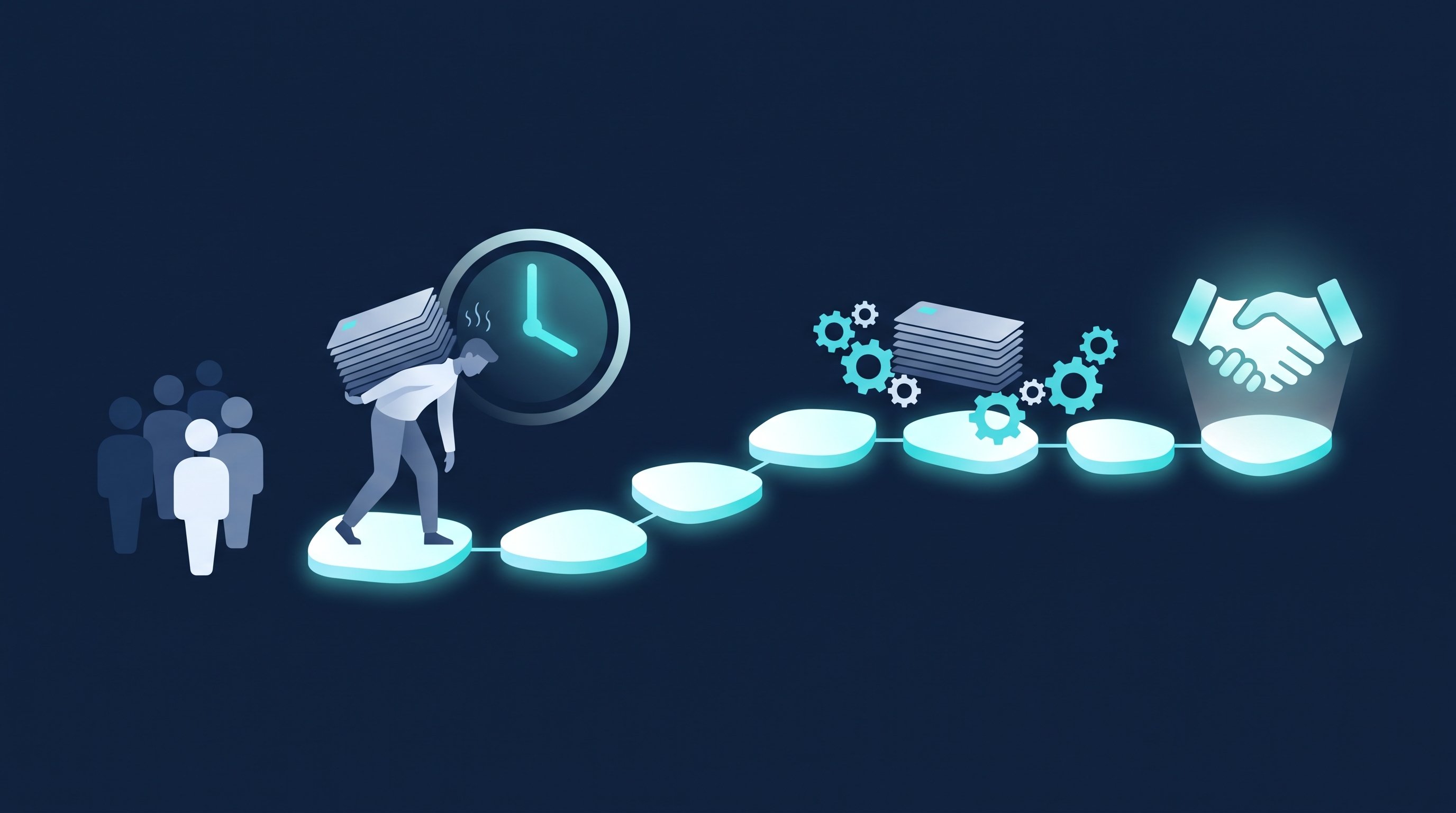
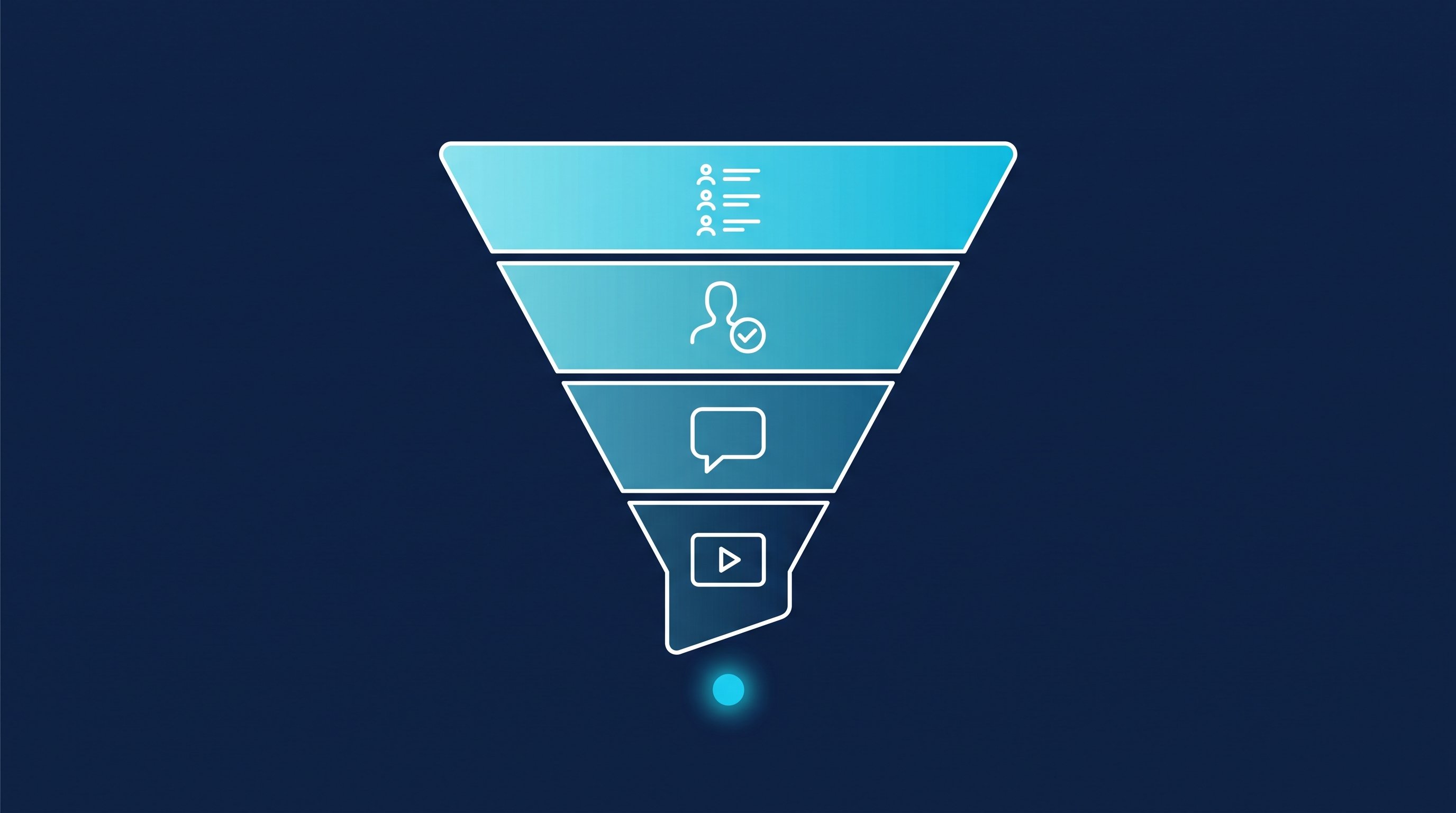
In short: SaaS sales on LinkedIn is a path with four stops: target list, accepted connection, reply, demo. You build the list from your Ideal Customer Profile and the filters in Sales Navigator. Connecting, the first message and following up are busywork that software can take over. The discovery call and the demo stay with you. Here is the path with minutes per step, templates per role and three metrics.
As of: October 2026.
Software doesn't sell itself, no matter how good the website is. At some point someone sits in front of an empty list and wonders who will fill the first fifty demos. In young companies that's the founder, later an SDR, and in the end an account executive runs the demo. For all three, LinkedIn is where the decision makers are. This post shows the whole path, from the target list to the booked demo. The general acquisition process for every industry is in Customer acquisition: the process by hand and automated.
How SaaS sales works: inbound, outbound, PLG
SaaS sales knows three paths to the customer. Most companies run two of them in parallel.
Path | Who takes the first step | What you need for it |
|---|---|---|
Inbound | the prospect, via website, search or a post | content that gets found, and a form that gets a fast answer |
Outbound | you, by message, email or phone | a target list, good first messages and stamina when following up |
Product-led growth (PLG) | the user, via a free version or a trial | a product that makes sense without explanation, and someone who reaches out to active trial accounts |
Inbound takes time before it carries you. PLG needs a product that explains itself, and even then larger customers rarely buy without a conversation. Outbound is the path you can start tomorrow morning. That's what this post is about.
LinkedIn helps with the other two as well: in PLG and inbound, it shows you who else at a trial user's or prospect's company has a say in the decision.
Who sells? In the early phase, the founder sells. That isn't a stopgap, it's an advantage: nobody knows the problem as well. With the first sales team, the roles split. The SDR, short for sales development representative, builds the list, writes the first messages and books meetings. The account executive, AE for short, runs the discovery call and the demo and brings the deal home.
Target list by ICP and tech stack
The target list decides more about your demo rate than any message. If you write to everyone with "software" in their profile, you end up running demos with people who never buy.
Start with the Ideal Customer Profile: which type of company gets the most out of your product? How to derive it from your best customers is shown in Sales ICP. For SaaS, these traits usually matter most, and this is how you find them in Sales Navigator:
- Industry and size: the "Industry" and "Company headcount" filters.
- Growth: in the account search, "Company headcount growth" shows growth over the last 12 months, "Department headcount growth" the growth of one department. If sales is growing, it often needs new tools.
- Open positions: "Job opportunities" shows companies with open positions on LinkedIn.
- Role: "Function", "Current job title" and "Seniority level" in the lead search.
- Trigger: "Changed jobs" finds people who changed positions in the last 90 days. New leaders like to review what they inherit.
The filter names come from the LinkedIn help page Sales Navigator lead and account search filter definitions, accessed on 8 October 2026. How to get from the company list to the people search there is shown in How to use LinkedIn Sales Navigator.
And the tech stack? This help page doesn't list a filter for the software a company uses. We research it by hand, and it pays off, because it separates the best target list from a good one:
- Read job ads. A company looking for an admin for a specific CRM uses that CRM. A company hiring three salespeople at once is restructuring.
- Check the website. Integration pages, help centers and career pages reveal a lot about the tools in use.
- Keyword search on LinkedIn. Search for the name of a tool together with the role. People who name a tool in their profile often work with it. The free Boolean search generator builds the search string for you.
Build three small lists with one clear trait each rather than one big list. Later you'll see which segment replies.
By hand: from profile to booked demo
This is what the work looks like when you click every step yourself. The minutes come from two CompLeadly accounts in 2026. They are the measured execution time of the software per action and so a lower bound for manual work: the software pauses like a human when opening, reading and typing.
- Build the target list and save the search: once per segment, not measured.
- Open the profile and follow: about 1.5 minutes.
- Read the profile, find a reason, send the connection request: about 3 minutes.
- Check who accepted and write the first message: about 1.5 minutes per accepted contact.
- Follow up without a reply: about 1.2 minutes per follow-up.
- Withdraw pending requests: about 12 seconds per request.
- Read replies and propose a call in the chat: your work, not measured. Templates for this are in Meeting request email: templates for email and LinkedIn.
- Run the discovery call: your work, not measured. How to prepare it and which questions to ask in SaaS is shown in Discovery call.
- Show the demo: your work, not measured. Only show what came up as a problem in the discovery call.
If you jump from step 7 straight to the demo, you save a meeting. But then the demo shows everything instead of the right thing. With small deal sizes, both can fit into one meeting: ask for ten minutes first, then show.
How it works with CompLeadly
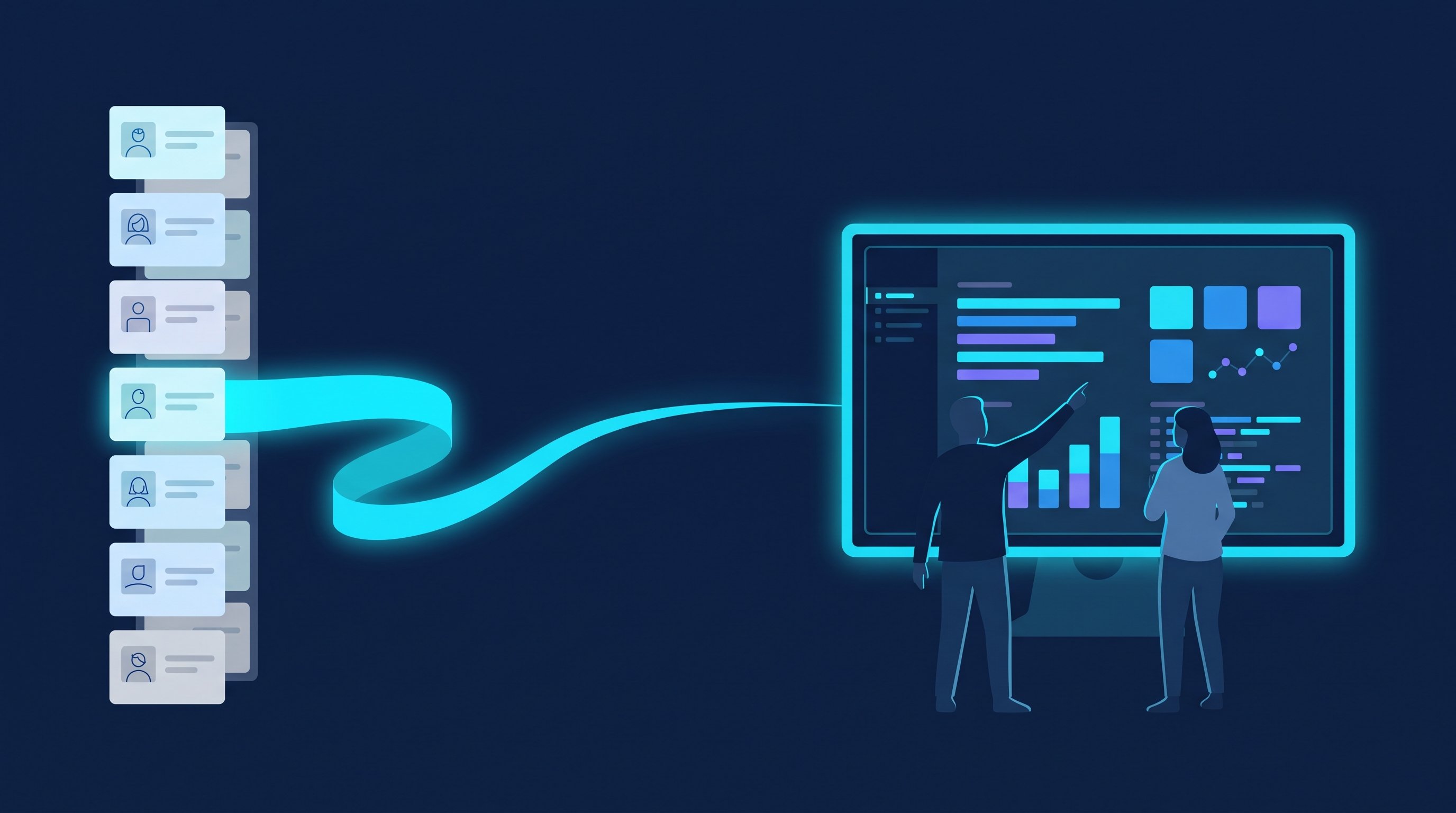
CompLeadly is a desktop app that runs on your computer. It takes over steps 2 to 6. From the reply on, it's your turn.
- Target audience (you): A LinkedIn people search, a Sales Navigator search, a saved Sales Navigator search or an imported Excel list becomes the target audience. Each of your sub-lists can be its own target audience.
- Profile visit and connecting (software): with or without a note, with a daily value per step.
- Opener (software): After acceptance, a first message goes out, with placeholders like the first name, but only if the chat is still empty.
- Follow-ups (software): A follow-up only goes out once your last message has gone unanswered for as many days as you set. If the contact replies, the automatic messages stop.
- Replies (you): With Smart Chat (add-on), your LinkedIn messages are in CompLeadly. You filter for unanswered chats, create categories and assign chats to colleagues. That way an SDR can pre-sort the replies and hand the right chat to the AE.
- Demo meeting (you): CompLeadly doesn't book meetings. The app's calendar plans when your workflows run. You put your booking link, for example from Calendly or HubSpot Meetings, into a message or a follow-up in the sequence.
Individual steps like connecting, opener and follow-up already run in the free version with basic features and daily limits, for example 2 connection requests, 1 opener and 1 follow-up per day, each step started individually. Full workflows and schedules start with Basic. You start with a 10-day trial with all features. Plans are on the pricing page. How founders and sales teams work with it is shown on the pages for founders and sales teams.
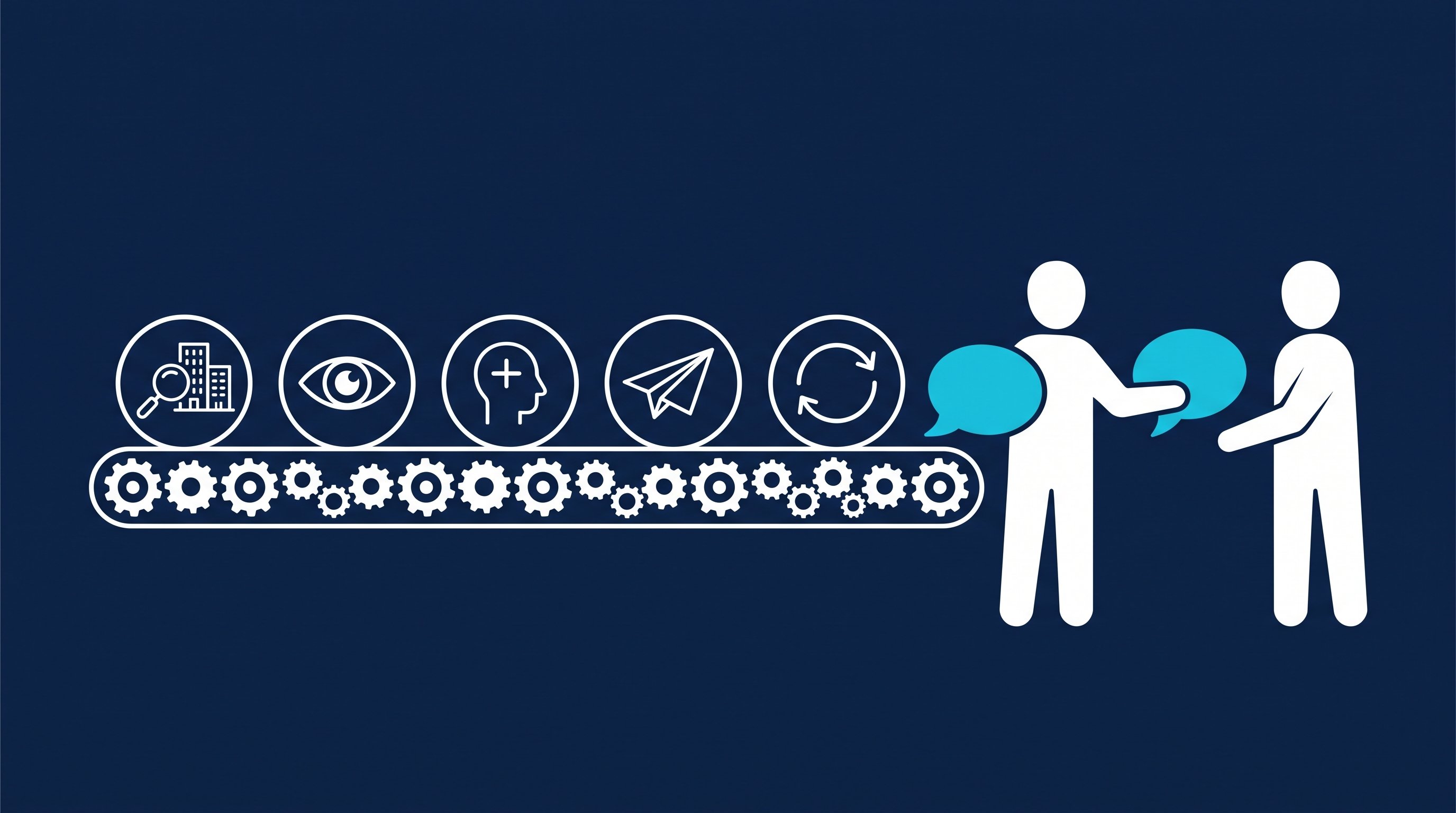
Time calculation
The table works through the clicking for 100 contacts you send requests to, up to the booked meeting. A meeting here means the first call, whether discovery call or direct demo.
| Step | Minutes by hand | Minutes with CompLeadly | Time saved |
|---|---|---|---|
| Open and follow the profile | 1.5 | 0 | 1.5 |
| Read the profile, find a reason, send the connection request | 3 | 0 | 3 |
| Withdraw the pending request | 0.2 | 0 | 0.2 |
| First message after acceptance (per accepted contact) | 1.5 | 0 | 1.5 |
| Follow-up without a reply (per accepted contact) | 1.2 | 0 | 1.2 |
| Total for 100 contacts | 8 h 58 min | 0 min | 8 h 58 min |
| Per accepted contact | 21.5 min | 0 min | 21.5 min |
| Per booked meeting | 7 h 10 min | 0 min | 7 h 10 min |
Example calculation · Acceptance rate 25%, Booking rate 5%
Sample calculation. Assumptions: minutes per step are the measured execution time of the software from two CompLeadly accounts in 2026 (average per action: follow 90 seconds, visit and connect 180, first message 91, follow-up 69, withdraw 12), a lower bound for manual work. Acceptance rate of 25 percent as the midpoint of the 13 to 37 percent range measured across the audiences of these accounts. Meeting rate of about 5 percent of accepted contacts, our own estimate, not counted. Withdrawing is applied to all contacted prospects and the follow-up to all accepted contacts, so both are upper bounds. With CompLeadly, 0 minutes per contact because the software runs these steps; the one-time setup of audience and messages is not included. Replies, discovery call and demo take the same time either way and are not included.
For SaaS, the numbers come out a little better. In these accounts, requests to software and technology decision makers were accepted at 28.8 percent. With that value instead of 25 percent, it's about 6 hours of clicking per meeting. That is a value from a single audience. Plug in your own numbers as soon as you have them.
Six to seven hours of clicking per meeting, before anyone talks about the product. That time is missing from your demo preparation.
Message templates for founders, SDRs and account executives
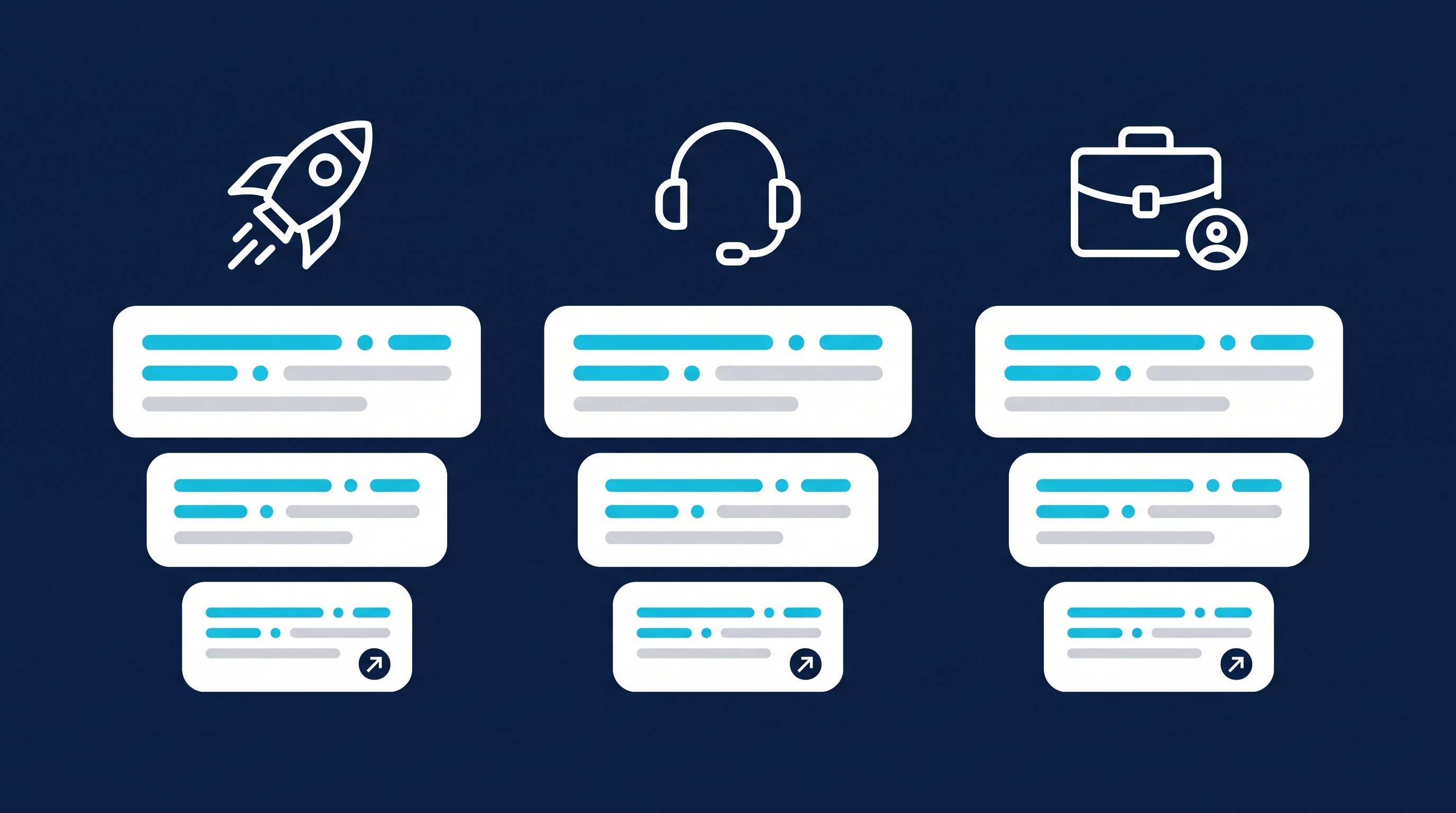
Every role writes differently. The founder can be personal. The SDR needs a reason. The AE only writes once a conversation is already running. Here are three short messages each: connection note, opener after acceptance, follow-up. All names are made up.
The note on a connection request can be up to 200 characters, and without Premium you can add a note to only up to three requests per month (LinkedIn Help, Personalize invitations to connect, accessed on 8 October 2026). Whether to send a note at all is covered in LinkedIn connections with or without a message.
Founder
The founder sells with their story. They ask about the problem they founded the company to solve.
Note: Hi Ms Brandt, you're building your sales team right now. I founded a tool for quote approvals and I'm happy to swap notes with people solving exactly that.
Opener: Thanks for connecting, Ms Brandt. An honest question from founder to head of sales: how long does a quote approval take at your company, from draft to signature?
Follow-up: Just following up, Ms Brandt. If this isn't high on your list right now, that's completely fine. If it is: 15 minutes, I'll ask how you do it today and tell you honestly afterwards whether our tool fits.
SDR
The SDR writes to many people and wins with a concrete reason. Job ads, a job change or a post work well.
Note: Hi Mr Okafor, I saw that you're hiring three account managers. I work with sales teams that are growing right now and would be glad to connect.
Opener: Thanks for accepting, Mr Okafor. Three new people at once is a strong signal. How long does it take someone new on your team to close their first deal?
Follow-up: Mr Okafor, one more question on this: is onboarding the bigger topic for you right now, or the number of meetings? If one of them fits: 15 minutes, Tuesday at 10 or Thursday at 3?
Account executive
The AE uses LinkedIn around the discovery call and the demo. Two jobs: bring more decision makers on board and stay on the ball after the demo.
Note to a second person: Hi Ms Weiss, I'm talking with your colleague Jonas Hartmann about your quote approvals. I'd like to connect with you before the demo on Thursday.
Opener: Thanks, Ms Weiss. Mr Hartmann mentioned that you own approvals in the finance department. What would you need to see in the demo to make the half hour worth it for you?
Follow-up after the demo: Ms Weiss, thanks for your questions on Thursday. As discussed, the quote for two teams will arrive by Friday. Is there anything else you need for the approval that I should send along?
You write the message after the demo by hand, because after the first reply the sequence has already stopped the automatic follow-ups. More templates for every situation are in the follow-up templates.
Metrics: acceptance rate, reply rate, demo rate
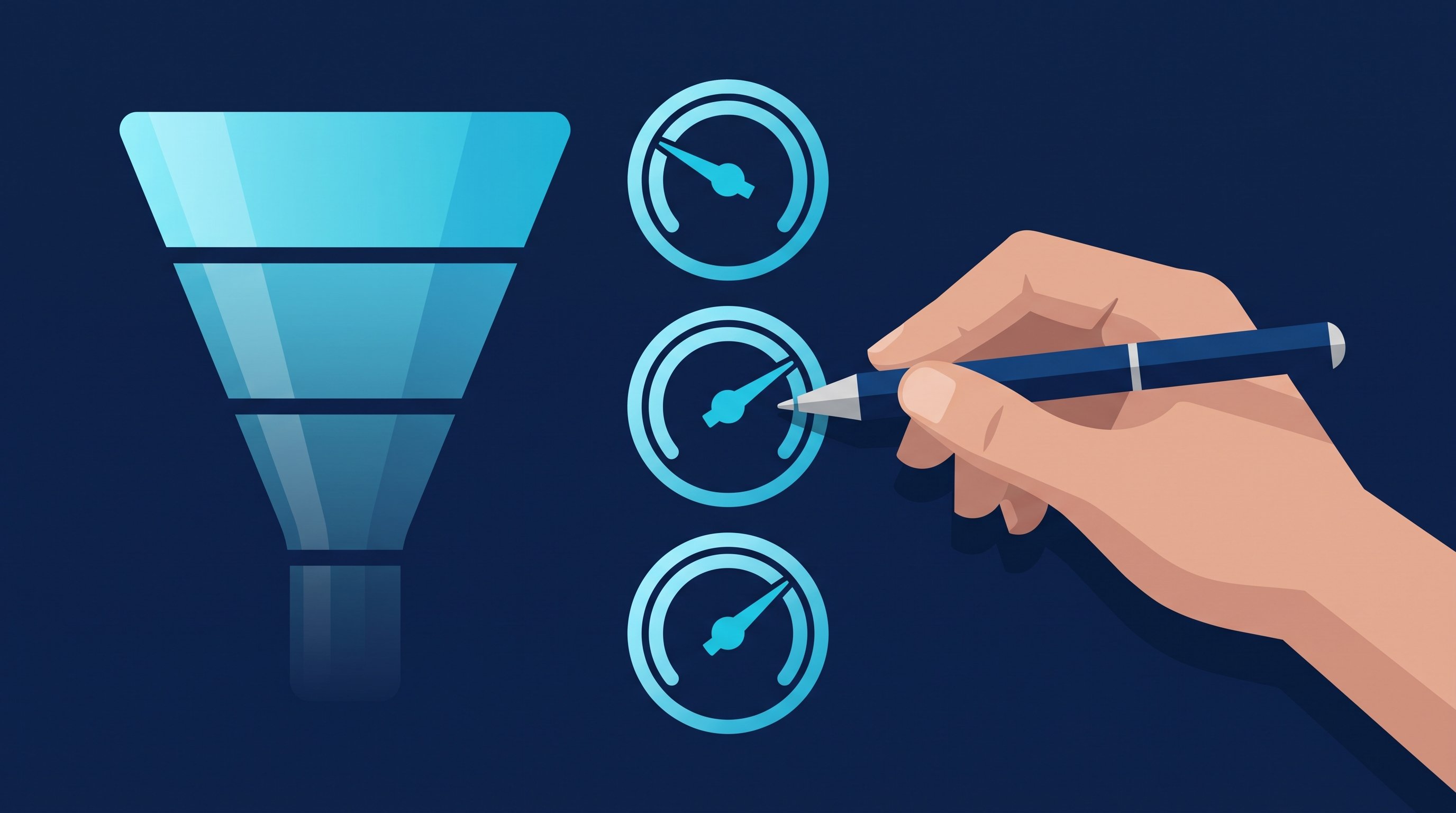
Three rates show you where your path to the demo gets stuck. Calculate them per target list, or you'll mix a good segment with a bad one.
Metric | Formula | What it tells you |
|---|---|---|
Acceptance rate | accepted requests ÷ sent requests × 100 | whether target list and profile fit |
Reply rate | contacts who replied ÷ accepted contacts × 100 | whether your first message and your follow-ups work |
Demo rate | booked demos ÷ accepted contacts × 100 | whether you get from the chat to the meeting |
Our values: In the measured accounts, requests to software and technology decision makers were accepted at 28.8 percent. Across all measured audiences, the acceptance rate was between 12.6 and 36.7 percent. We don't have a counted reply rate. For meetings, we work with about 5 percent of accepted contacts, which is our own estimate.
Your values: Measure them yourself. The statistics in CompLeadly show a calculated acceptance rate, meaning contact growth divided by sent connection requests. You count replies and demos in your pipeline. A template with formulas for conversion and cycle time is in Sales pipeline template.
How to read the numbers:
- Low acceptance rate: the list or the profile doesn't fit. Check the segment before you polish the copy.
- Low reply rate: the first message sells too early or asks too generally. Ask a question only this role can answer.
- Low demo rate: the conversations are running, but nobody gets a clear proposal. Name the topic, the length and two time slots.
Only change one thing at a time and give it a few hundred requests. Otherwise you won't know what worked.
Recruiting and job hunting: the same path into the SaaS company
Recruiting: SaaS companies often look for their SDRs and AEs exactly where they sell: on LinkedIn. The path is the same, only here the demo is called an introductory interview. With your own Recruiter license, CompLeadly turns a Recruiter search, a pipeline or a saved search into the target audience. Connecting, opener and follow-ups run until the candidate replies. Wording is in LinkedIn recruiting messages, the process is shown on the page for recruiters.
Job hunting: If you apply as an SDR or AE at a SaaS company, you have an advantage. Your application is a work sample. Build a small target list of sales leaders at the companies you want to work for and write the way you'd later write to customers: short, with a reason, with a good question. A people search becomes the target audience. Profile visit, connecting, opener and follow-up already run in the free version with its daily limits. For twenty target companies, that's enough. What to avoid along the way is in 10 common LinkedIn mistakes when job hunting.
FAQ: SaaS sales
What is SaaS sales?
SaaS sales is selling software that customers use as a subscription over the internet. Customers come through three paths: inbound via website and content, outbound via direct outreach and product-led growth via a free version or a trial. In B2B, there is usually a demo before the purchase.
What is the difference between an SDR and an account executive?
The SDR builds the list, writes the first messages and books meetings. The account executive runs the discovery call and the demo and negotiates up to the close. In young companies, the founder does both.
How do I get demo meetings through LinkedIn?
With a narrow target list, a connection request with a reason, a first message with a real question and one or two follow-ups. When someone replies and describes a problem, propose a short call with two concrete time slots.
How do I find companies with a specific tech stack on LinkedIn?
The help page on the Sales Navigator filters doesn't list a dedicated filter for it. Read the companies' job ads and websites, and search LinkedIn for the name of the tool together with the role.
Which metrics should I track in SaaS sales on LinkedIn?
Acceptance rate, reply rate and demo rate, per target list. Our acceptance rate with software and technology decision makers was 28.8 percent. Reply rate and demo rate are best measured yourself, because they depend heavily on your offer.
Does CompLeadly book demo meetings?
No. On LinkedIn, CompLeadly takes over the steps up to the reply: profile visit, connecting, opener and follow-ups. Your contact books the meeting through your own booking link, for example from Calendly or HubSpot Meetings, which you put into a message in the sequence.