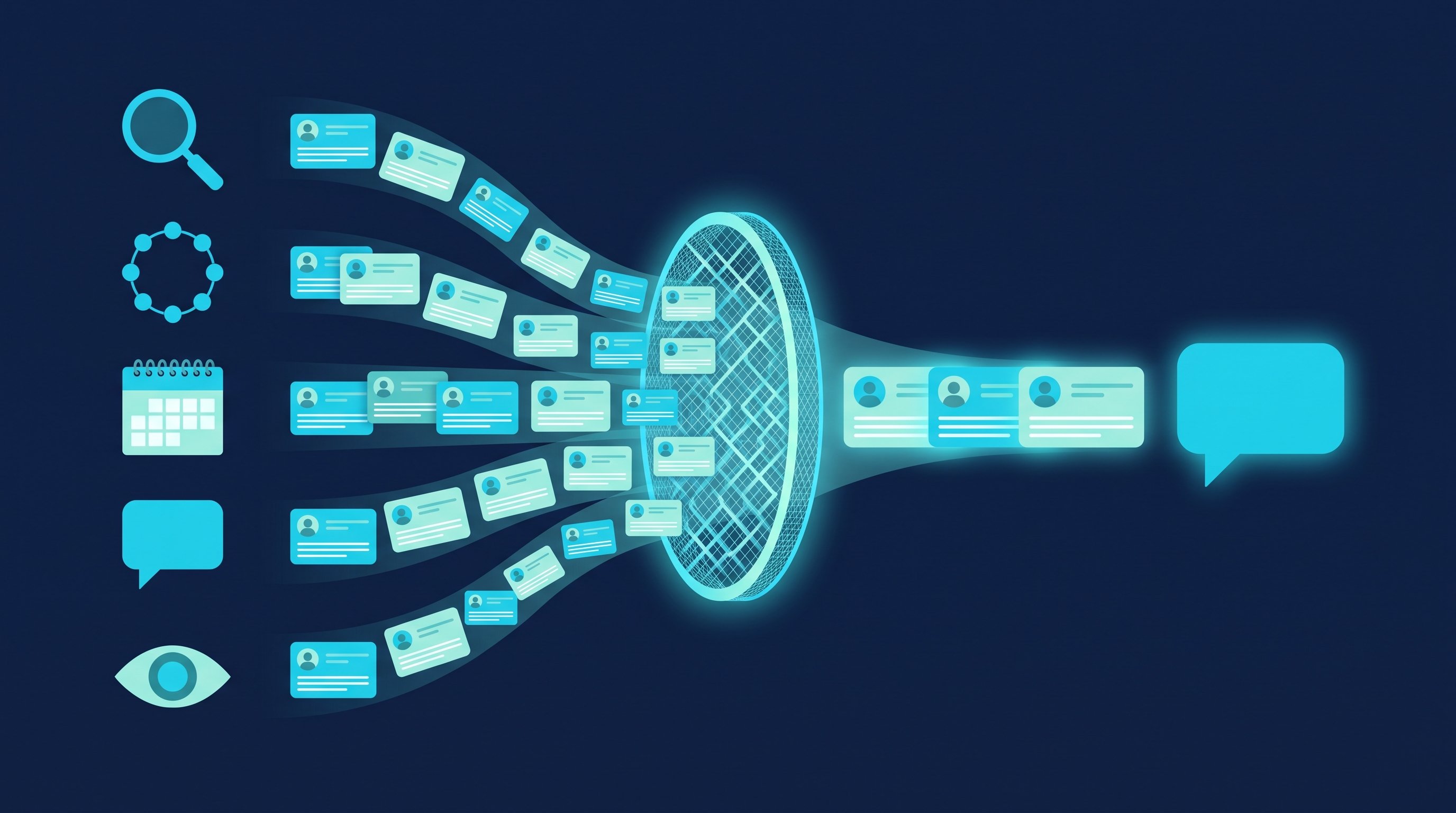
In short: You sell coaching on trust in you as a person, and LinkedIn is where your buyers check you out as a person. Three things take you from contact to discovery call there: a profile that works like an offer page, posts about your clients' questions and regular, personal outreach. In two CompLeadly accounts, 12.6 to 36.7 percent of connection requests were accepted in 2026, depending on the audience. Here is the whole path in minutes, what you can hand off and which messages lead to a meeting.
As of: October 2026.
If you live on referrals alone as a coach, you have a problem as soon as a quarter goes by without one: your calendar is half empty. LinkedIn is the channel where you control that flow yourself. Not through reach alone, but through conversations with exactly the people who need your coaching.
This post covers the path up to the booked discovery call. How to run the call itself is in Discovery call: how to book, prepare and run it.
Why coaches sell on LinkedIn
LinkedIn fits best for coaching that a company pays for or that has to do with work. In B2B coaching, the buyers are managing directors, HR leads and managers. All three are on LinkedIn, with role, company and career history in their profile. So you can see who has just taken on a new leadership role, who is building a team or who works at a company that is growing fast.
The same holds for career coaching, from the other direction: your clients are thinking about their next career move, and that is exactly what they do on LinkedIn.
It gets harder with topics that have nothing to do with work, such as relationships or health. People rarely look for that kind of help in their professional network. Our take: the closer your coaching is to working life, the better it sells on LinkedIn.
A second reason is the nature of the purchase. Coaching is a promise. Whoever buys it buys you. Before anyone says yes, they read your profile, look at your posts and check whether you speak the language of their industry. If someone looks you up on LinkedIn, they judge you there, whether you are active or not.
Your profile as an offer page
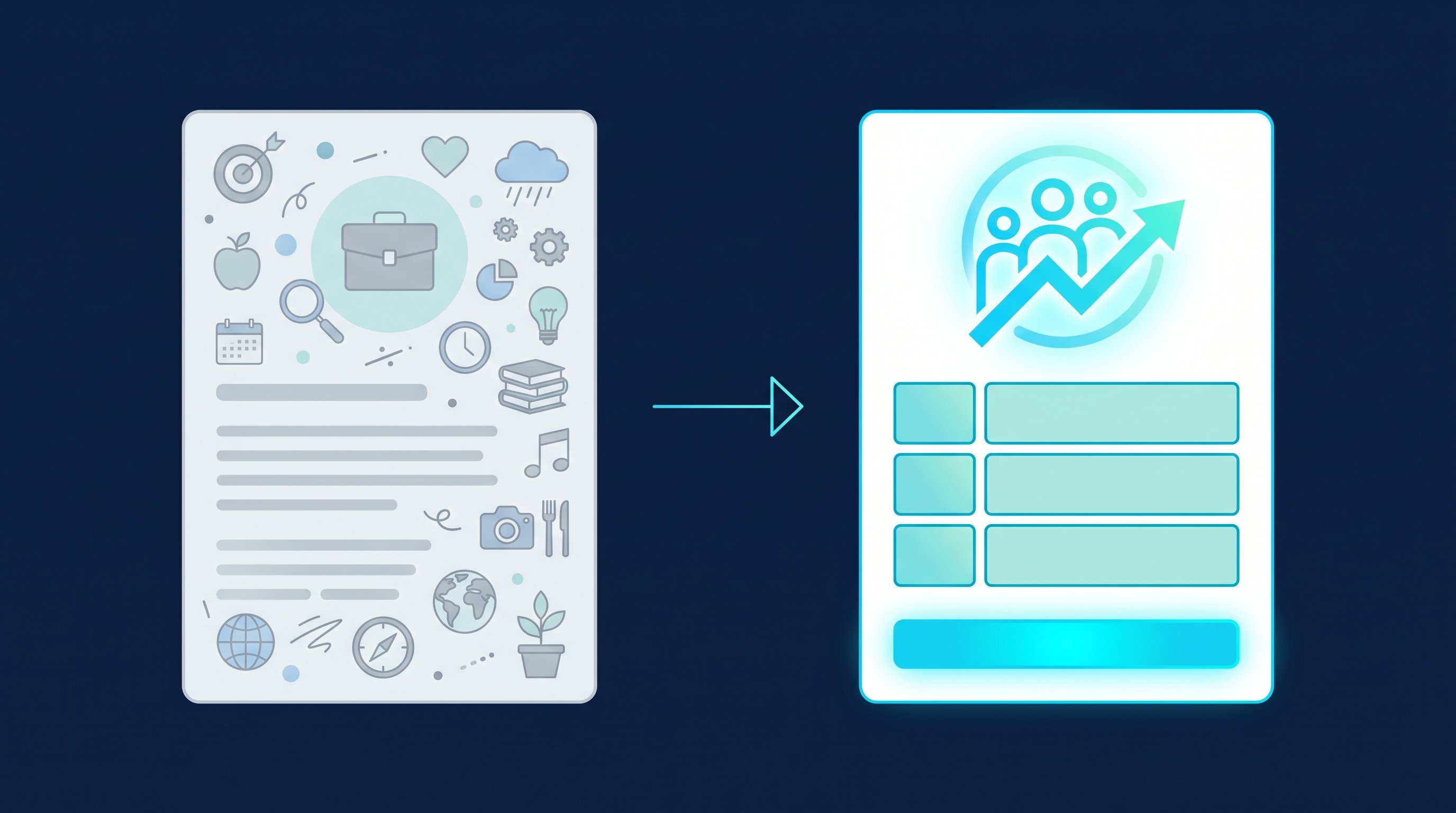
Whoever gets your request opens your profile first. Within a few seconds it has to be clear who you work with, which problem you solve and what the next step is.
- Headline: Audience and outcome instead of a job title. "Coach" on its own says nothing. "I help new team leads at tech companies through their first 100 days" says it all. For ideas, try the free headline generator.
- About section: Who it is for, which problem, how you work, what a discovery call is. Write in your clients' language, not in the language of your training.
- One offer per profile: If you coach managers and offer nutrition advice on the side, you confuse both audiences. Why, is explained in Why you need a separate LinkedIn profile for every offer.
- Services: LinkedIn offers freelancers and small business owners a free Service Page. You set it up via "Add profile section" and "Add services", describe your services and can show a starting hourly rate or choose "Contact for pricing". With a checkbox you allow buyers to message you regardless of your degree of connection (LinkedIn Help, Offer services on LinkedIn with your personal profile, accessed on 12 October 2026).
The services section is worth a closer look. Without a Premium Business, Sales Navigator or Recruiter Lite subscription, your profile only shows a list of your services. With one of these subscriptions you get a showcase with media, a "Request proposal" button, your ratings and your most recent four or five star review (LinkedIn Help, Service Pages FAQ, accessed on 12 October 2026). Requests follow a simple model: the client sends a project request, you reply with a proposal, and you agree on terms and payment outside of LinkedIn (LinkedIn Help, Get started as a service provider on LinkedIn, accessed on 12 October 2026).
Our recommendation: Set up the page, even without Premium. It costs nothing, and whoever checks your profile sees at a glance what you offer.
Content that brings discovery calls
Posts make you known. Conversations only start when you respond to the reactions. Three rules for coaches:
- Write about the questions from your discovery calls. If three team leads ask you how to deal with a former colleague who now reports to them, that is your next post. Clients recognize themselves in it.
- Show cases, not methods. An anonymized case from your practice with the starting point, the turning point and the result convinces more than explaining a model. Leave out anything that would identify the person.
- Comment in your audience. An expert comment under a post by an HR lead puts your name in front of her network. Why that often brings more than one more post of your own is in Post less, comment more. How to start a conversation after the comment is shown in the commenting trick for consultants, coaches and agencies.
In post analytics, LinkedIn shows you how many people visited your profile because of a post and how many followed you through it. According to LinkedIn, the numbers are estimates (LinkedIn Help, post analytics, accessed on 12 October 2026). What counts for you is the list behind them: whoever comments, reacts, visits your profile or follows you knows your name. These are the people you send requests to first, with a reference to the post. How posting and connecting become a weekly routine is shown in LinkedIn personal branding for founders. The system there works just as well for coaches.
How it works by hand
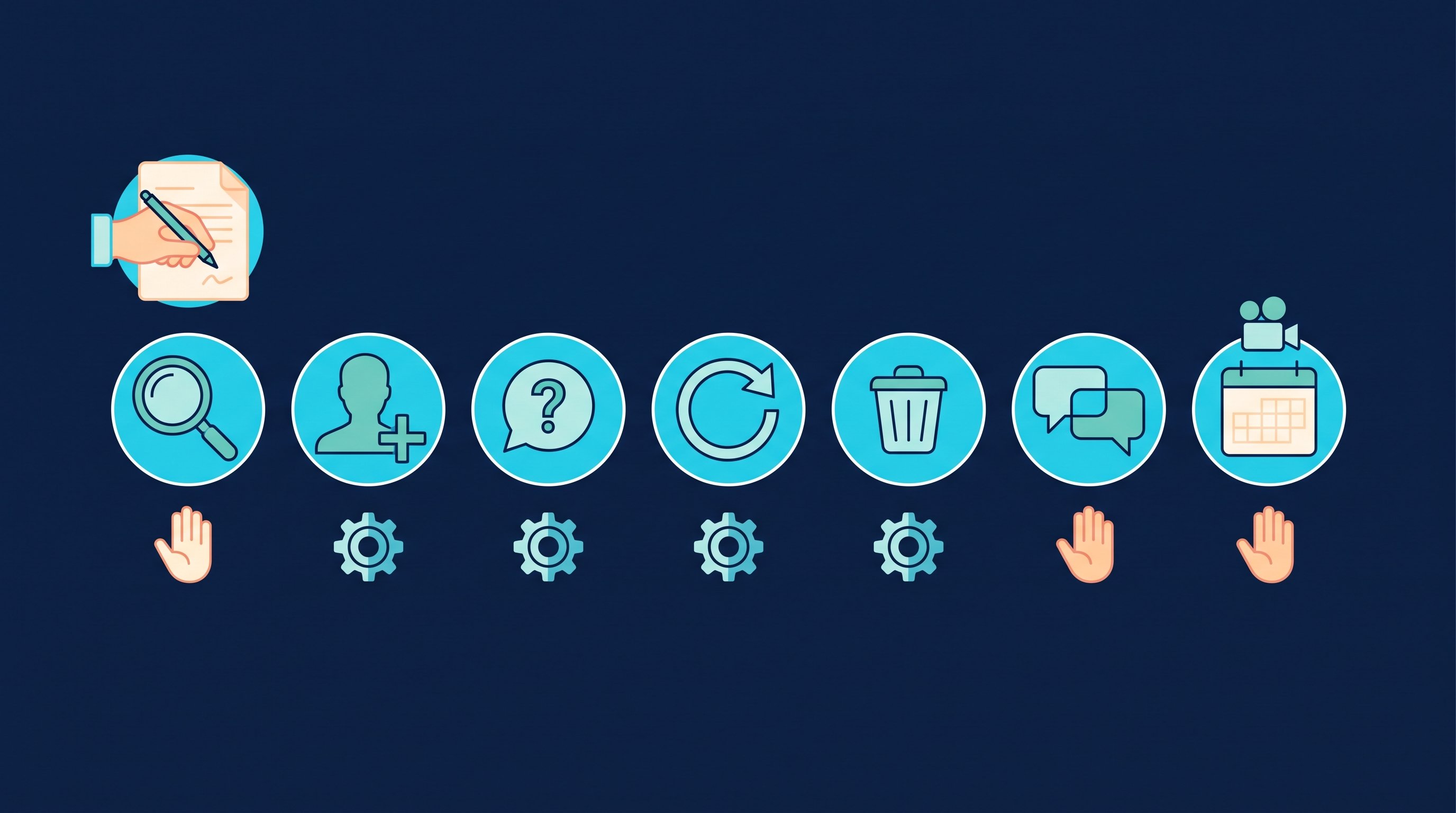
Besides the warm contacts from your posts, you need a steady stream of outreach to new people from your audience. Say you send requests to 100 managers a week, 20 per working day. This is what the work looks like if you click everything yourself. The minutes come from two CompLeadly accounts in 2026. They are the measured execution time of the software per action and therefore a lower bound for manual work: the software pauses like a person when opening, reading and typing.
- Define your audience and set up the search: once, not measured. How to describe your ideal client is shown in Sales ICP.
- Open the profile and follow: about 1.5 minutes per contact.
- Read the profile, find a reason, send the connection request: about 3 minutes per contact.
- Check who accepted, write the first message: about 1.5 minutes per accepted contact.
- Follow up without a reply: about 1.2 minutes per follow-up.
- Withdraw pending requests: about 12 seconds per request.
- Read replies, clarify in the chat, suggest a discovery call: your work, not measured.
- Run the discovery call: your work, not measured.
For 100 contacts a week, that adds up to about nine hours of pure clicking. That is more than a full coaching day. Steps 2 to 6 are the same for every contact. In steps 7 and 8, you sell.
How it works with CompLeadly
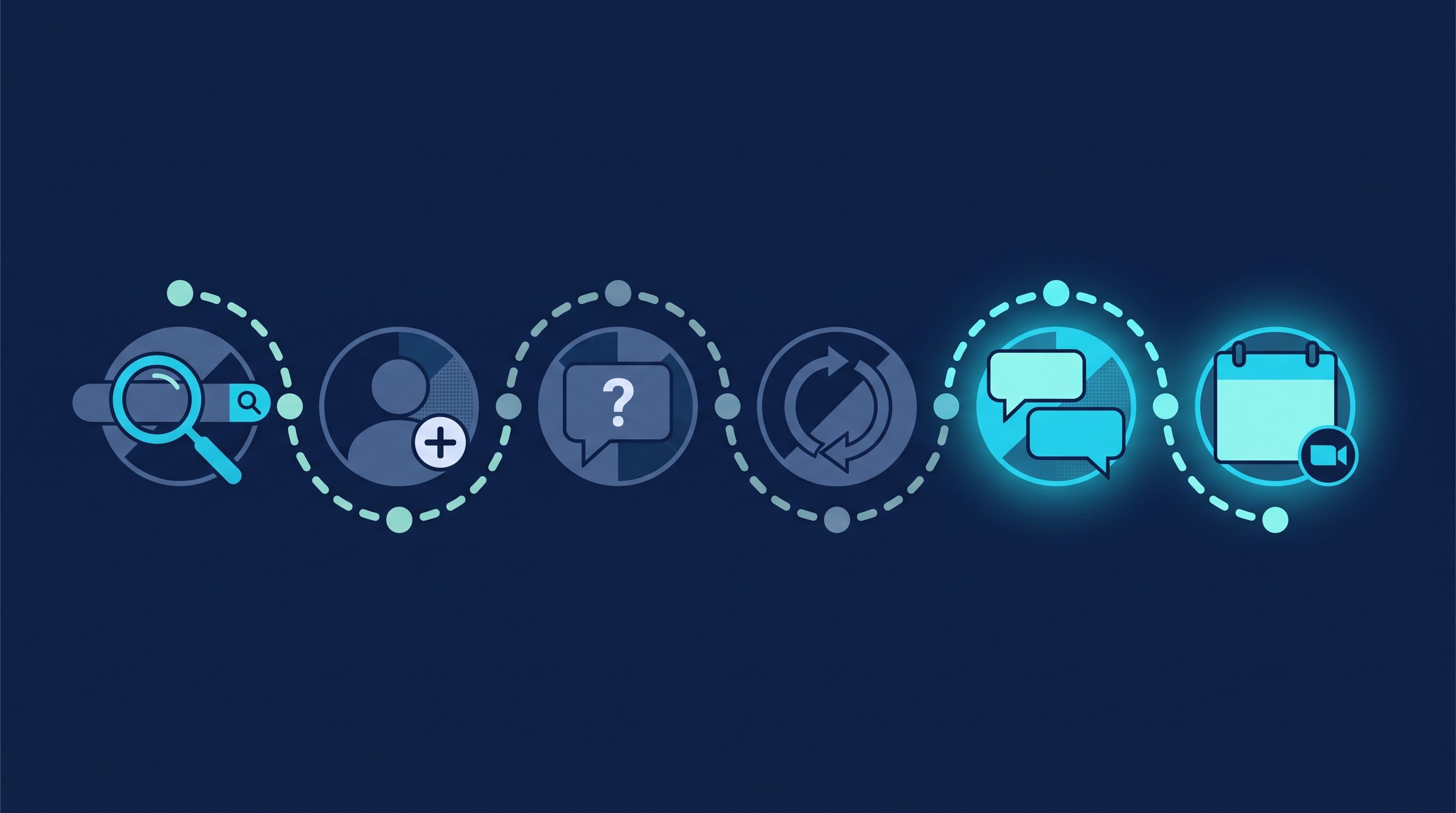
CompLeadly is a desktop app that runs on your computer. It takes over steps 2 to 6. You write and publish your posts yourself, and from the first reply on, it's your turn again.
- Audience (you): A LinkedIn people search, a Sales Navigator search or an Excel list becomes an audience. You can also create audiences from the people who follow you and the people who viewed your profile. LinkedIn only shows the full list of your profile viewers with Premium Business or Career; without Premium you see the three most recent viewers of the last 90 days (LinkedIn Help, Who's viewed your profile, accessed on 12 October 2026). Here is how: Using profile visitors and followers as target audiences.
- Profile visit and connecting (software): with or without a personal note.
- Opener (software): After acceptance a first message goes out, but only if the chat is still empty.
- Follow-ups (software): A follow-up only comes once your last message has gone unanswered for as many days as you set. If the contact replies, the automatic messages stop.
- Cleanup (software): Old pending connection requests are withdrawn.
- Replies (you): With Smart Chat, a separate package, your LinkedIn messages sit in CompLeadly. You filter for unanswered chats and create categories such as "discovery call suggested".
- Meeting (you): CompLeadly doesn't book meetings. The app's calendar schedules when your workflows run. You put your booking link, for example from Calendly or HubSpot Meetings, into a message or a follow-up.
Connecting, opener, follow-up and withdrawing pending requests already run in the free version, with daily limits such as 2 connection requests, 10 messages to 1st-degree contacts and 1 follow-up per day, each step started one at a time. Whole workflows and schedules come with Basic at $29.99 per month, or $24.99 on the yearly plan. Smart Chat is a package of its own from $29.99 per month, or $24.99 on the yearly plan. All prices excl. VAT, 10-day trial without payment details, as of 12 October 2026 on the pricing page.
Time comparison
The table runs the clicking for 100 contacted prospects, up to the booked discovery call.
| Step | Minutes by hand | Minutes with CompLeadly | Time saved |
|---|---|---|---|
| Open and follow the profile | 1.5 | 0 | 1.5 |
| Read the profile, find a reason, send the connection request | 3 | 0 | 3 |
| Withdraw the pending request | 0.2 | 0 | 0.2 |
| First message after acceptance (per accepted contact) | 1.5 | 0 | 1.5 |
| Follow-up without a reply (per accepted contact) | 1.2 | 0 | 1.2 |
| Total for 100 contacts | 8 h 58 min | 0 min | 8 h 58 min |
| Per accepted contact | 21.5 min | 0 min | 21.5 min |
| Per booked meeting | 7 h 10 min | 0 min | 7 h 10 min |
Example calculation · Acceptance rate 25%, Booking rate 5%
Sample calculation. Assumptions: minutes per step are the measured execution time of the software from two CompLeadly accounts in 2026 (average per action: follow 90 seconds, visit and connect 180, first message 91, follow-up 69, withdraw 12), a lower bound for manual work. Acceptance rate of 25 percent: an assumption within the range of 12.6 to 36.7 percent measured across the audiences of these accounts. Meeting rate of about 5 percent of accepted contacts, our own estimate, not counted. Withdrawing is applied to all contacted prospects and the follow-up to all accepted contacts, so both are upper bounds. With CompLeadly, 0 minutes per contact because the software runs these steps; the one-time setup of audience and messages is not included. Posts, replies in the chat and the discovery call itself take the same time either way and are not included.
How much rates vary shows up within a single profession: in one CompLeadly account, requests to coaches were accepted 12.6 percent of the time in the weakest region and more than twice as often in the strongest. So test audience and message before you raise the volume, and plug in your own numbers as soon as you have them.
In the sample calculation, one discovery call costs about seven hours of clicking. You run the conversations better than any software. The clicking, not so much.
High-ticket coaching: from contact to discovery call
High-ticket coaching means programs with a high price, usually over several months. Nobody buys something like that in a chat. The chat has one job: finding out whether a conversation is worth it for both sides. The higher the price, the more this step matters, because every discovery call with the wrong person costs you an hour.
The path looks like this:
- Connection request with a reason, no offer.
- First message with a question about their situation, not about your coaching.
- Listen in the chat for one or two messages.
- Two qualifying questions: Is the topic urgent? Does the person decide alone, or do they need sign-off, for example from HR?
- Suggest a discovery call with topic, length and two time slots, with your booking link as an extra.
- In the discovery call, clarify whether a proposal meeting follows.
If your contact says in step 4 that the budget only frees up next year, that is not a no. Note the date and get back in touch then. If you have someone else fill your calendar, the split between setter and closer is covered in Appointment setting on LinkedIn. Ready-made wording for the meeting request is in Meeting request email: templates.
Messages up to the discovery call
An example: a leadership coach writes to team leads at growing software companies. Names and company are made up.
A note on a connection request can be at most 200 characters long, and without Premium you can only add a note to up to three requests per month (LinkedIn Help, Personalize invitations to connect, accessed on 12 October 2026). Whether to send a note at all is covered in LinkedIn connections with or without a message.
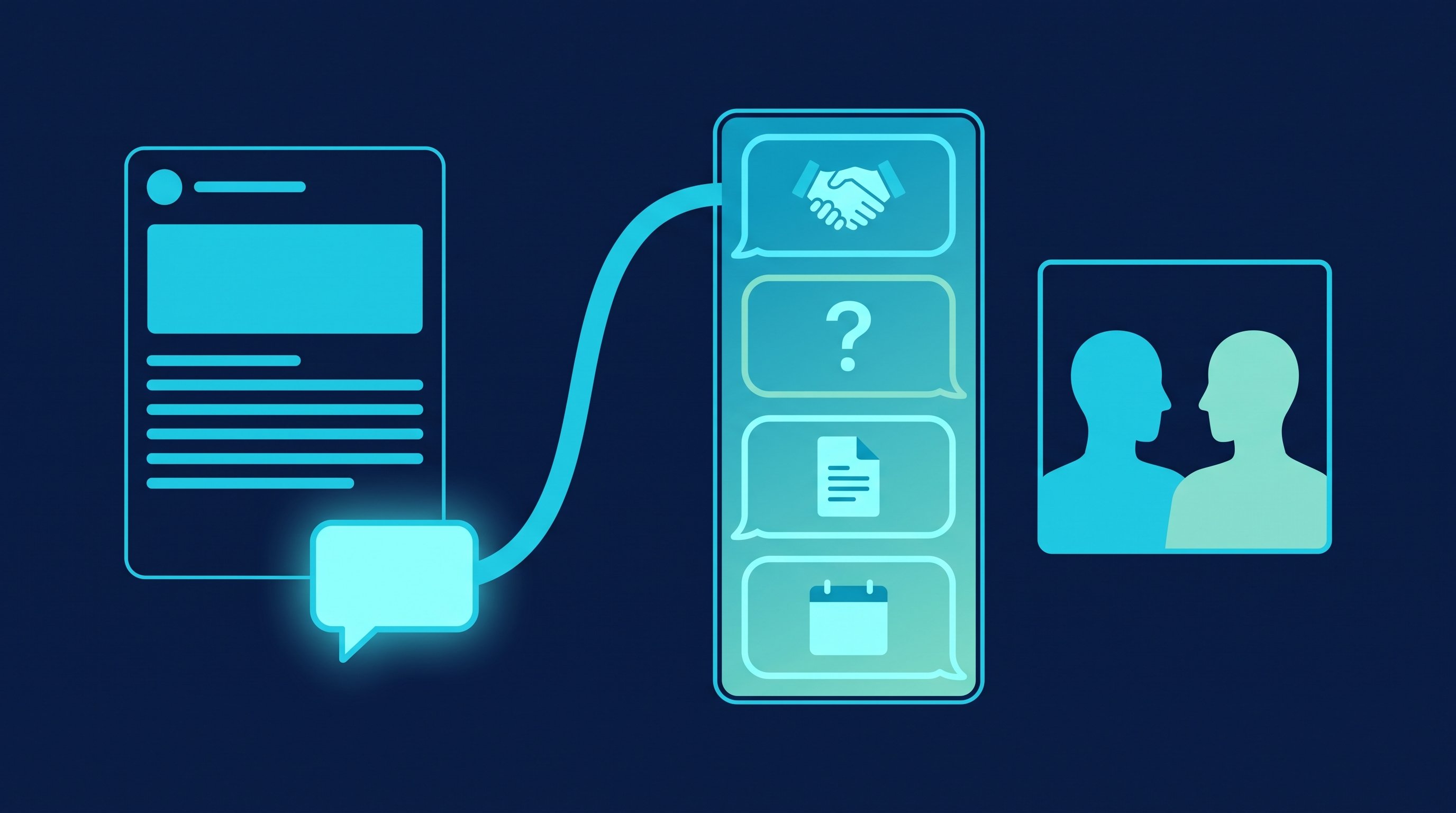
1. Note to someone who commented on your post.
Hi Jonas, thanks for your comment on new team leads. Your point about the first feedback conversation was stronger than my post. I'd be glad to connect.
2. First message after acceptance. A question about their situation, no offer.
Thanks for connecting, Jonas. You built two new teams this year. How are the new team leads settling into their roles?
3. Follow-up without a reply. New content instead of a reminder.
Jonas, I've just written down what new team leads underestimate most in their first 100 days. If that's a topic for you, I'm happy to send you the three points.
4. Suggest a discovery call after he has replied.
That sounds like exactly the situation I see a lot. Shall we talk about it for 20 minutes on video? I'll ask you where things get stuck, and afterwards you decide whether coaching fits. Tuesday at 10 or Thursday at 2? Otherwise you can pick a time here: [link]
Messages 1 and 2 are written by hand for a warm contact. For a sequence, you word the note, opener and follow-up so that they fit every contact without referring to a single comment. You always write the fourth message yourself, because the automatic follow-ups stopped with the first reply. How to run the call afterwards in five phases, and which questions work for coaches, is in Discovery call: how to book, prepare and run it.
Recruiting and job hunting: two more routes for coaches
Recruiting: As your coaching practice grows, you look for people yourself, such as more coaches for group programs or an assistant. The outreach follows the same flow: reason, question, follow-up. With your own Recruiter license, CompLeadly also turns a Recruiter search, a pipeline or a saved search into an audience. Connecting, opener and follow-ups run until someone replies. Wording is in LinkedIn recruiting messages, the process on the page for recruiters.
Job hunting: As a career coach, your clients are job seekers. For them, LinkedIn is the way to hiring managers and recruiters at their target companies. A people search for these roles becomes an audience in CompLeadly, and profile visit, connecting, opener and follow-up already run in the free version within its daily limits. Each person uses their own LinkedIn account. What job seekers should avoid on LinkedIn is in LinkedIn mistakes when job hunting. If you would rather learn LinkedIn for your own client acquisition with guidance, take a look at our LinkedIn coaching: six months, one hour every week on your own numbers.
FAQ: coaching clients on LinkedIn
How do I sell my coaching on LinkedIn?
Turn your profile into an offer page with a clear audience, write posts about your clients' questions and reach out to new people from your audience every week, with a question instead of an offer. The sale happens in the discovery call, not in the chat.
How many of my connection requests will be accepted?
In two CompLeadly accounts, the acceptance rate in 2026 ranged from 12.6 to 36.7 percent, depending on the audience. Our sample calculation assumes 25 percent. Test audience and message, and calculate with your own numbers.
Do I need LinkedIn Premium as a coach?
Not to start with. The Service Page is free. With Premium Business, Sales Navigator or Recruiter Lite, your profile also shows a showcase with media and the "Request proposal" button. With LinkedIn Premium you can also add a note to every connection request instead of only three per month.
How much time does LinkedIn outreach take by hand?
In our sample calculation, about 9 hours of clicking for 100 contacted prospects and about 7 hours per discovery call. The minutes are measured execution times of the software; the meeting rate is our own estimate.
Does CompLeadly book meetings for my coaching?
No. CompLeadly takes over profile visits, connecting, the first message and follow-ups. You arrange the meeting yourself in the chat or through your booking link, which you put into a message of the sequence.
Does LinkedIn work for every kind of coaching?
It works best for coaching related to work: leadership, teams, careers, sales. For topics like relationships or health, people look for help in their professional network less often. That is our assessment, not a measured number.