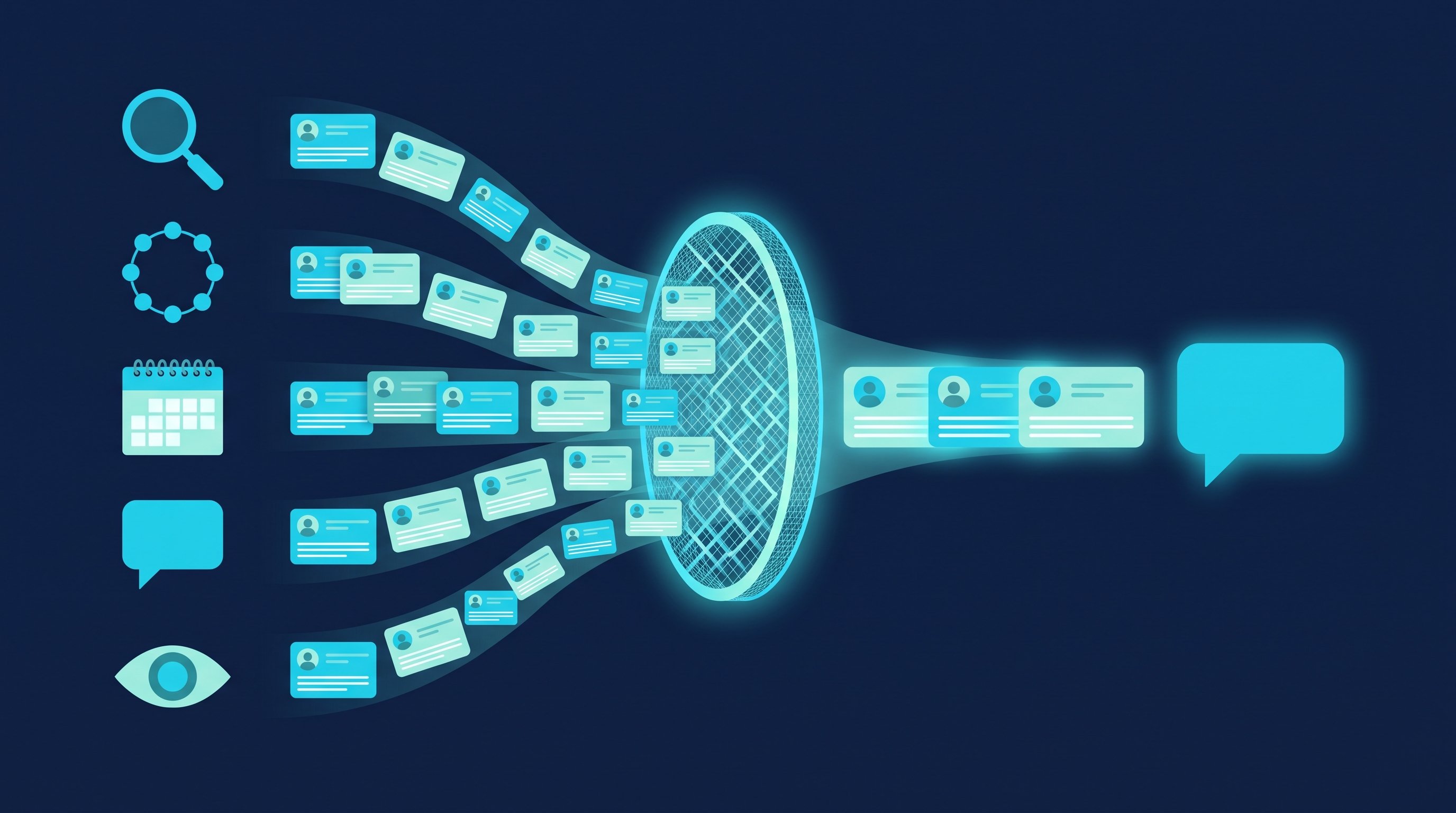
In short: LinkedIn lead generation comes down to three steps: find leads, vet the list and contact each person with a reason. Leads come from five sources: search, groups, events, reactions to posts, and your profile visitors and followers. Each source gives you a different reason for the first message. You vet the list, not every single profile.
As of: October 2026.
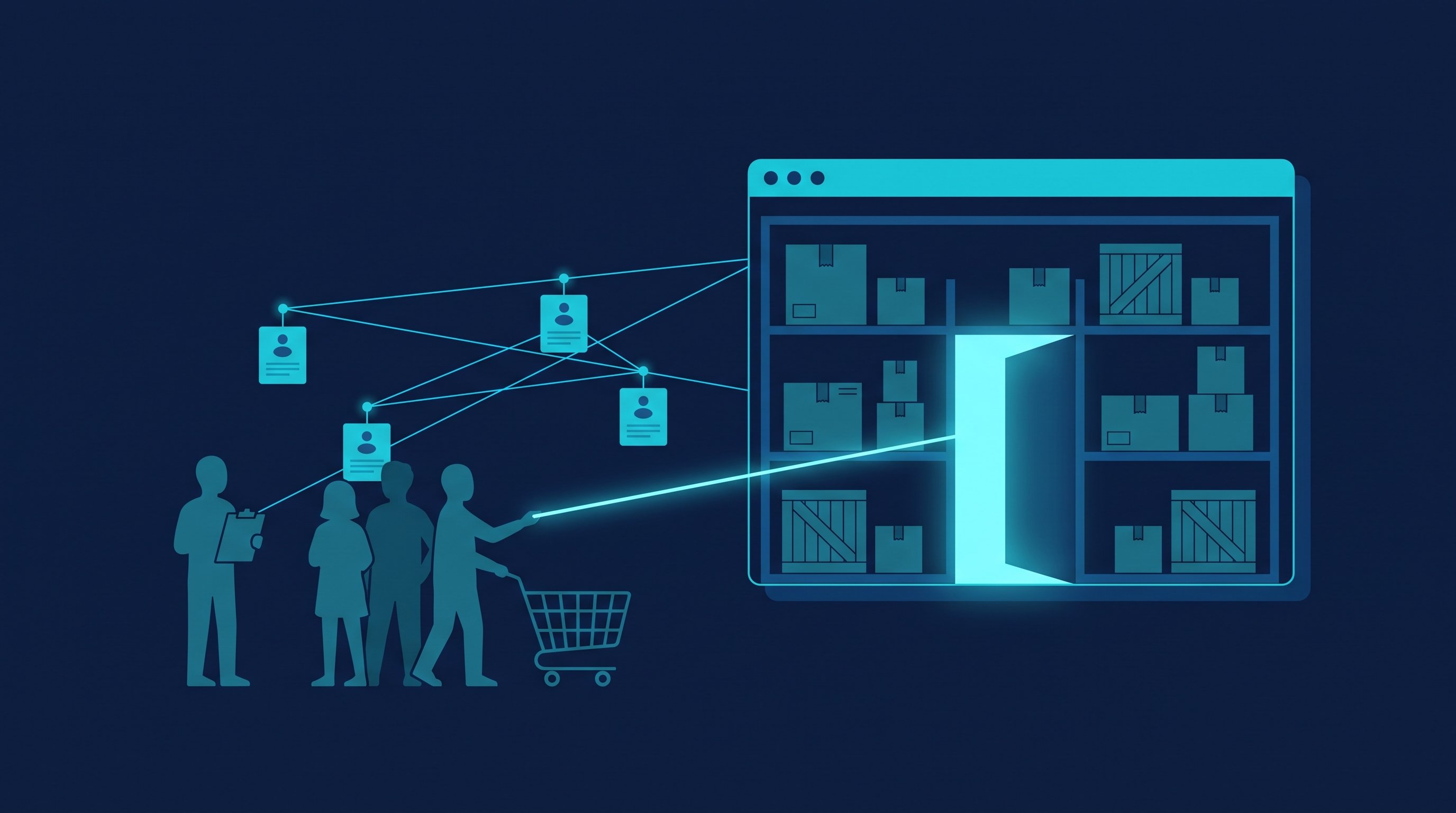
The obvious place to start is a people search by job title and region. That works, but it is the coldest source LinkedIn has. Next to it are four sources where people have already done something: joined a group, signed up for an event, commented on a post, looked at your profile. That action is the reason for your first message.
This article covers the part of winning new customers on LinkedIn that comes before the first conversation. What happens after the first reply, all the way to the deal, is in Customer acquisition: the process by hand and automated. What a lead actually is and how you qualify one in conversation is in What is a lead?.
LinkedIn lead generation in three steps
Lead generation on LinkedIn means turning profiles that fit your offer into contacts who talk to you.
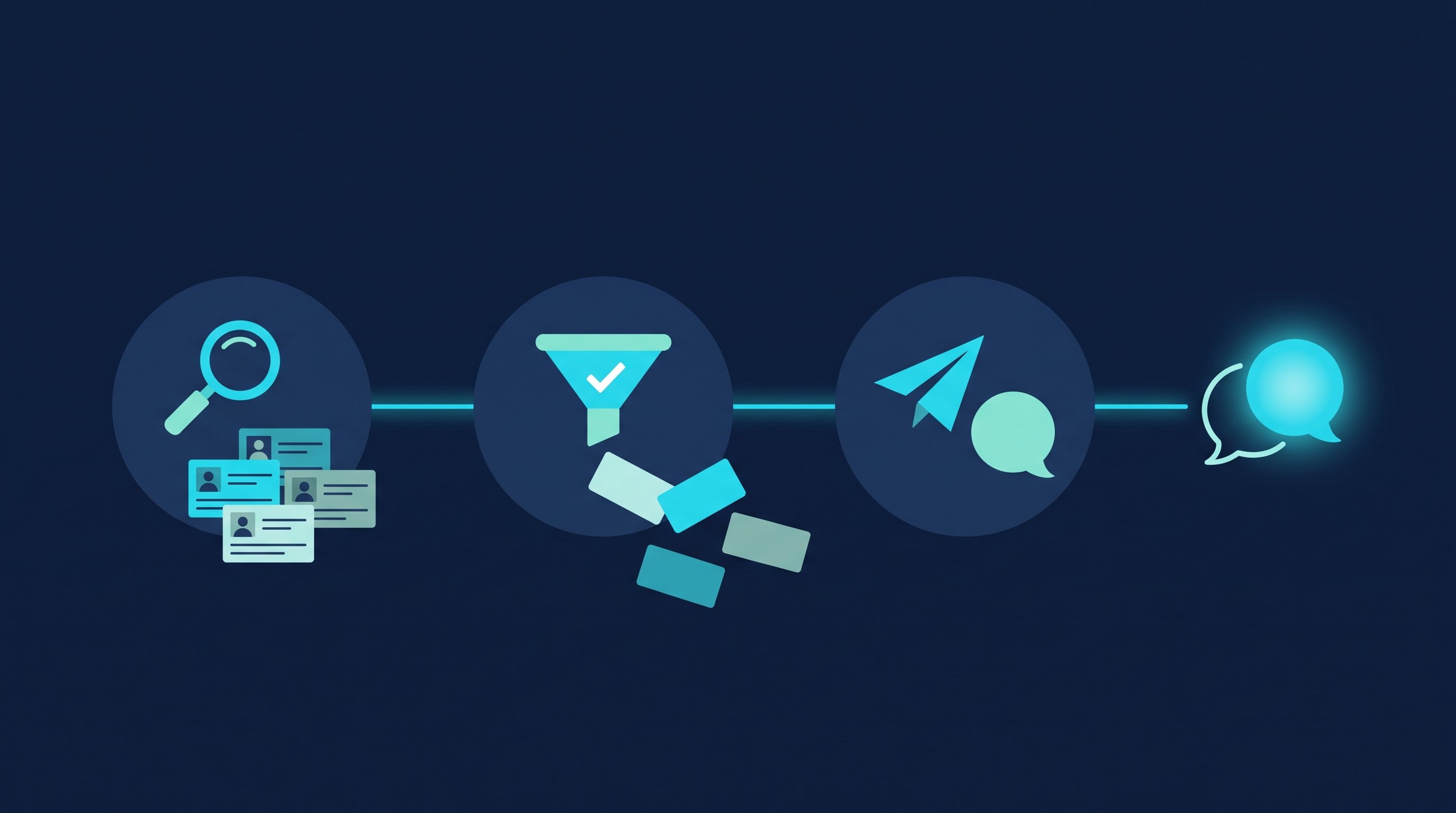
- Find. You build a list from one of the five sources. The source decides how warm the list is.
- Vet. You check whether the list fits your offer and exclude anyone who doesn't belong on it.
- Contact. You connect with a reason taken from the source and ask a question once the person accepts.
The second step keeps you from sending requests to the wrong people. Work out who you are looking for beforehand, based on your best customers: How to build an ideal customer profile.
Finding leads: the five sources on LinkedIn
Source | How warm | Reason for the message | What you need |
|---|---|---|---|
People search and Sales Navigator | cold | role, industry, region | a LinkedIn account, Sales Navigator for finer filters |
Groups | lukewarm | shared group | group membership |
Events | lukewarm | the same event | attending the event |
Reactions to posts | warm | comment or reaction | a post with reactions, yours or someone else's |
Profile visitors and followers | warm | interest in you | LinkedIn Premium for the full visitor list |
1. People search and Sales Navigator
Search is the biggest source and the coldest. In the regular people search you narrow things down under "All filters", for example by location, current company and industry. LinkedIn says the number of results is always an approximation (LinkedIn Help, Search for people on LinkedIn, accessed on 12 October 2026).
How to turn that into a clean search is shown in Create a LinkedIn target audience. Sales Navigator adds more filters and saved searches (How to use LinkedIn Sales Navigator). Other routes are the X-ray search via Google and the alumni search for graduates of your university.
2. Groups
Joining a professional group tells you which topic is on someone's mind. The shared group is a reason to reach out that a search can't give you. Not every group is active, and not every member accepts messages from other members. Which groups are worth it and how to message members without connecting first is in LinkedIn groups for lead generation.
3. Events
Signing up for an event means someone has committed to a topic and a date. That makes the attendee list warmer than any search. Organizers and attendees can see the full attendee list. If you haven't confirmed your attendance, you won't see it (LinkedIn Help, View attendee list for LinkedIn Events, accessed on 12 October 2026). For other people's events, that means: attend yourself.
As an attendee, you can only message other attendees you are already connected to (LinkedIn Help, Privately message Event attendees, accessed on 12 October 2026). So the route goes through the connection request. How to win over attendees of other people's events is shown in the knowledge article Win over attendees of third-party LinkedIn events.
4. Reactions to posts
Someone who comments on a post is thinking about the topic right at that moment. That goes for your own posts and for posts by competitors and voices in your industry. How to work through your competitors' comment sections is in How to get 30+ qualified leads from your competitors' posts. How reactions to your own posts become a weekly routine is in LinkedIn personal branding for founders.
5. Profile visitors and followers
Someone who views your profile or follows you was interested in you before you wrote anything. The visitor list comes with a condition: without Premium, LinkedIn only shows the three most recent viewers in the last 90 days; with Premium Business or Premium Career you get the full list for up to 365 days (LinkedIn Help, Who's viewed your profile differences between basic accounts and Premium accounts, accessed on 12 October 2026). What you see also depends on the visitors' privacy settings (LinkedIn Help). How to use both lists as an audience is in Using profile visitors and followers as target audiences.
Our recommendation: Run one cold and one warm source side by side. Search brings the volume, the warm sources bring the conversations.
Vetting leads: five criteria for your list
Vet the list, not every profile. If you study each profile for ten minutes before sending a request, you get through only a few requests a day and still don't know who will reply. Read a profile closely only once someone has responded (Why it doesn't make sense to analyze contacts one by one before connecting).
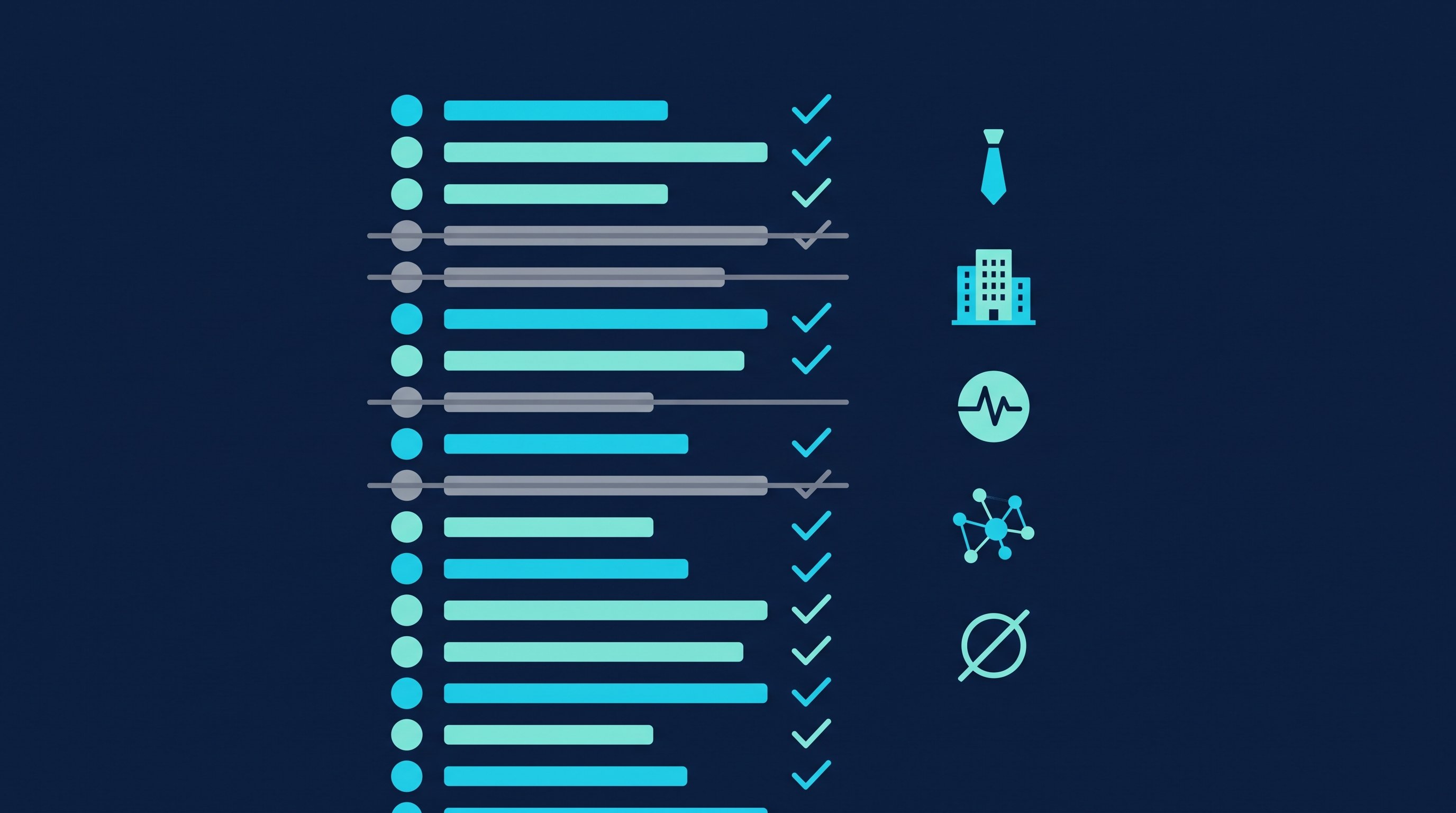
Here is how to vet a list: open the first 20 results and go through them with these five questions.
- Role: Does the person make the buying decision or influence it?
- Company: Does the company match your best customers by industry, size and region?
- Activity: Is the person active on LinkedIn? A profile with no photo and no posts in recent months is a weak candidate.
- Reason: Is there a link you can use to justify the request: group, event, comment, profile visit, shared university?
- Exclusion: Is the person a customer, a competitor, an employee or already in talks with you?
Our rule of thumb, not measured: if at least three out of four profiles you checked fit, take the list. If half or fewer fit, change the filters and check again instead of sorting out the wrong ones one by one. If the list falls in between, tighten one filter, usually role or company size. For groups, events, posts and profile visitors, criterion 4 is already met by the source, so exclude more strictly there: under competitors' posts, their own employees comment too.
For exclusions, set up a blocklist: existing customers, competitors and your own team. In CompLeadly you export your contacts and import them into the blocklist (Import existing contacts into the blocklist). Blocking profiles and the team blocklist are included from Premium.
Contacting leads: one message per source
The source gives you the reason, and the reason belongs in the note on your connection request. LinkedIn itself suggests referencing a shared role, event, group or post in such a note. It can be up to 200 characters long, and without Premium you can add a note to only up to three requests per month (LinkedIn Help, Personalize invitations to connect, accessed on 12 October 2026). Whether a note is worth it for you is covered in LinkedIn connections with or without a message.
Five examples, one per source. The names are made up.
1. From search. Role and context, no pitch.
Hi Sandra, you run purchasing at a mid-sized machinery manufacturer. I work with a lot of purchasing leads at companies your size and would be glad to connect.
2. From a group. Name the group and pick up something from it.
Hi Tim, we're both in the group on people development at mid-sized companies. I liked your post on onboarding plans. Let's connect.
3. From an event. Write before the event, not weeks after.
Hi Lea, we're both signed up for Thursday's online event on sales leadership. I'd like to connect with you beforehand.
4. From a comment under someone else's post. Acknowledge the comment, don't quote it.
Hi Jan, your comment on Nina's post about hourly rates was spot on. I'm working on exactly that question myself. Let's connect.
5. To a profile visitor. Skip "I saw you visited my profile". That line sounds like you're watching.
Hi Eva, you run a tax advisory firm, and I help firms like yours build their team. I'd be glad to connect with you.
After the person accepts, follow up with a question only they can answer. For example, to Sandra:
Thanks for connecting, Sandra. A question out of curiosity: do you still buy parts through framework agreements, or already through individual tenders?
If nobody replies, follow up after a few days with something new, not with "Did you see my message?". Templates for that are in the follow-up templates. What the method behind this is called and how to measure it is explained in Social selling: definition, methods and practice.

How it works by hand
Say you take on 40 new leads a week from two sources, for example from one search and from the comments under two industry posts. Opening profiles and following them, sending requests with context, first messages, follow-ups and withdrawing old requests then cost you about three and a half hours of pure clicking per week, before you've read a single reply. These steps are the same for every contact. Whether your outreach pays off is decided when you pick the source, vet the list and talk to people. The minutes per step are in the time comparison below.
How it works with CompLeadly
CompLeadly is a desktop app that runs on your computer. The source, the vetting and the conversation stay with you; the software takes over the clicking in between.
- Source as an audience (you choose, the software reads): A LinkedIn people search, a Sales Navigator search or saved search, your followers, the list "LinkedIn Profiles That Viewed Me" or an Excel list becomes an audience. Without LinkedIn Premium, the visitor list only contains the three most recent viewers. For event attendees, you open the attendee list and paste its link as an audience; 2nd and 3rd-degree contacts you connect with first (Can I contact event attendees with CompLeadly?).
- Reactions to posts (software, from Premium): The feature "Export Post Interactions" reads out people who reacted to or commented on a post. It evaluates your own posts or posts by profiles from an audience, for example a search for your competitors. Commenters and likers land in separate audiences, each split into people you are already connected with and everyone else. There is one gap right now: if LinkedIn shows a profile's activity in its new view, the feature skips that profile. Guides: How to export leads from post interactions and Use case: posts by others.
- Group members (software, from Premium, with Sales Navigator): Here CompLeadly only takes a Sales Navigator people search with exactly one group in the group filter as the audience, not a saved search. The feature sends each member exactly one message within the time frame you set. Anyone who can only be reached by InMail is skipped and, if you want, saved to a separate audience, without an InMail going out. How it works: How to select group members in Sales Navigator searches.
- Vetting (you, blocklist from Premium): You do the sample check yourself; exclusions sit on the blocklist. If someone replies and doesn't fit after all, Smart Chat lets you put them on your blocklist automatically through a category.
- Connecting, opener, follow-ups (software): Profile visit and connection request with or without a note. After acceptance a first message goes out, but only if the chat is still empty. A follow-up only comes once your last message has gone unanswered for as many days as you set. If the contact replies, the automatic messages stop.
- Replies (you): With Smart Chat, a separately purchased package, your LinkedIn messages sit in CompLeadly. You filter for unanswered chats, sort them into categories such as "from event" and assign chats to colleagues without sharing your LinkedIn profile.
Profile visits, connecting, opener and follow-up already run in the free version, with daily limits such as 2 connection requests, 10 messages to 1st-degree contacts and 1 follow-up per day, each step started on its own. Whole workflows and schedules come with Basic at $29.99 per month excl. VAT, or $24.99 on the yearly plan. Exporting post interactions, messaging group members and the blocklist are included in Premium, at $59.99 per month excl. VAT or $49.99 on the yearly plan. You start with a 10-day trial, no payment details. All packages are on the pricing page, as of 12 October 2026. How a team sets this up across several profiles is shown on the page for sales teams.
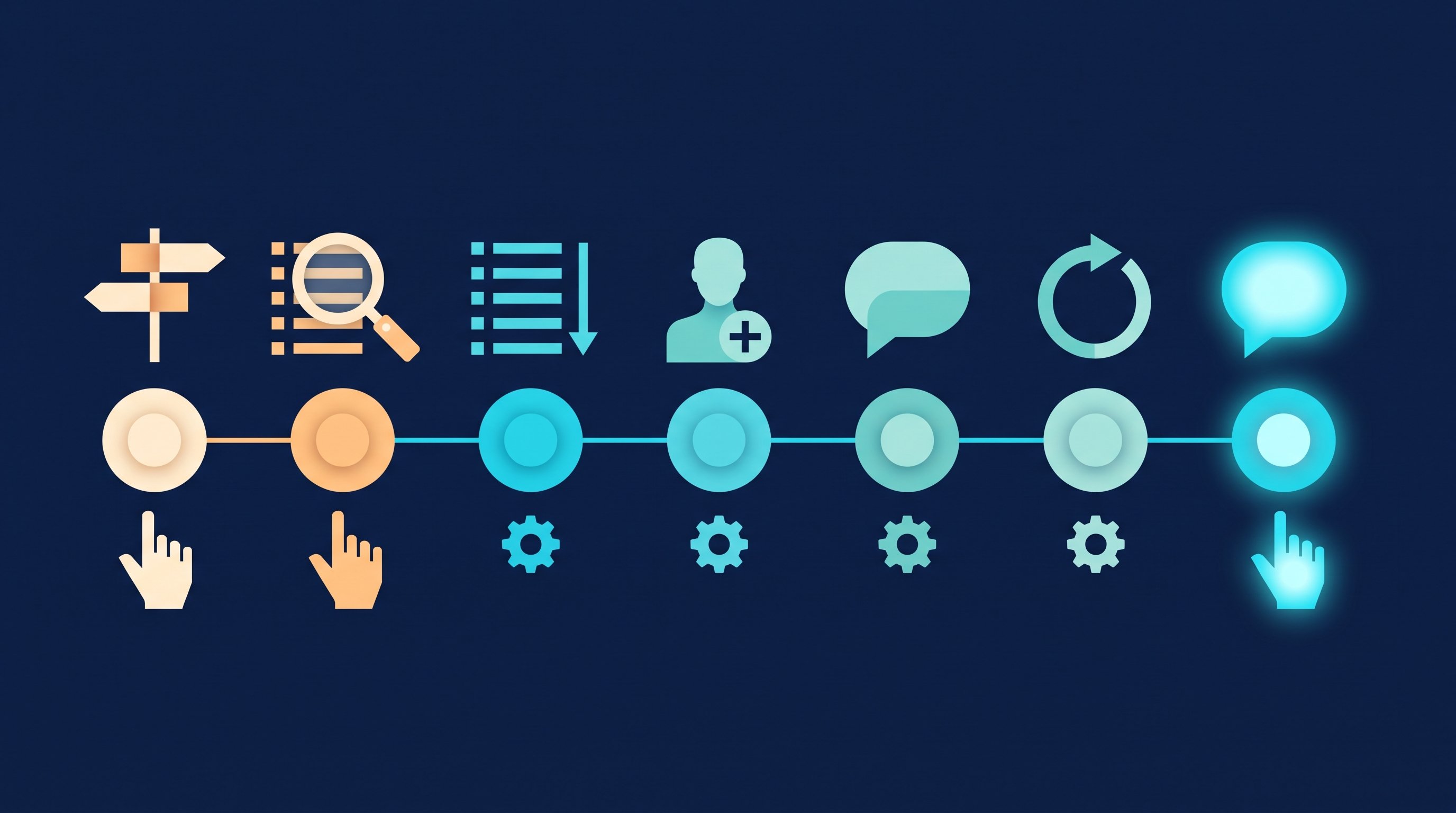
Time comparison
The table works out the clicking for 100 contacts you send requests to, up to the booked meeting.
| Step | Minutes by hand | Minutes with CompLeadly | Time saved |
|---|---|---|---|
| Open the profile and follow | 1.5 | 0 | 1.5 |
| Read the profile, find a reason, send the connection request | 3 | 0 | 3 |
| Withdraw a pending request | 0.2 | 0 | 0.2 |
| First message after acceptance (per accepted contact) | 1.5 | 0 | 1.5 |
| Follow-up without a reply (per accepted contact) | 1.2 | 0 | 1.2 |
| Total for 100 contacts | 8 h 58 min | 0 min | 8 h 58 min |
| Per accepted contact | 21.5 min | 0 min | 21.5 min |
| Per booked meeting | 7 h 10 min | 0 min | 7 h 10 min |
Example calculation · Acceptance rate 25%, Booking rate 5%
Example calculation. Assumptions: the minutes per step are the measured execution time of the software from two CompLeadly accounts in 2026 (average per action: follow 90 seconds, visit and connect 180, first message 91, follow-up 69, withdraw 12), a lower bound for manual work. Acceptance rate 25 percent as the middle of the range of 13 to 37 percent measured in the audiences of these accounts. Meeting rate about 5 percent of accepted contacts, our own estimate, not counted. Withdrawing is calculated for all contacts you sent requests to and the follow-up for all accepted contacts, so both are upper bounds. With CompLeadly 0 minutes per contact, because the software runs these steps; the one-time setup of audience and messages is not included. Finding sources, vetting the list, replies and the conversation itself take the same time either way and are not included.
The rate depends on the source and the audience. The measured range comes from audiences built by industry and region. We haven't measured a separate rate for groups, events or reactions to posts. Plug in your own numbers and compare the sources against each other. What a lead costs you in the end you can work out with cost per lead.
Examples by audience
Coaches: Events and groups on leadership and communication are the obvious sources. In two CompLeadly accounts in 2026, requests to coaches were accepted at 12.6 to 31.8 percent depending on the region, so test more than one region. How to turn that into meetings is in Appointment setting on LinkedIn.
Financial advisors and insurance brokers: A search for self-employed people and managing directors in your region is the main source; profile visitors are the warmest. We don't have a separate acceptance rate for this audience.
SaaS companies: Sales Navigator for volume, reactions to posts by competitors and analysts for warmth. In these accounts, requests to decision-makers in software and technology were accepted at 28.8 percent. The route to the demo is shown in SaaS sales on LinkedIn.
B2B online shops: A people search for buyers, owners of specialist stores and branch managers is the most important source, plus professional groups in your industry. Which filters help is in B2B ecommerce: win retailers and business customers on LinkedIn.
Recruiting and job hunting: the same sources, a different list
Recruiting: For recruiters, the same five sources are candidate sources. Someone who is active in a professional group or comments under industry posts is dealing with the topic of your role right now. With your own Recruiter Lite license, CompLeadly also turns a Recruiter search, a pipeline or a saved Recruiter search into an audience. Wording is in LinkedIn recruiting messages, the process on the page for recruiters.
Job hunting: If you're looking for a job, flip the list around: instead of customers you look for hiring managers and team leads at the companies you want to work for. The best sources are those companies' events and posts, because a comment there shows what you know before you connect. A people search for these roles becomes an audience in CompLeadly, and for a short list of target companies the free version with its daily limits is enough. What to avoid along the way is in LinkedIn mistakes when job hunting.
FAQ: LinkedIn lead generation
What is LinkedIn lead generation?
LinkedIn lead generation means finding matching profiles in a source, vetting the list and contacting each person with a reason from that source until they talk to you.
Where do I find leads on LinkedIn?
In five sources: in the people search or Sales Navigator, in groups, among event attendees, among reactions to posts and among your profile visitors and followers.
How do I check whether a lead fits?
Vet the list instead of every profile: open the first 20 results and ask about role, company, activity on LinkedIn, reason to connect and grounds for exclusion. Our rule of thumb: if at least three out of four profiles fit, the list is good; otherwise change the filters.
Do I need Sales Navigator for LinkedIn lead generation?
No. Search, events, reactions to posts and followers work with a regular account. The full list of your profile visitors requires LinkedIn Premium. In CompLeadly you only need Sales Navigator to message group members automatically.
How much time does LinkedIn lead generation take by hand?
In our example calculation, about 9 hours of clicking for 100 contacts you send requests to and about 7 hours per meeting. The minutes are measured execution times of the software; the meeting rate is our own estimate.