In short: B2B ecommerce means companies sell online to other companies, through their own shop, a marketplace or a direct data connection. In Germany, according to the B2B-Marktmonitor, EUR 509 billion went through online shops and marketplaces in 2024. Still, a B2B shop doesn't fill up on its own. You have to find buyers and retailers actively, and on LinkedIn you can filter them by job title, industry and company size. Here is the way there, with minutes per step and messages that lead to a first conversation.
As of: October 2026.
If you run a B2B online shop, you know the picture. The shop is live, prices and customer accounts are set up, existing customers reorder. But new retailers hardly come in. Buyers rarely look for a new supplier on any given day. If you want to be added, you have to make yourself known to them. This post first answers briefly what B2B ecommerce is, then shows how to reach the people on LinkedIn who should be ordering in your shop. The general acquisition process for every industry is in Customer acquisition: the process by hand and automated.
What B2B ecommerce is
B2B stands for business to business. B2B ecommerce is any sale between companies that is handled electronically. There are three routes:
Route | How orders are placed | Typical for |
|---|---|---|
Your own B2B online shop | The customer logs in and orders at their own terms | Manufacturers and wholesalers with a fixed range |
B2B marketplace | The customer orders on a platform with many suppliers | Suppliers who want reach without their own shop |
Electronic data interchange (EDI) | The buyer's and the supplier's systems exchange orders directly | Large customers with regular orders |
A B2B shop differs from a shop for consumers mainly in the customer account. Every business customer sees their own prices, often with quantity tiers. Payment is usually by invoice. Reorders are quick because the last order is saved. And often several people from the same company order, from purchasing to the fitter on site.
How big the market is (Germany): According to the B2B-Marktmonitor 2025 by ECC Köln, FIS and Shopware, manufacturers and wholesalers in Germany turned over EUR 509 billion through online shops and marketplaces in 2024, 7 percent more than the year before. That was 12.1 percent of their total revenue. Add data exchange via EDI, and B2B ecommerce in Germany came to more than EUR 1.5 trillion. Own online shops accounted for 76 percent of revenue in German B2B online trade, marketplaces for about 24 percent (report on onlinemarktplatz.de, in German, accessed on 8 October 2026).
If you want to see B2B ecommerce in the bigger picture, the marketing channels are in What is B2B marketing?.
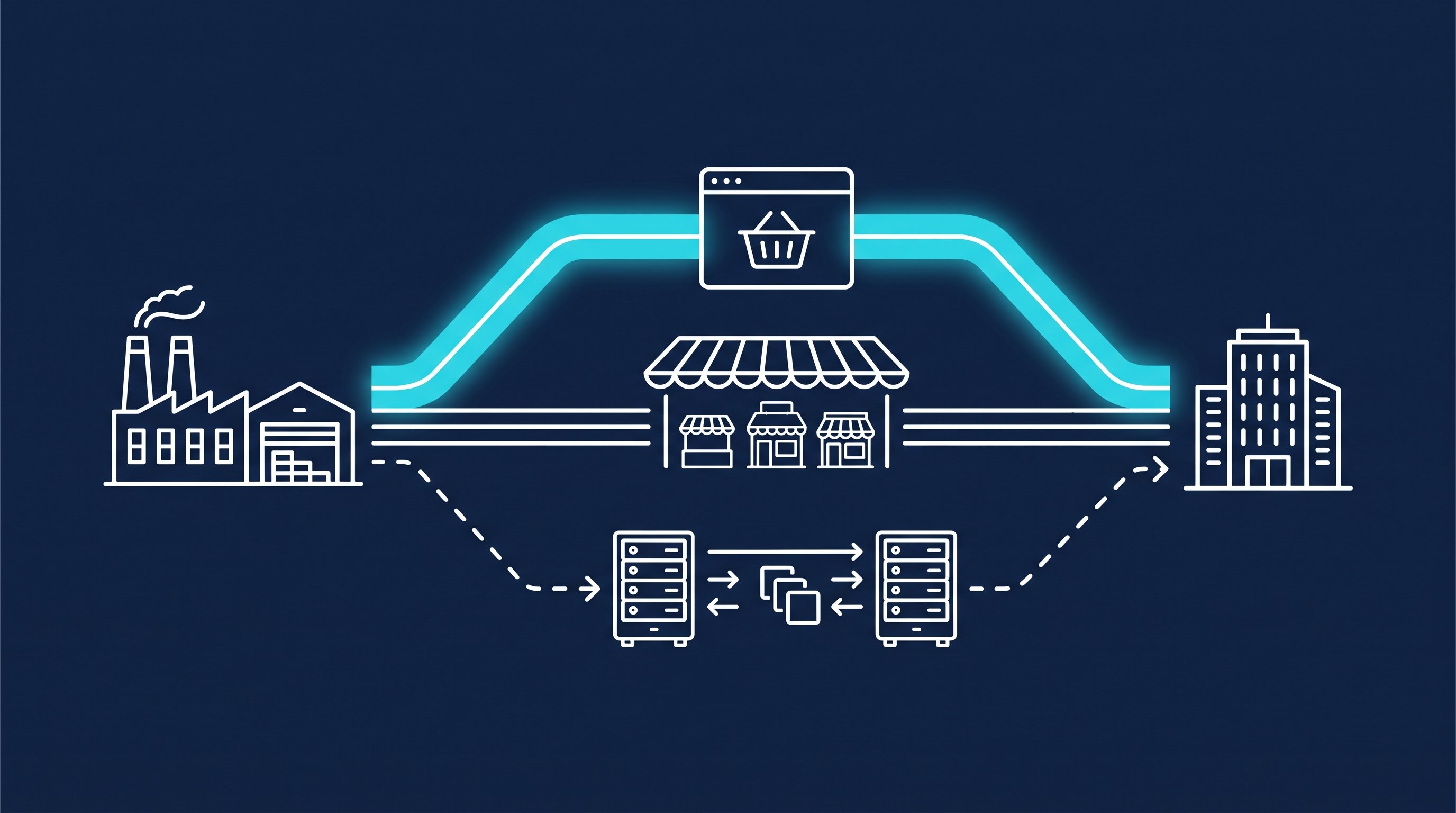
Why B2B shops have to win customers actively
A consumer shop lives on search and advertising. A B2B shop hardly does. Your customer is a buyer who has had the same suppliers for years, or a shop owner who sees new products at the trade fair. Neither is looking for you. They keep ordering where they already have a customer account.
The companies themselves see it similarly. In the same Marktmonitor, 44 percent of respondents name winning new customers as a benefit of their online shop (onlinemarktplatz.de).
This is exactly where LinkedIn helps. Buyers, category managers and owners of specialist businesses have a profile there with job title, company and industry. You can find them before they find you. The shop then becomes the goal of the conversation: you don't send a link into the void, you open a customer account for someone you've already talked to.
Finding buyers on LinkedIn
Start with the question of who orders at your best customers. Is it the purchasing department, the owner or the workshop manager? How to derive that from your existing customers is shown in Sales ICP: how to build an ideal customer profile.
Then translate the answer into filters. Sales Navigator has the lead search for people and the account search for companies. These filters hit the typical buyers of a B2B shop:
Filter in Sales Navigator | Buyer type | Example |
|---|---|---|
"Current job title" | Buyers in industry and the trades | Buyer, head of purchasing, head of procurement |
"Current job title" plus "Company headcount" | Owners of specialist retailers and trade businesses | Owner, managing director at companies with few employees |
"Industry" | Retailers in a specific industry | Your customer industry, in LinkedIn Help for example "Manufacturing" |
"Company headcount" and "Headquarters location" in the account search, then "Account lists" in the lead search | Chains and multi-store retailers | First the companies, then their category managers and buyers |
"Company type" | Non-profits, public and private companies | Company type on the company page, such as non-profit, publicly traded or privately held |
"Changed jobs" | Buyers who are new in the role | Job change in the last 90 days |
"Company headcount growth" and "Job opportunities" in the account search | Growing companies | Companies that are hiring and need more material |
The filter names come from LinkedIn Help Sales Navigator lead and account search filter definitions, accessed on 8 October 2026. With the "Account lists" filter, you use a company list from the account search in the lead search. Step by step instructions are in How to use LinkedIn Sales Navigator.
Job titles in B2B are inconsistent. The same role is called "Buyer", "Strategic Purchasing", "Purchasing Manager" or "Materials Planner". So search with several titles at once. The free Boolean Search Generator builds the search string with OR for you. Without Sales Navigator, you can also find buyers through Google, as described in LinkedIn X-ray search.
Build two or three small lists rather than one big one: one for buyers in industry, one for owners in specialist retail. Then you'll see later who replies.
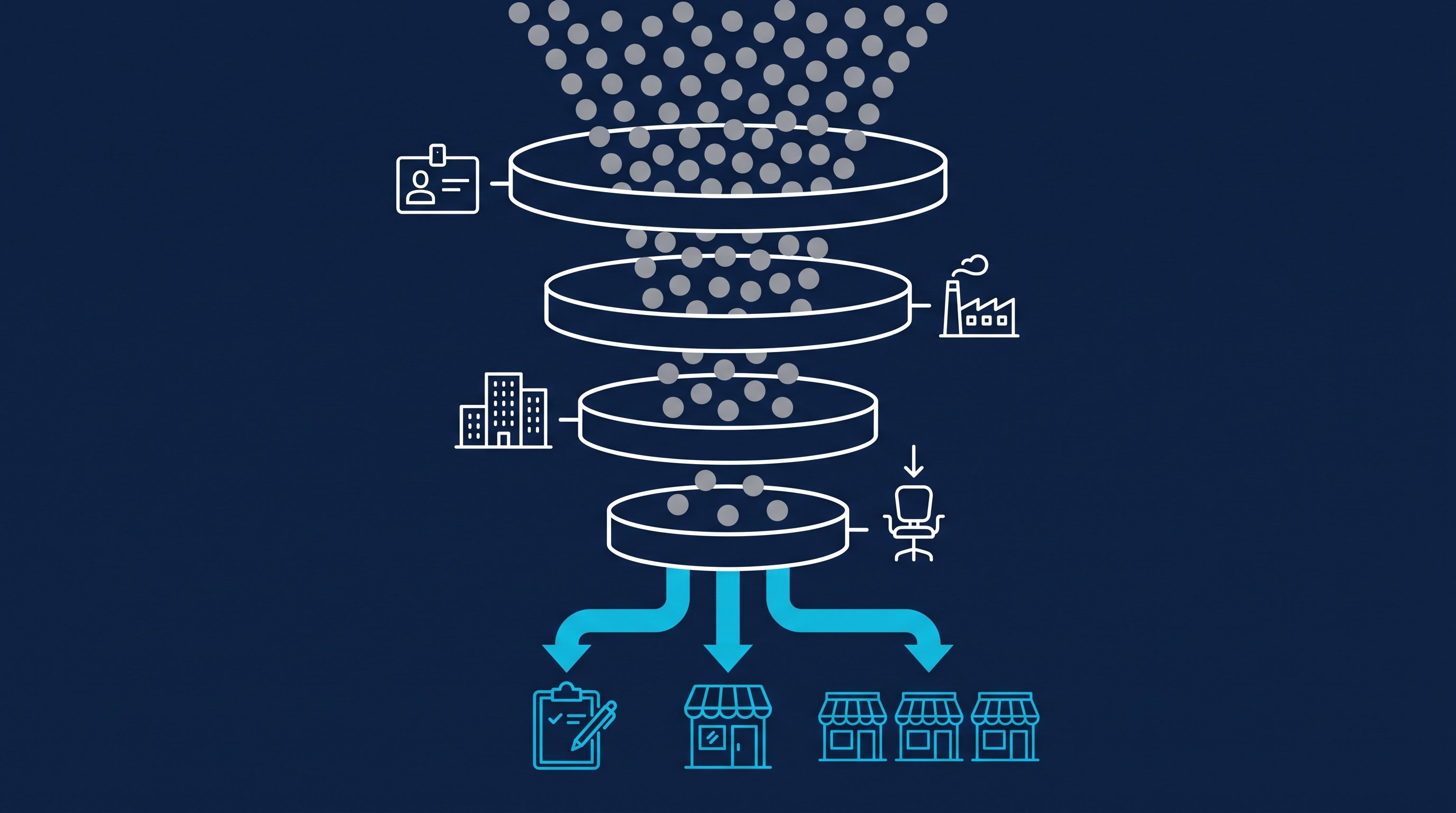
By hand: from profile to first conversation
This is what the work looks like when you click every step yourself. The minutes come from two CompLeadly accounts in 2026. They are the measured execution time of the software per action and so a lower bound for manual work: the software pauses like a human when opening, reading and typing.
- Build a list per buyer type and save the search: once per list, not measured.
- Open and follow the profile: about 1.5 minutes.
- Read the profile, find a reason, send the connection request: about 3 minutes.
- Check who accepted, write the first message: about 1.5 minutes per accepted contact.
- Follow up without a reply: about 1.2 minutes per follow-up.
- Withdraw pending requests: about 12 seconds per request.
- Read replies, offer samples or a price list, propose a conversation: your work, not measured.
- Run the conversation about range and terms, create the customer account in the shop: your work, not measured.
Steps 2 to 6 are the same for every buyer. Steps 7 and 8 are where your new retailer comes from.
How it works with CompLeadly
CompLeadly is a desktop app that runs on your computer. It takes over steps 2 to 6. From the reply on, it's your turn.
- Target audience (you): A LinkedIn people search, a Sales Navigator search, a saved Sales Navigator search or an imported Excel list becomes the target audience. For chains, you select your account list in the lead search, and the search becomes the target audience.
- Profile visit and connecting (software): with or without a note, with a daily value per step.
- Opener (software): After acceptance, a first message goes out, with placeholders like the first name, but only if the chat is still empty.
- Follow-ups (software): A follow-up only goes out once your last message has gone unanswered for as many days as you set. If the contact replies, the automatic messages stop.
- Replies (you): With Smart Chat, your LinkedIn messages are in CompLeadly. You filter for unanswered chats, create categories, for example "samples sent", and assign chats to colleagues from sales. They don't need access to your LinkedIn profile for that.
- Meeting (you): CompLeadly doesn't book meetings and doesn't create customer accounts. The app's calendar plans when your workflows run. You put your booking link, for example from Calendly or HubSpot Meetings, into a message or a follow-up in the sequence.
Individual steps like connecting, opener and follow-up already run in the free version with basic features and daily limits, for example 2 connection requests, 1 opener and 1 follow-up per day, each step started individually. Full workflows and schedules start with Basic at $29.99 per month excl. VAT, or $24.99 on the yearly plan. Smart Chat is available as a separate package. You start with a 10-day trial with all features. All packages are on the pricing page, and how sales teams work with it is shown on the page for sales teams.
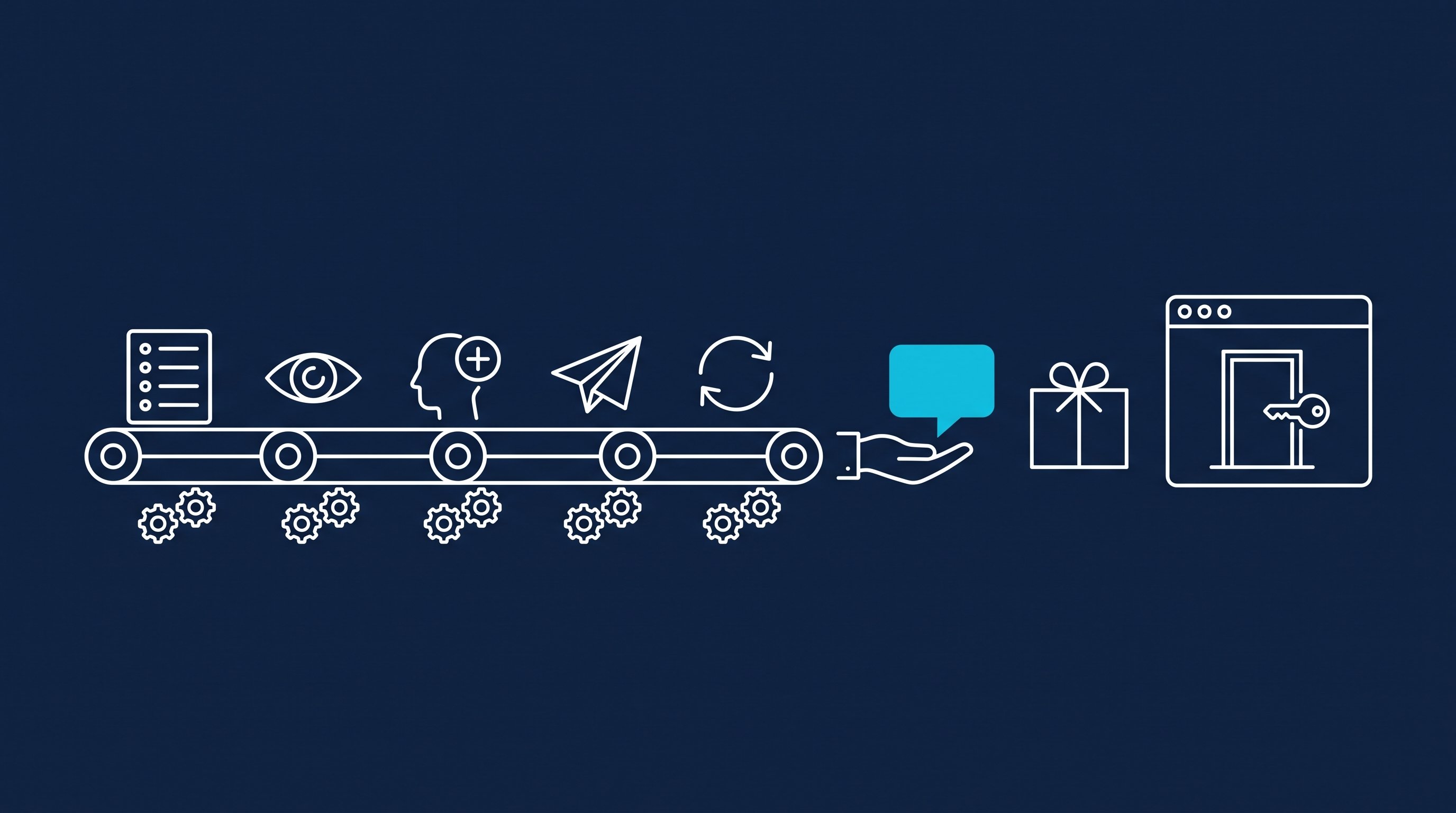
Time calculation
The table works through the clicking for 100 contacts you send requests to, up to the booked meeting. Here, the meeting is the first conversation about range and terms.
| Step | Minutes by hand | Minutes with CompLeadly | Time saved |
|---|---|---|---|
| Open and follow the profile | 1.5 | 0 | 1.5 |
| Read the profile, find a reason, send the connection request | 3 | 0 | 3 |
| Withdraw the pending request | 0.2 | 0 | 0.2 |
| First message after acceptance (per accepted contact) | 1.5 | 0 | 1.5 |
| Follow-up without a reply (per accepted contact) | 1.2 | 0 | 1.2 |
| Total for 100 contacts | 8 h 58 min | 0 min | 8 h 58 min |
| Per accepted contact | 21.5 min | 0 min | 21.5 min |
| Per booked meeting | 7 h 10 min | 0 min | 7 h 10 min |
Example calculation · Acceptance rate 25%, Booking rate 5%
Sample calculation. Assumptions: minutes per step are the measured execution time of the software from two CompLeadly accounts in 2026 (average per action: follow 90 seconds, visit and connect 180, first message 91, follow-up 69, withdraw 12), a lower bound for manual work. Acceptance rate of 25 percent as the midpoint of the 13 to 37 percent range measured across the audiences of these accounts. Meeting rate of about 5 percent of accepted contacts, our own estimate, not counted. Withdrawing is applied to all contacted prospects and the follow-up to all accepted contacts, so both are upper bounds. With CompLeadly, 0 minutes per contact because the software runs these steps; the one-time setup of audience and messages is not included. Replies, samples, the conversation about range and terms and the customer account in the shop take the same time either way and are not included.
We haven't measured a rate of our own for buyers. The 13 to 37 percent range comes from other audiences, and even within the same audience it varied widely by region. Plug in your own numbers as soon as you have them.
Seven hours of clicking per conversation, before you talk about a single product. A new retailer will, at best, reorder for years. The time for that should go into the conversation, not into opening profiles.
Messages to buyers and retailers
Buyers get a lot of offers. What gets through is short, has a reason and asks about their process instead of asking for an order. Here are two sequences: one to a head of purchasing in industry, one to the owner of a specialist shop. The names and companies are made up. Purchasing tends to be formal, so the messages keep a polite business tone.
The note on a connection request can be up to 200 characters, and without Premium you can add a note to only up to three requests per month (LinkedIn Help, Personalize invitations to connect, accessed on 8 October 2026). Whether to send a note at all is covered in LinkedIn connections with or without a message.
To a head of purchasing in industry
A shop for fastening technology writes to the purchasing department of a metalworking company.
Note: Hello Mr Albers, you head purchasing at a metalworking company in East Westphalia. We supply fasteners to trade businesses and would be glad to connect.
Opener: Thank you for connecting, Mr Albers. A question from practice: do your fitters reorder small parts themselves, or does every order go across your desk?
Follow-up: Mr Albers, a quick follow-up. Many metalworking companies now let their fitters reorder through a customer account with fixed prices, and purchasing only approves. Would a test account for our shop be of interest to you?
To the owner of a specialist shop
A producer of organic tea with its own retailer shop writes to a delicatessen.
Note: Hello Ms Kessler, your delicatessen in Lüneburg has a lovely tea shelf. We produce organic tea and supply specialist retailers. I would be glad to connect.
Opener: Thank you for connecting, Ms Kessler. How do new varieties find their way onto your shelf: through trade fairs, customer requests or tasting?
Follow-up: Ms Kessler, I'd be happy to send you a sample pack with four varieties and our retailer price list. Just let me know which address it should go to.
After the reply: propose the conversation
Thank you for getting back to me. Let's have a 15-minute call. I'll show you our range and terms in the retailer shop and set up a customer account for you afterwards. Does Tuesday at 10 or Thursday at 3 work for you?
Note, opener and follow-up can run in a sequence. You write the message after the reply by hand, because the automatic follow-ups stopped with the first reply. More wording for proposing a meeting is in Meeting request email: templates for email and LinkedIn, for following up in the follow-up templates. How to run the first conversation itself is shown in Discovery call: how to book, prepare and run it.
Recruiting and job hunting: the same route in trade
Recruiting: If you build a B2B shop, you often look for people yourself: key account managers for the large retailers, field sales reps, someone for the shop. The route is the same, only here the conversation is called an introductory call. With your own Recruiter license, CompLeadly turns a Recruiter search, a pipeline or a saved search into the target audience. Connecting, opener and follow-ups run until the candidate replies. Wording is in LinkedIn recruiting messages, the process is shown on the page for recruiters.
Job hunting: If you want to work in B2B sales or ecommerce, you can apply with the same method. Build a list of heads of sales and shop managers at your target companies and write the way you'd later write to retailers: short, with a reason, with a good question. A people search becomes the target audience. Profile visit, connecting, opener and follow-up already run in the free version with its daily limits. For twenty target companies, that's enough. What to avoid along the way is in 10 common LinkedIn mistakes when job hunting.
FAQ: B2B ecommerce
What is B2B ecommerce?
B2B ecommerce is electronic selling between companies. It runs through their own B2B online shops, through marketplaces or through direct data exchange via EDI. In 2024, manufacturers and wholesalers in Germany turned over EUR 509 billion through online shops and marketplaces, according to the B2B-Marktmonitor 2025.
What makes a B2B online shop different from a shop for consumers?
In a B2B shop, every customer has their own account with their own prices, often with quantity tiers and payment by invoice. Reorders are quick, and several people from one company can order.
How do I find retailers and wholesale customers for my shop?
Decide who orders at your best customers and search for exactly that role. On LinkedIn, you filter by job title, industry and company size. Then you connect with a reason, ask a question about their purchasing process and offer samples or a test account.
Do I need Sales Navigator for this?
Not necessarily. With the LinkedIn people search and the X-ray search through Google, you can reach buyers too. Sales Navigator does have filters like company size, account lists and job changes that make your lists more precise.
How long does it take to message buyers on LinkedIn by hand?
In our sample calculation, about 9 hours of clicking for 100 contacts you send requests to and about 7 hours per first conversation. The minutes are measured execution times of the software, the meeting rate is our own estimate.
Does CompLeadly book meetings or create customer accounts?
No. On LinkedIn, CompLeadly takes over the steps up to the reply: profile visit, connecting, opener and follow-ups. Your contact books the meeting through your own booking link, and you create the customer account in your shop.